
Preface
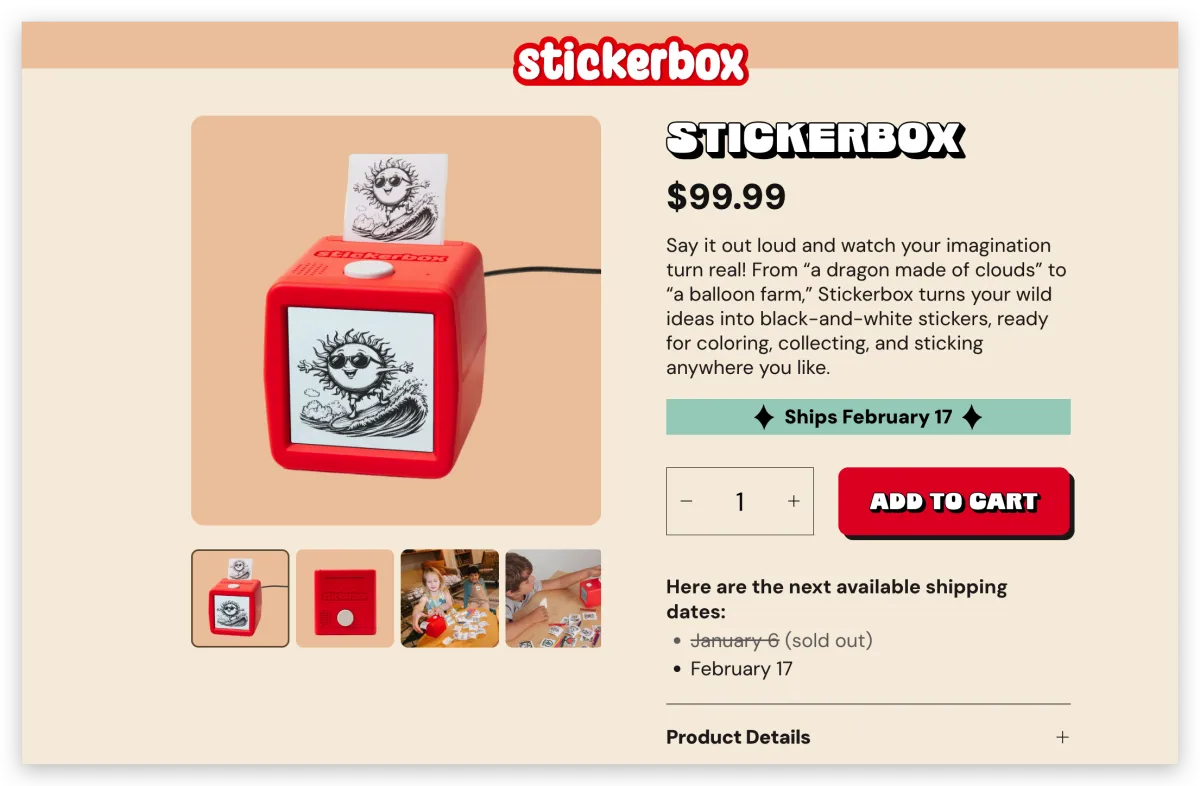
This is the official website: https://stickerbox.com. It’s a kids product that combines AI image generation and printing, mainly targeting the children’s market. The logic is pretty simple: you can input a text prompt via voice or the app, generate an image, and then print it directly as a sticker.
AI is on fire right now—both software and hardware products are popping up nonstop. I recently saw this super interesting AI hardware product on Instagram, and I honestly think it’s one of the best AIGC + product combinations I’ve seen lately. I’m genuinely surprised the founder came up with this angle and nailed the kids segment so precisely—kids naturally love drawing and stickers.
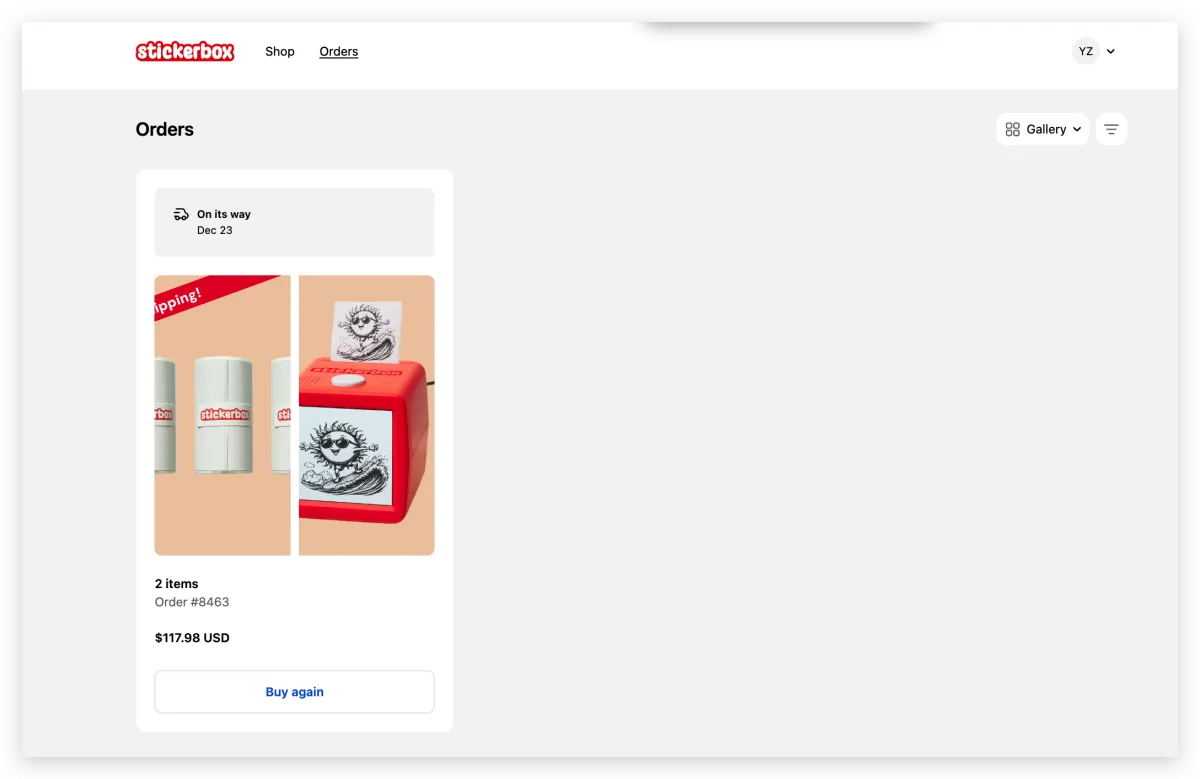
When I checked the official site, it said new orders wouldn’t ship until February. But I got lucky: I saw it early, and the site shipped on 12/23 (even though I ordered in November). Really looking forward to it.
Unboxing
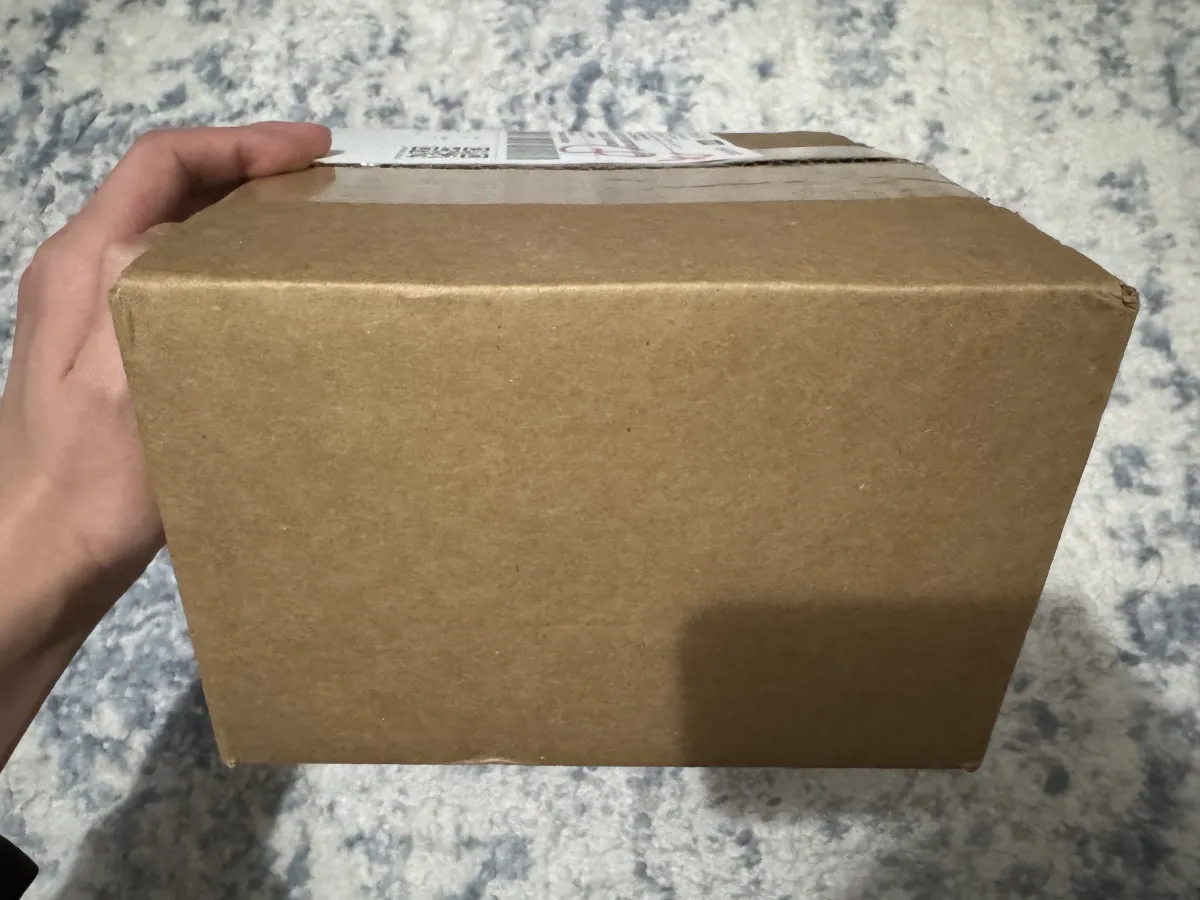
When the package arrived, I noticed the box was quite small—not bulky at all.
After opening it, the overall build quality felt pretty nice. A pleasant surprise: there was a signed card inside. I even touched it on purpose—you can tell it’s actually handwritten, not something mass-printed. Little details like this feel genuinely sincere.
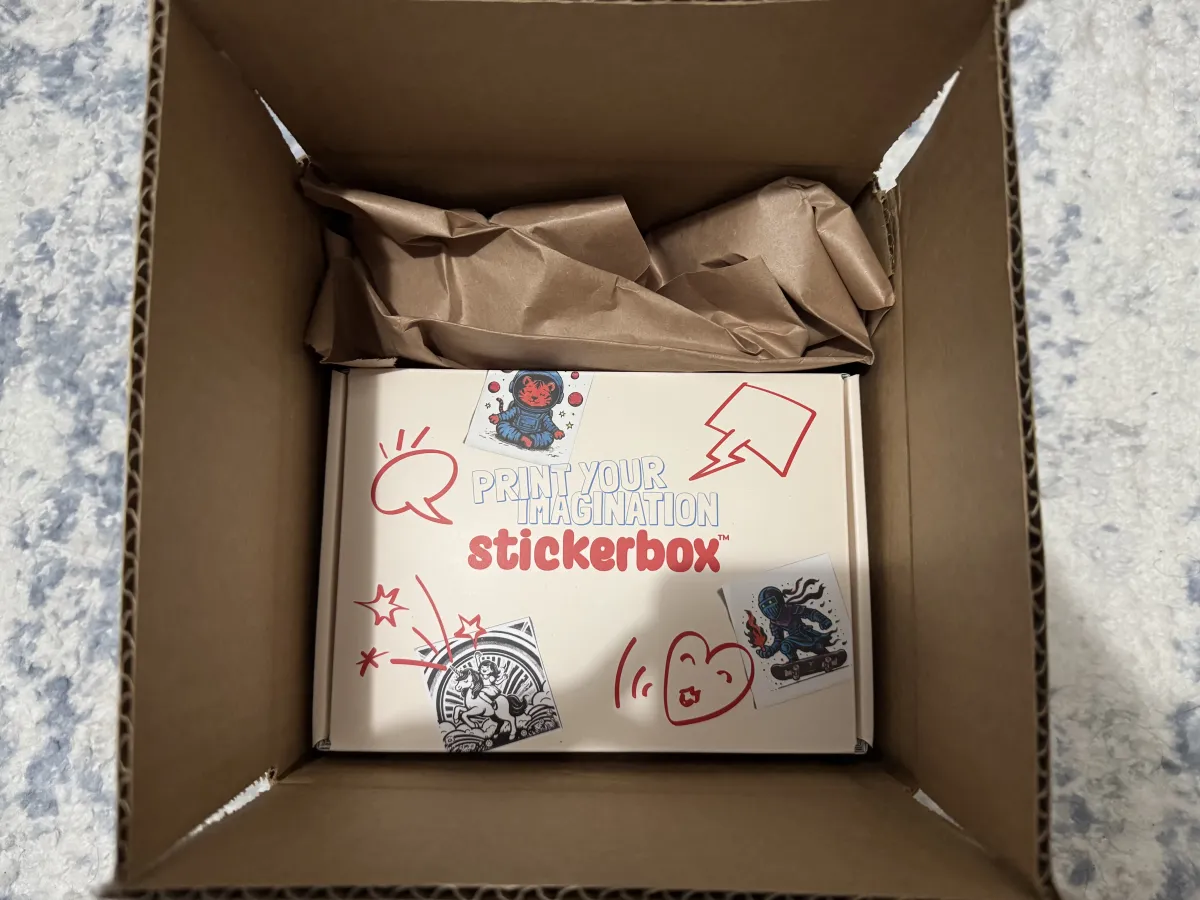
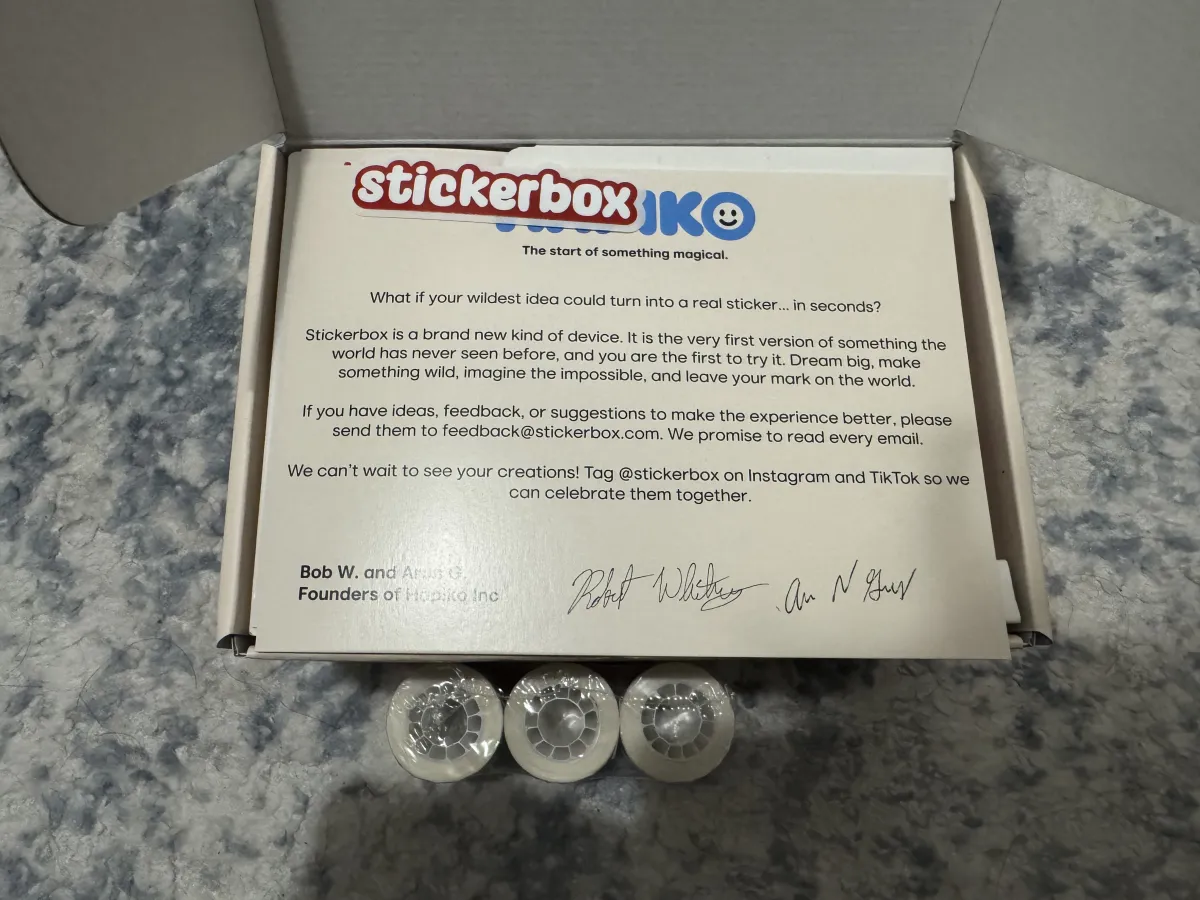
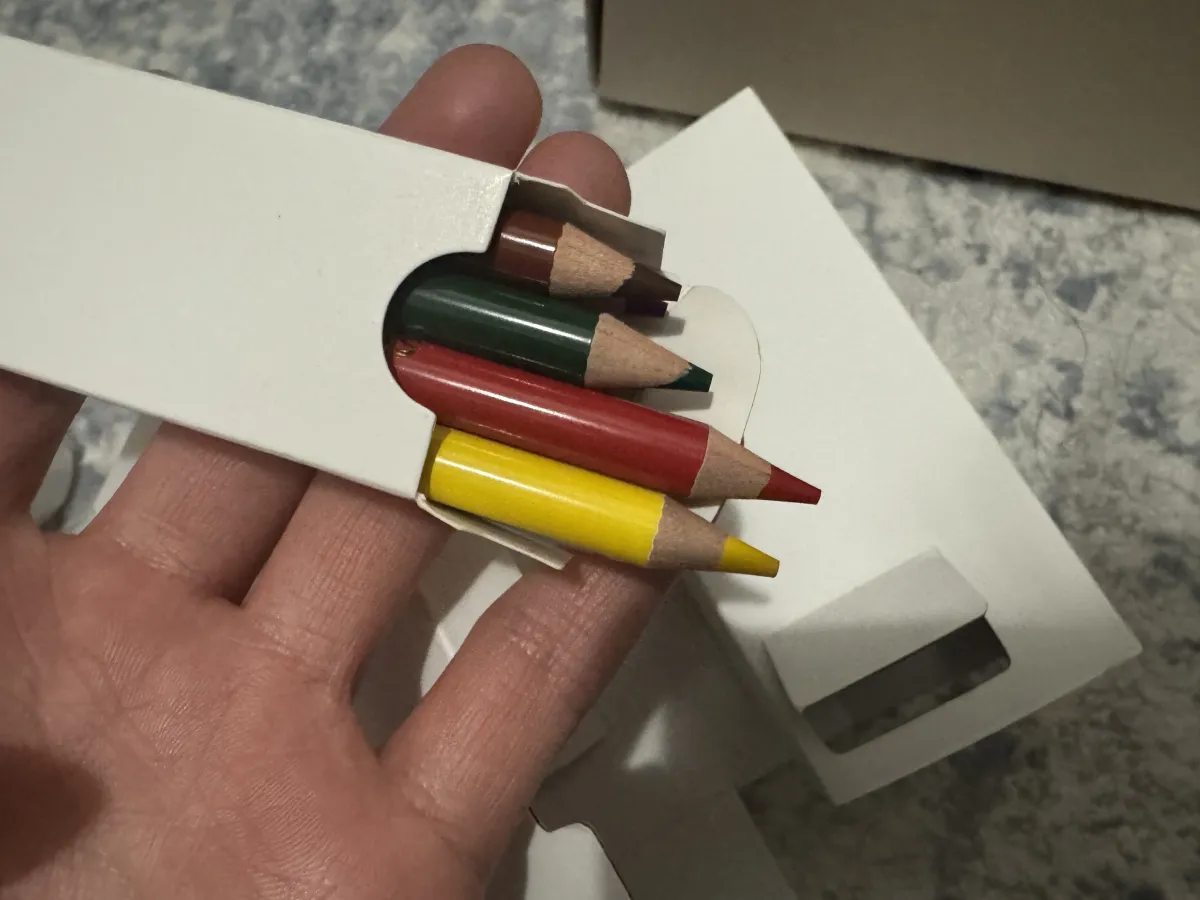
The device itself comes with three rolls of printing paper, plus a small box of crayons so kids can color the black-and-white stickers after printing. The device is super light in hand—kids shouldn’t have any trouble holding or carrying it.
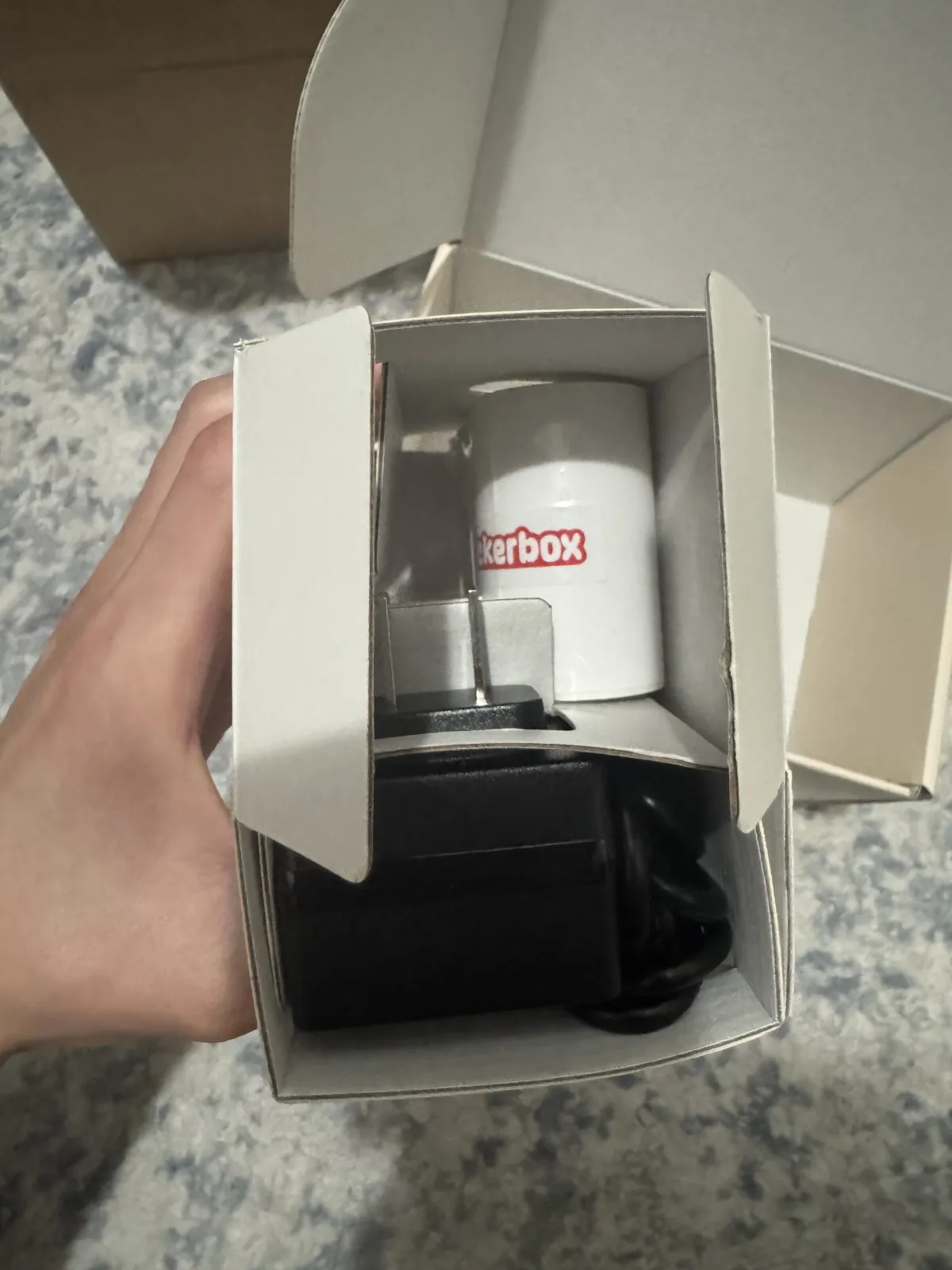
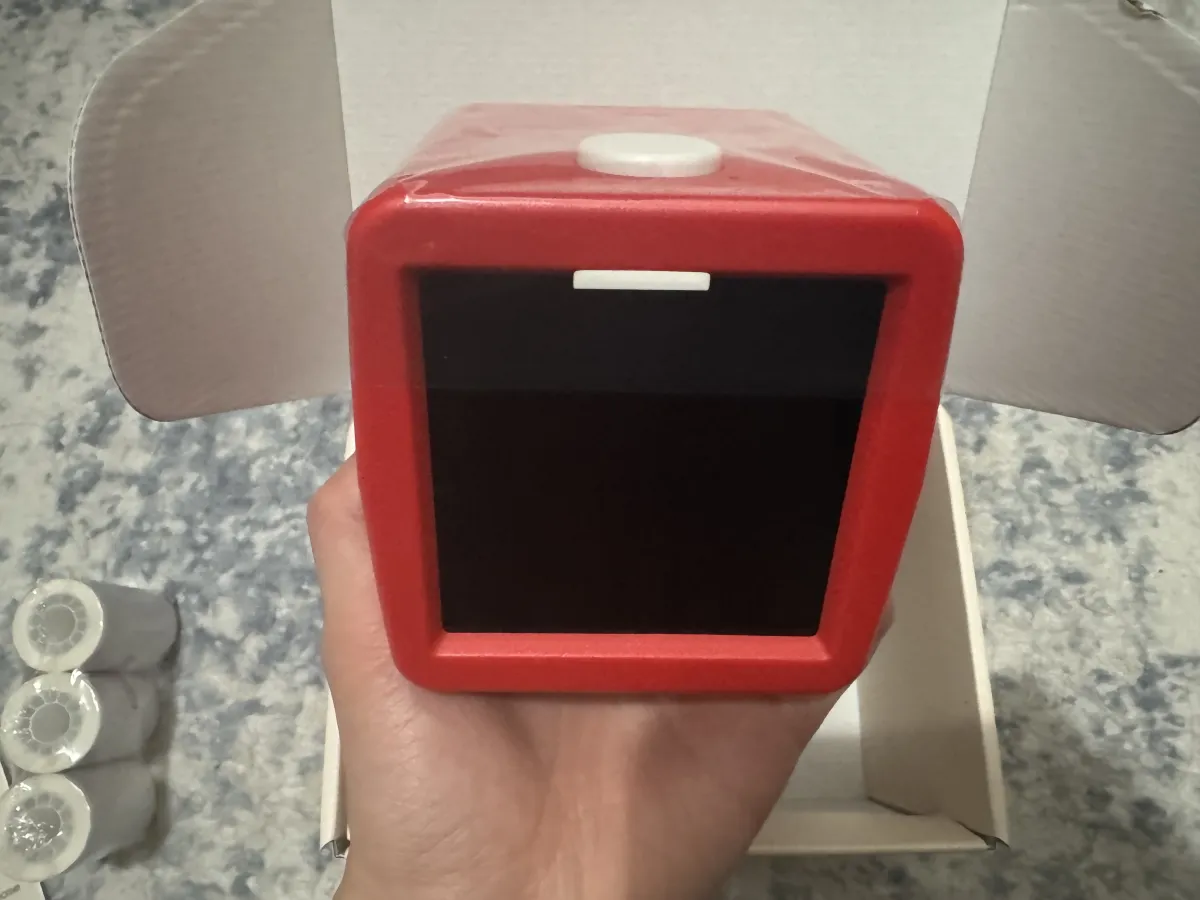
Connection & Setup
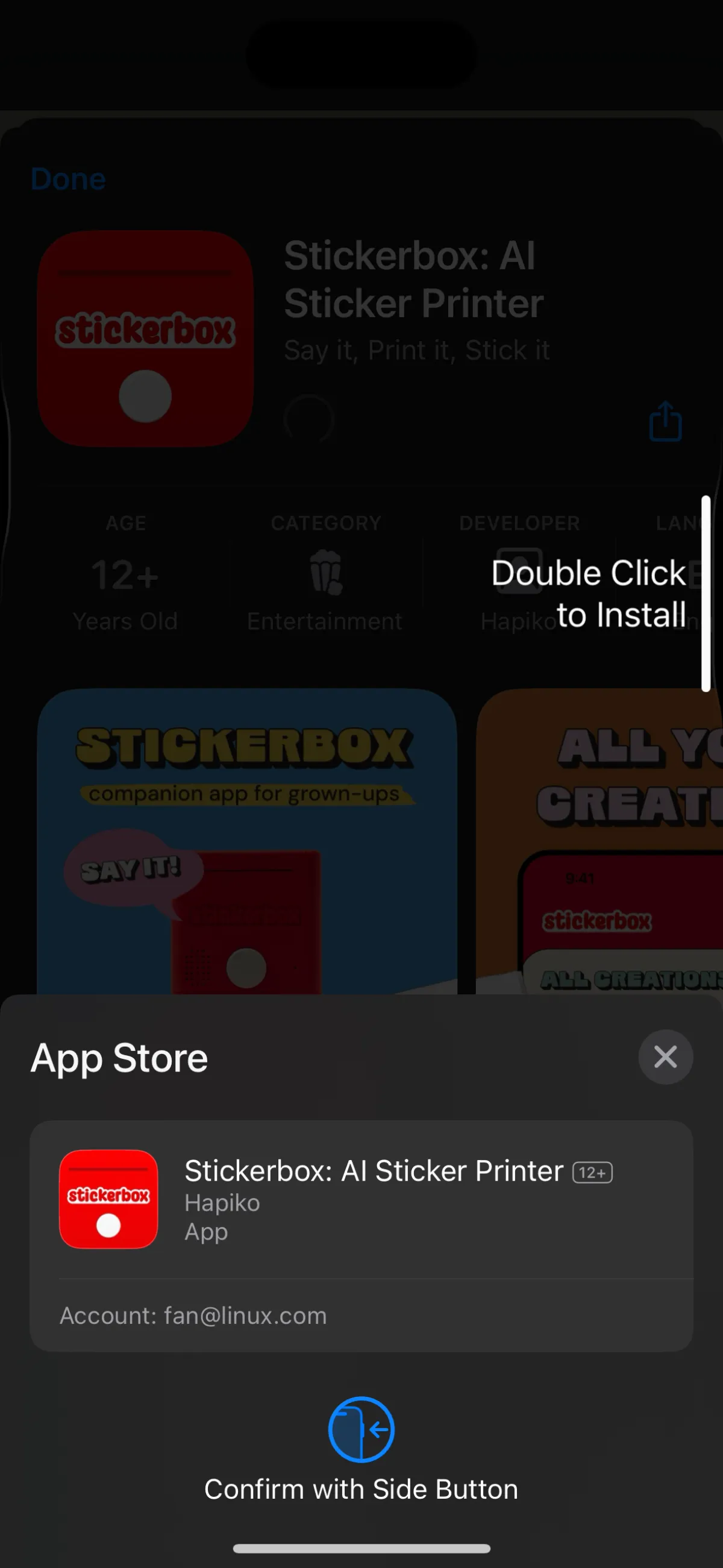
Before using it, you need to download a dedicated app for connection and setup.
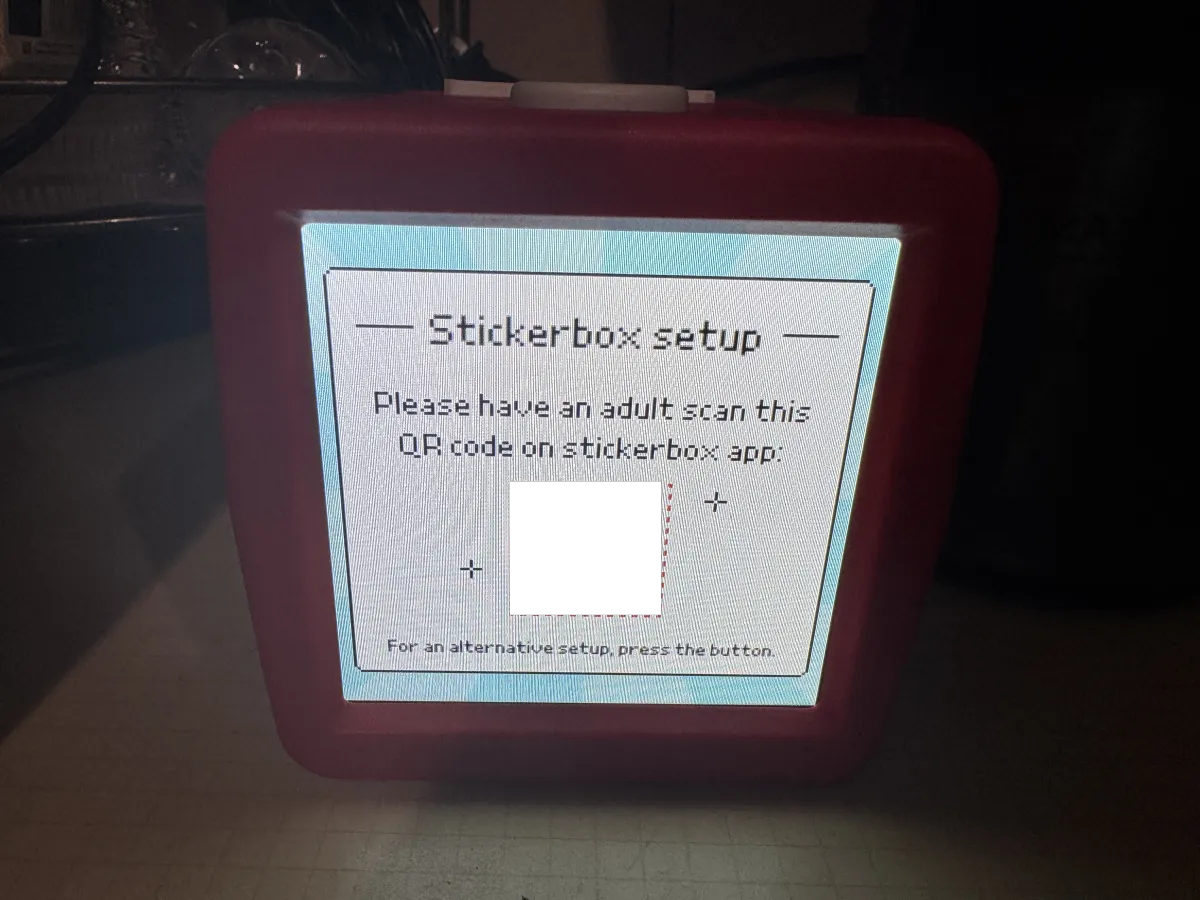
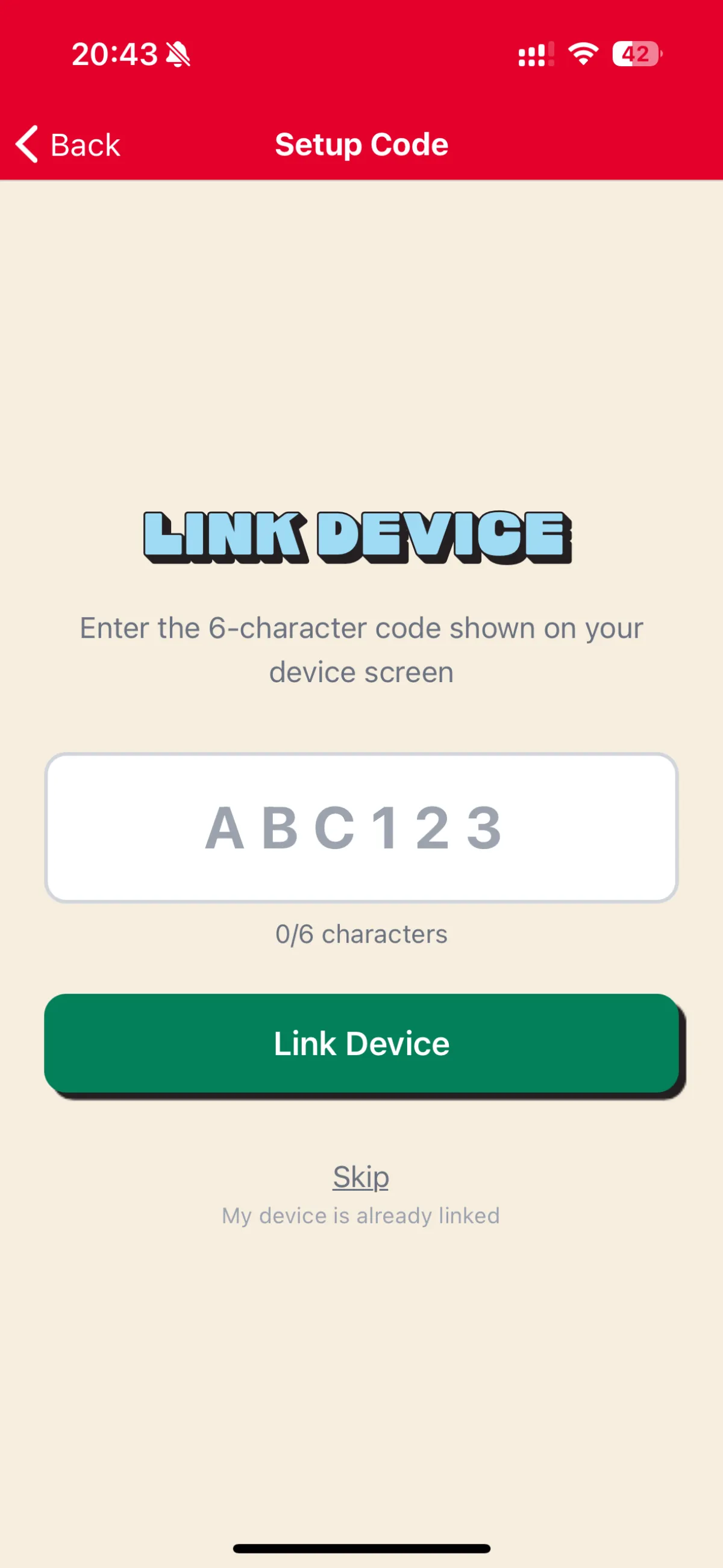
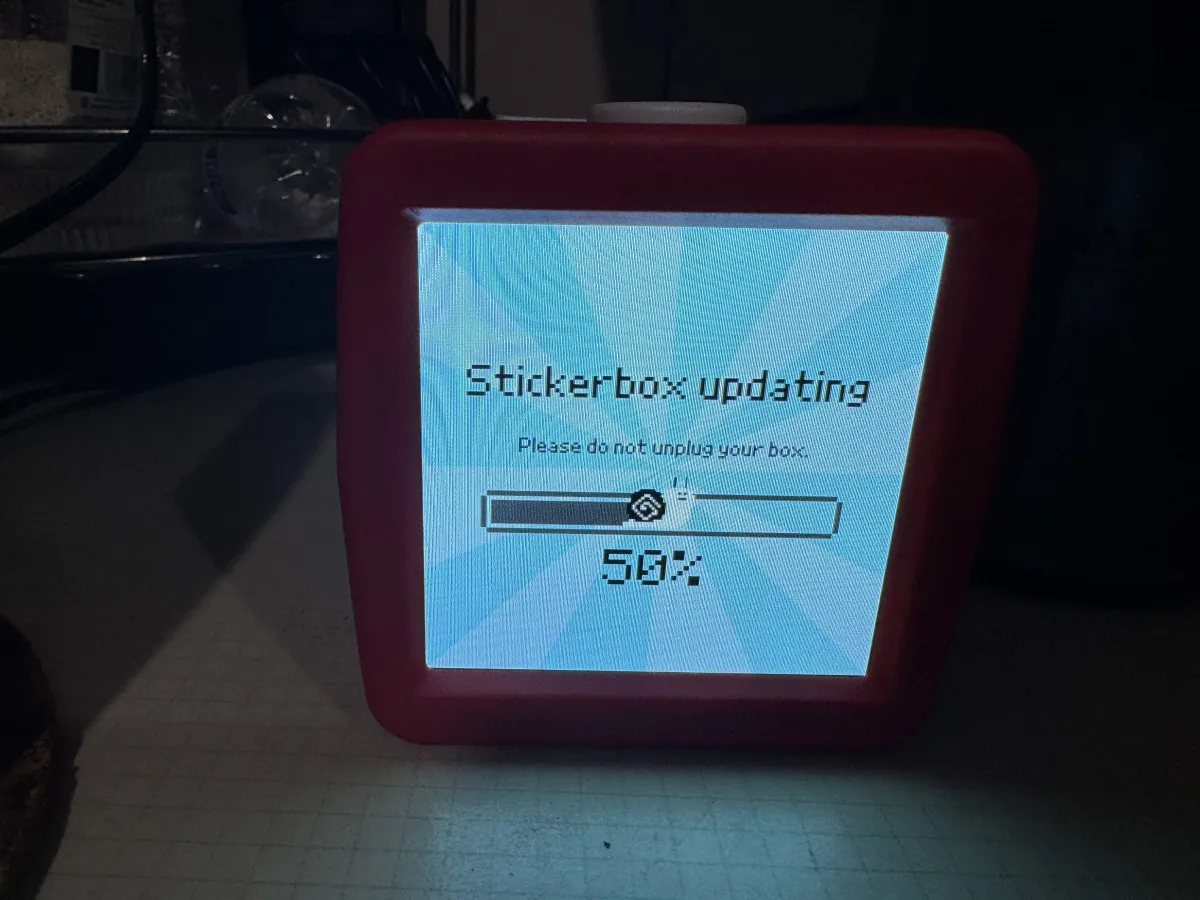
After powering on, you need to connect to Wi‑Fi and bind the device. The screen brightness is pretty good and the display looks clear.
User Experience
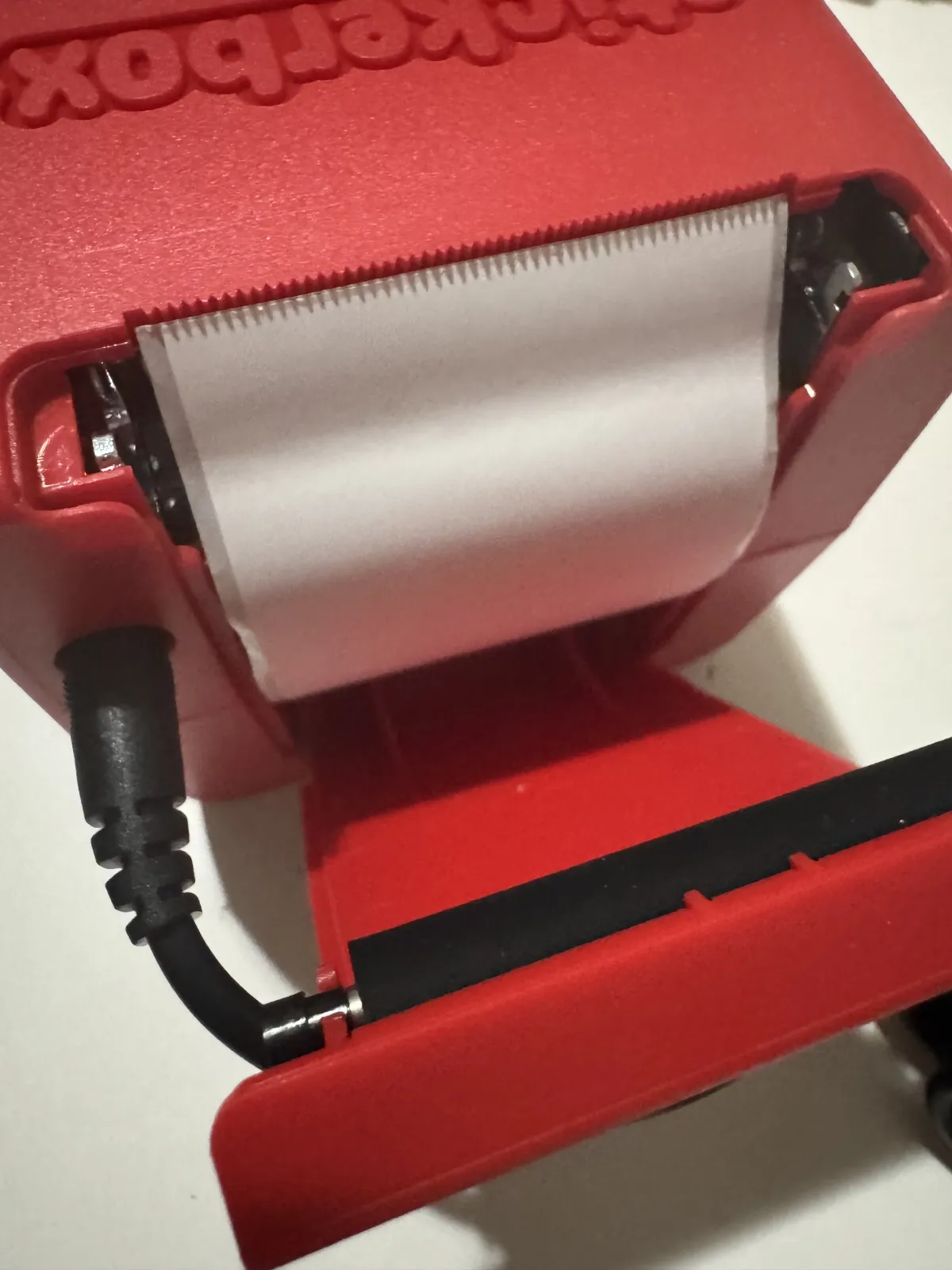
When installing the paper, I did something a bit dumb. After opening the compartment, I saw a black roller bar in the back. Out of habit, I assumed it was the kind of printer that needs a ribbon or carbon film, so I fed the paper in facing that black strip… and it just wouldn’t print no matter what.
Then it hit me: this is a thermal printer! That strip is simply for gripping and feeding the paper. Thermal paper changes color when heated. Once I corrected the direction, everything worked fine. Paper loading is actually pretty convenient.
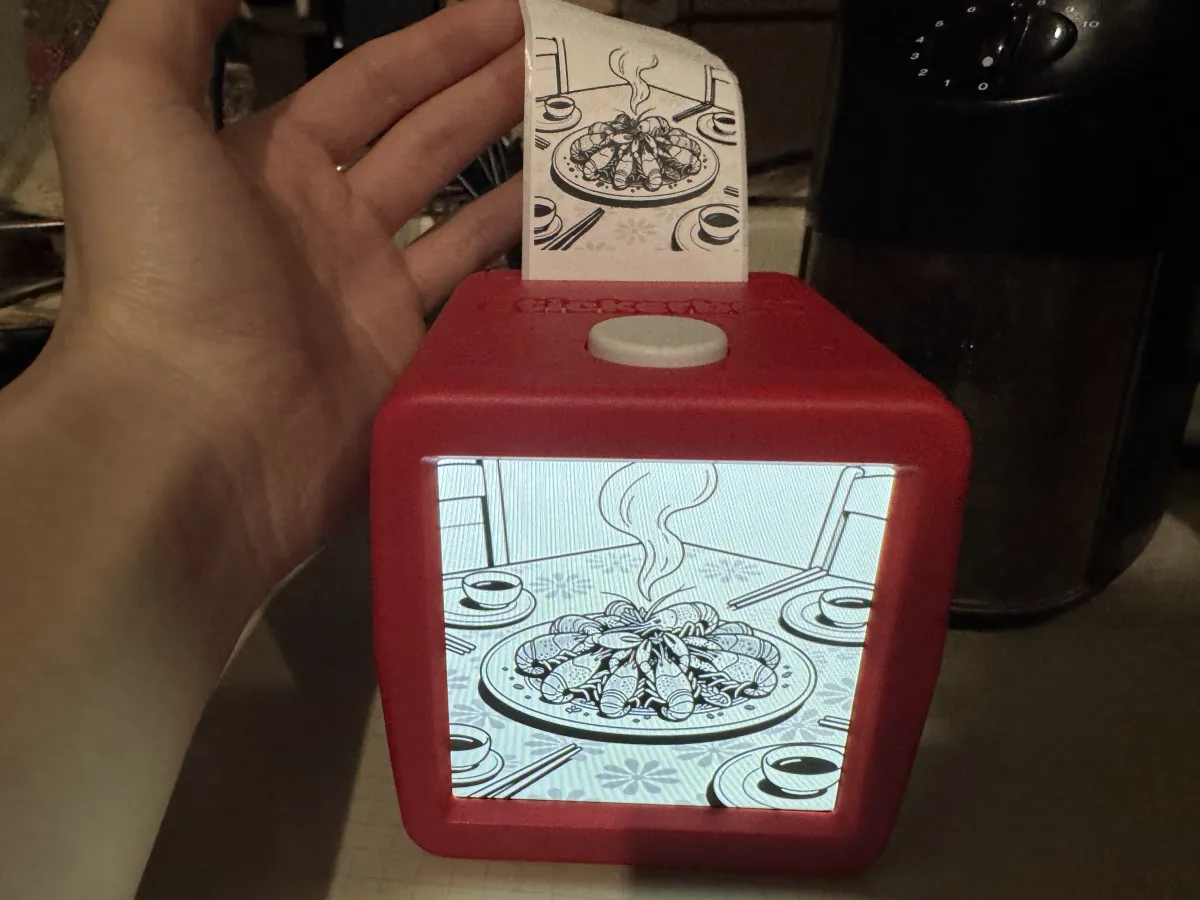
In real use, the responsiveness is way faster than I expected. Both AI image generation and printing feel very smooth.
For voice input, it supports Chinese, which is a big plus. The downside is that the device’s built-in small screen doesn’t handle Chinese well—it doesn’t support UTF-8, so Chinese prompts show up as garbled “tofu blocks.” But the mobile app displays Chinese prompts normally. Also, since the servers are overseas, I’m not sure how the direct connection speed is from within mainland China, or whether network latency becomes an issue.
Closing Thoughts
This is honestly a naturally great application.
For AIGC-generated images, there’s still a gap before they can truly match professional Figma design drafts or commercial creative posters. Most of the time, they’re more of an assistive tool, and you still need professional designers involved.
But for kids, AI-generated images are already more than fun enough! Kids aren’t chasing pixel-perfect design. As long as it’s interesting and can turn what’s in their head into a real, visible sticker, that’s enough. Stickerbox nails this point perfectly.
I think the software-hardware integration is done really well, and the price isn’t bad either: $99, including the printer and three boxes of paper. Refills cost $9.99 per box (50 stickers). The idea is genuinely great.
But then again, the real masters of thermal printers are still China. Thermal printing has already penetrated every corner in China: shipping labels, supermarket receipts, restaurant receipts, delivery receipts, and so on. The cost of thermal printers has been pushed extremely low—you can buy a decent one for just a few dozen RMB. And China has tons of thermal paper manufacturers that can customize paper in all kinds of sizes.
If you built this domestically, the hardware cost might be covered with just 50 RMB. China really doesn’t lack technology, and the supply chain is insanely mature. What’s truly missing is this kind of creativity—perfectly matching technology with a real-world scenario.
All articles in this blog, unless otherwise stated, are licensed under @Oreoft . Please indicate the source when reprinting!