Preface
I’ve actually been wanting to swap an i9 into my DeskMini H470 mini PC for a long time. After weighing it up, I felt the 10900 ES version was the best choice: on one hand, ES chips are cheaper; on the other hand, with the space constraints of a mini PC, an overly high TDP might be hard to handle. I don’t game—what I’m really craving is simply 10th-gen’s 10 cores / 20 threads and 20MB of L3 cache. Overclocking and 5GHz boost aren’t that important to me, and the ES version fits my needs perfectly. Once I’d decided, the very first step was obviously to upgrade the cooling.
The DeskMini H470’s height is 46mm, so I wanted to pick the best-performing cooler possible within that limit—after all, I’m trying to tame an i9. In the end, I narrowed it down to these two:
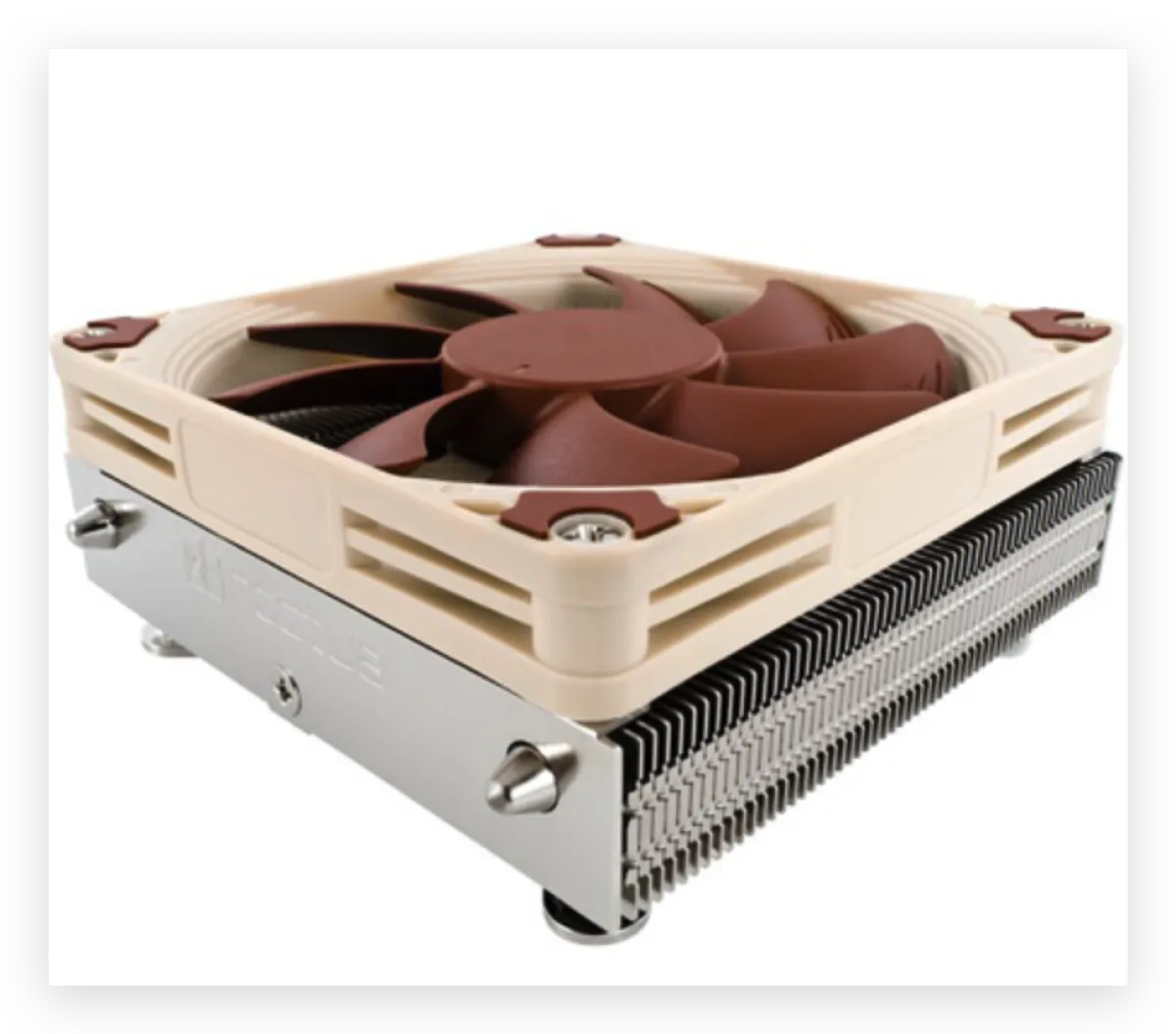
Noctua NH-L9i CPU Cooler 37mm
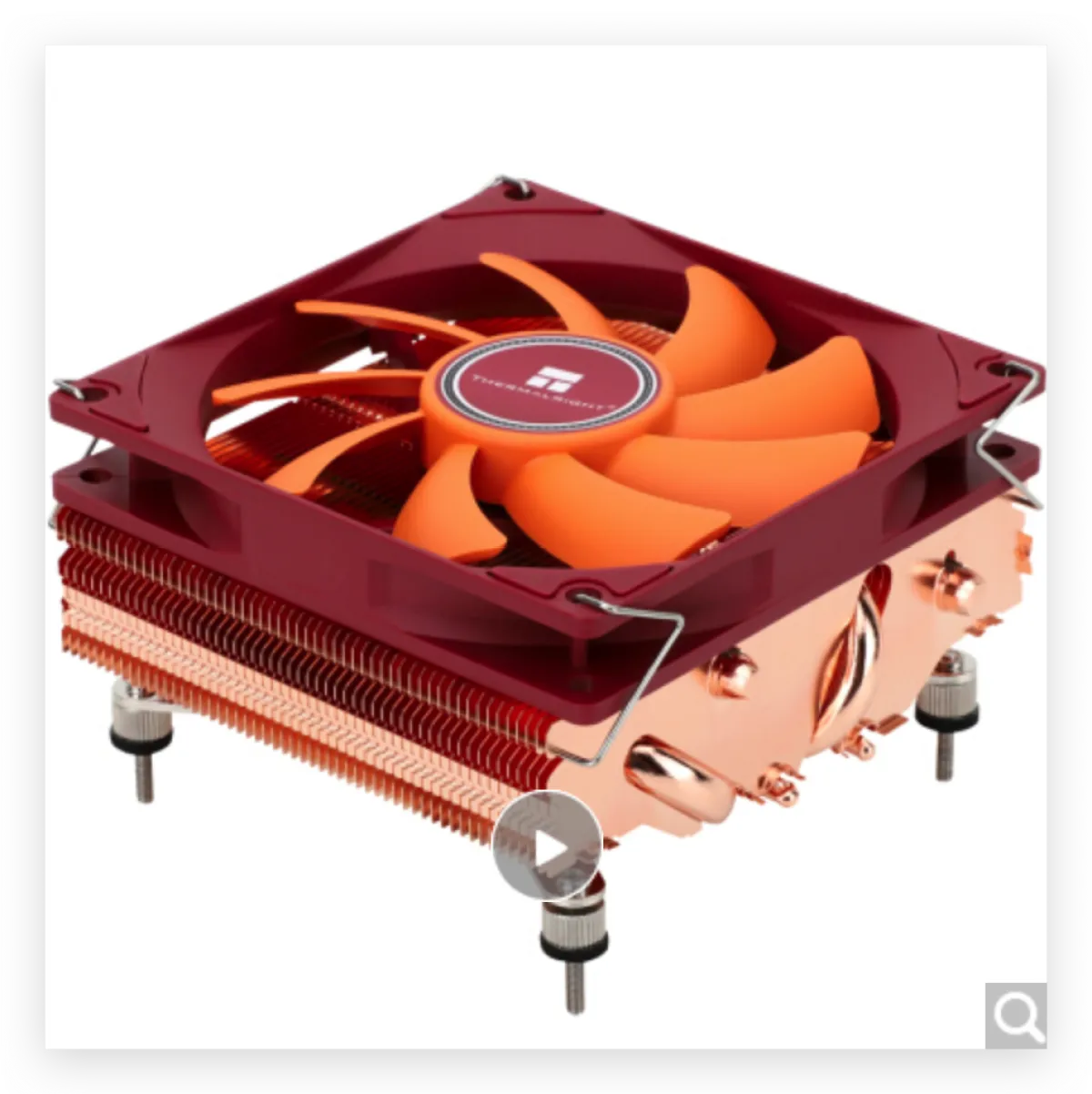
Thermalright AXP90-X47 FULL 47mm (Full Copper)
I read a bunch of posts, and more people seem to use the Noctua L9i because its height is a perfect fit, and Noctua fans are famous for having the best balance between cooling and noise. I originally planned to go with it too, but it’s 37mm tall, which felt like 10mm of wasted headroom—would be nice if I could actually use that space. So I shifted my attention to the Thermalright AXP90, but it’s the opposite extreme: it’s 47mm, which is 1mm taller than my DeskMini H470 case height. I wasn’t sure whether that 1mm tolerance could still work. I dug through basically every post I could find, and the conclusion was: it fits, but you need to adjust things. Huge thanks to this article—it was probably the only post on the entire internet about putting an AXP90 on a DeskMini H470 (now it’s one of two 😂).
So here’s my own experience swapping in the AXP90 on a DeskMini H470, for anyone considering the same thing. I’ll give the conclusion first: yes, it fits, but it’s a bit tight—still, it works perfectly. If you want to run a 10070 or 10900 in a DeskMini H470, just pick the AXP90 without thinking twice.
Unboxing
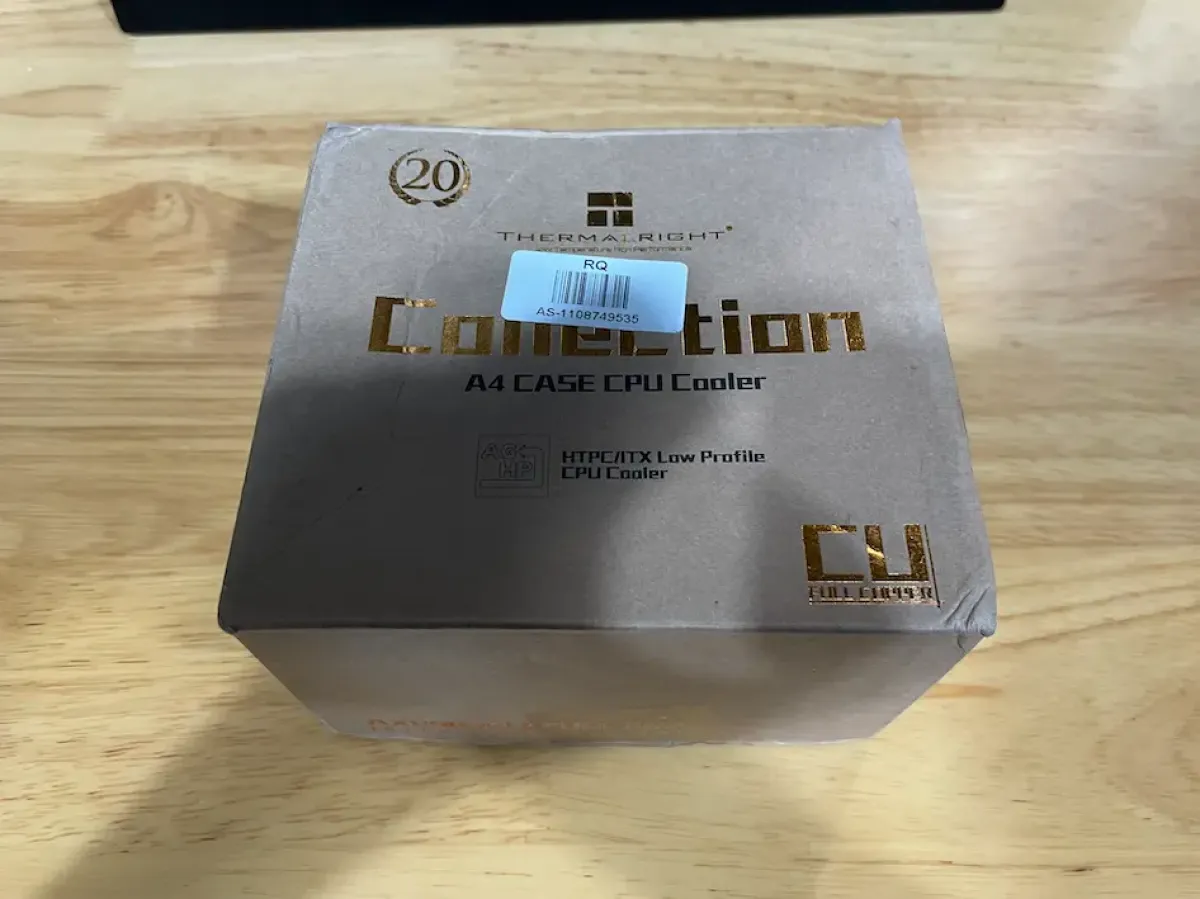
Packaging
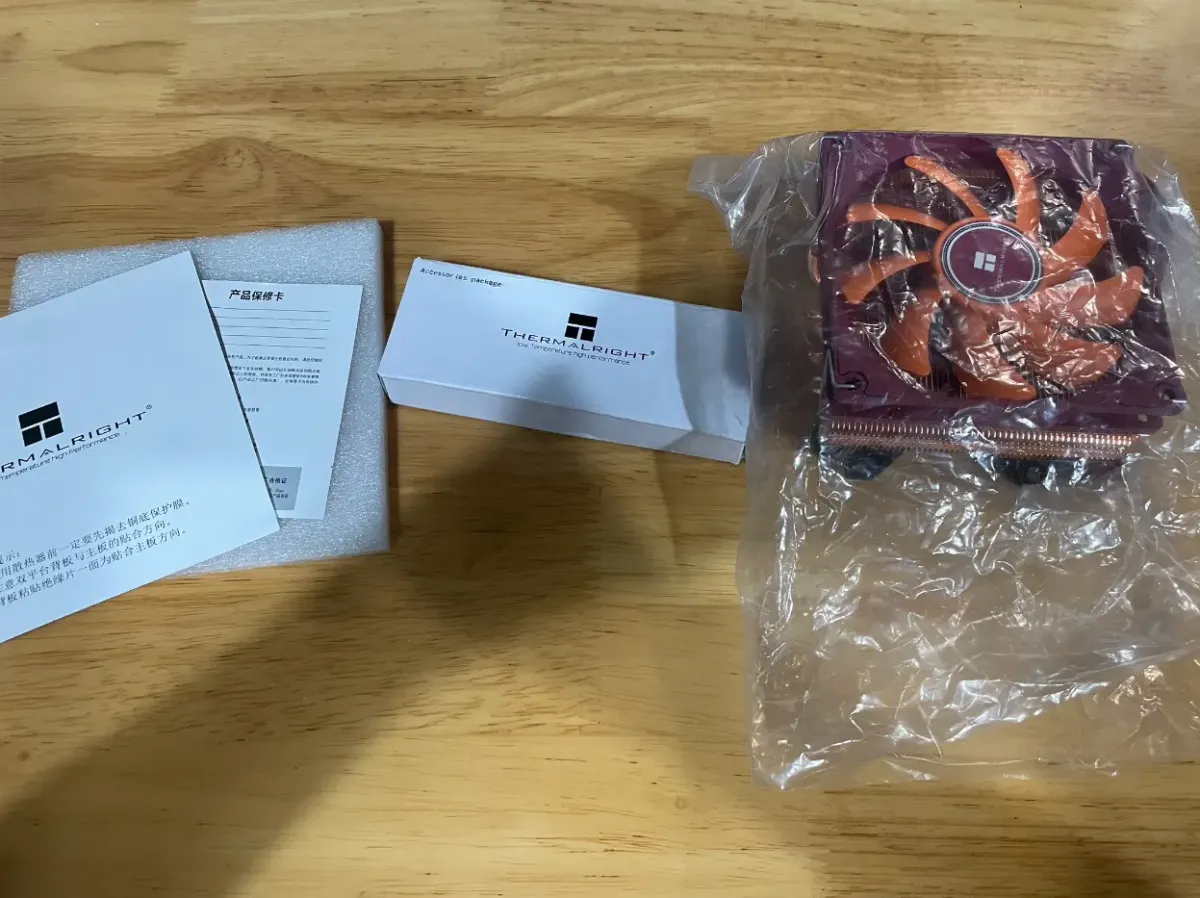
What’s inside the box
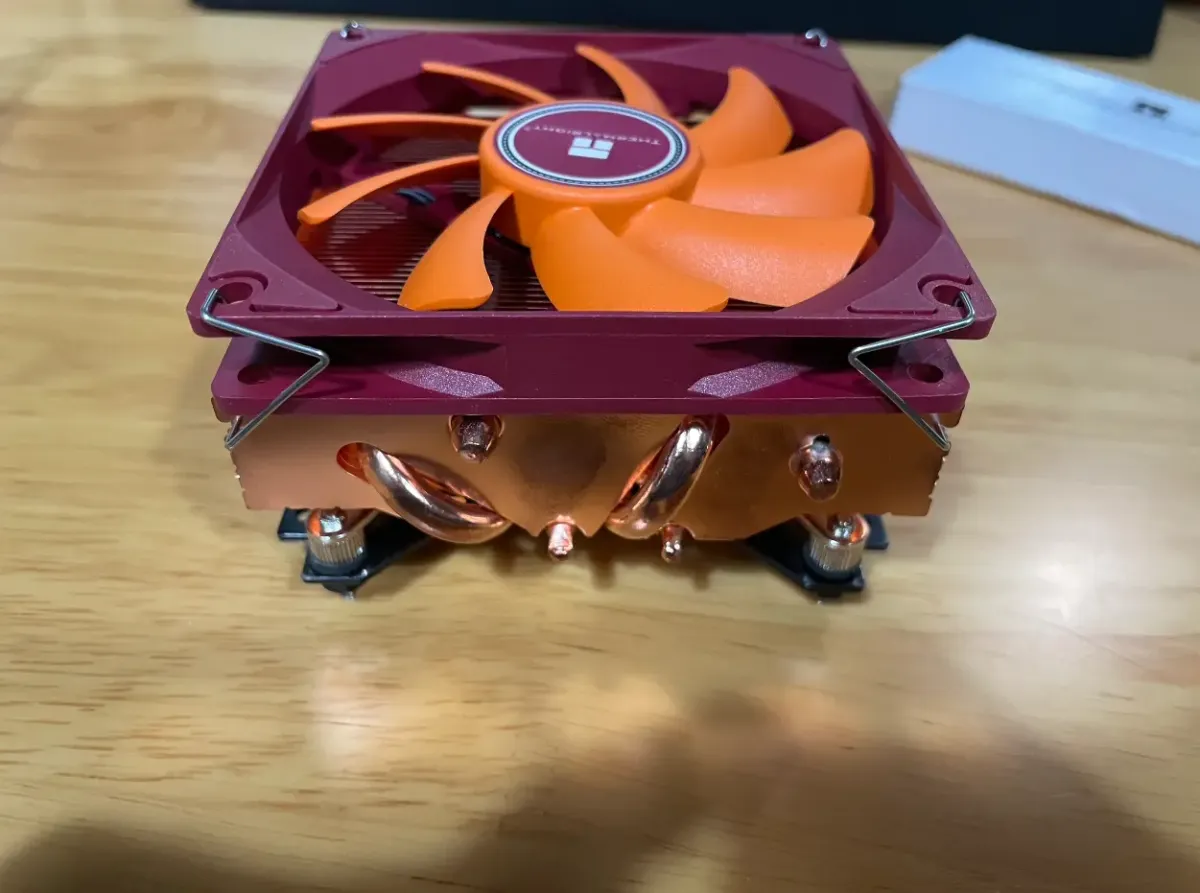
Main unit
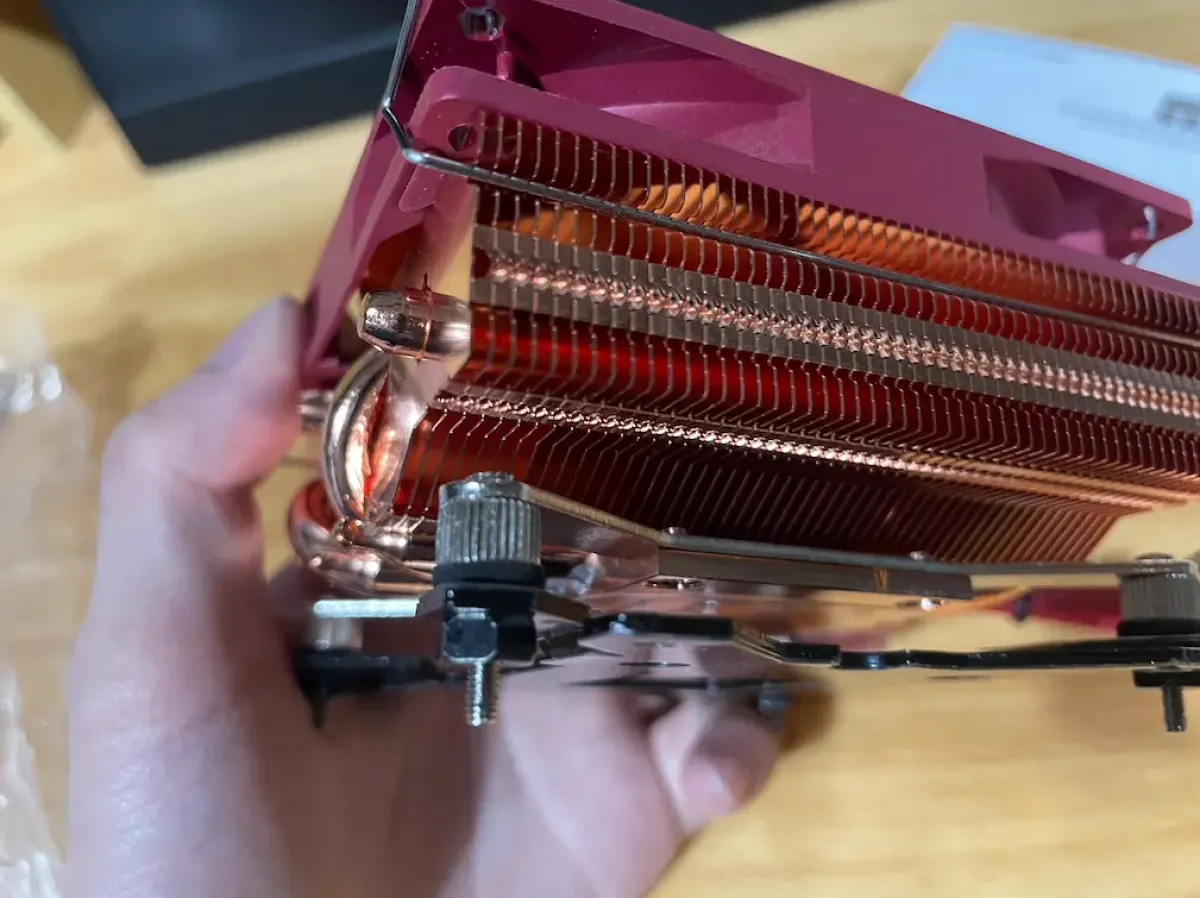
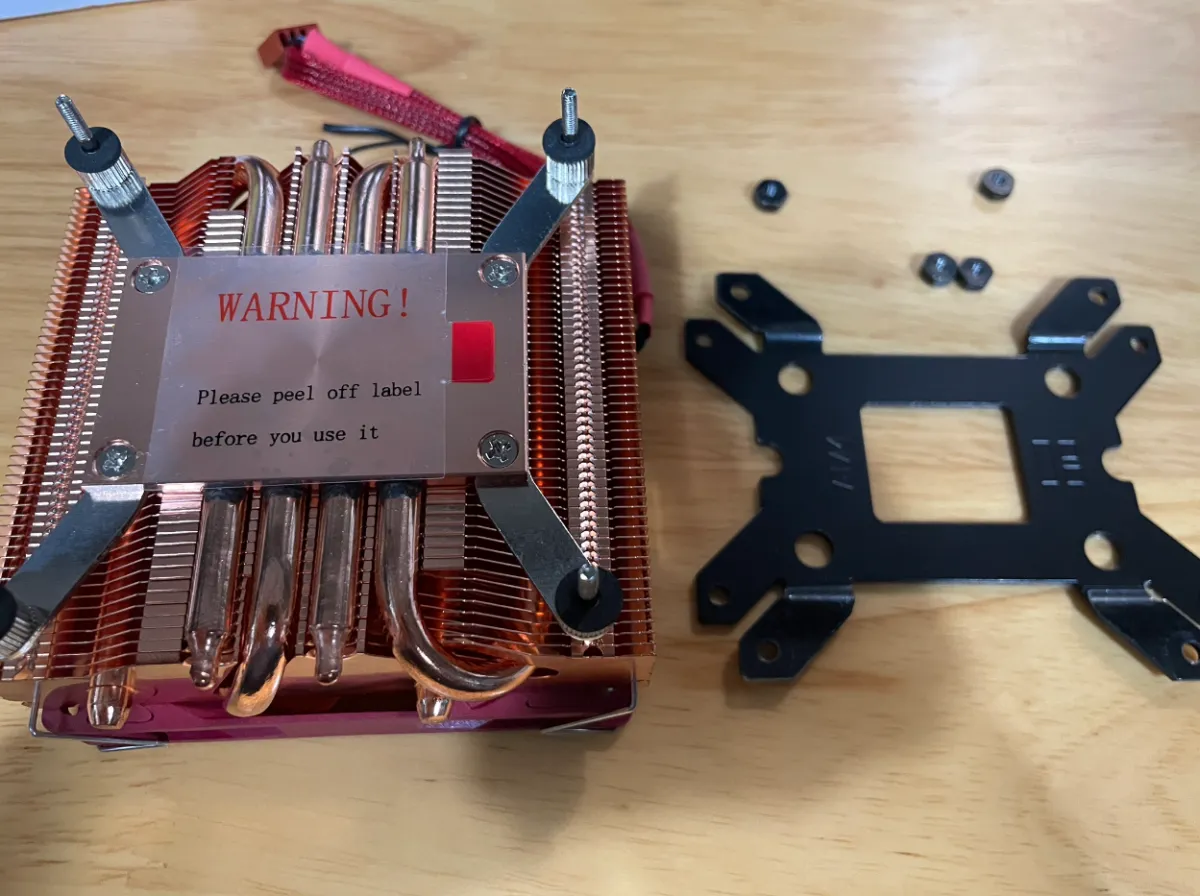
Four heatpipes + backplate mounting kit
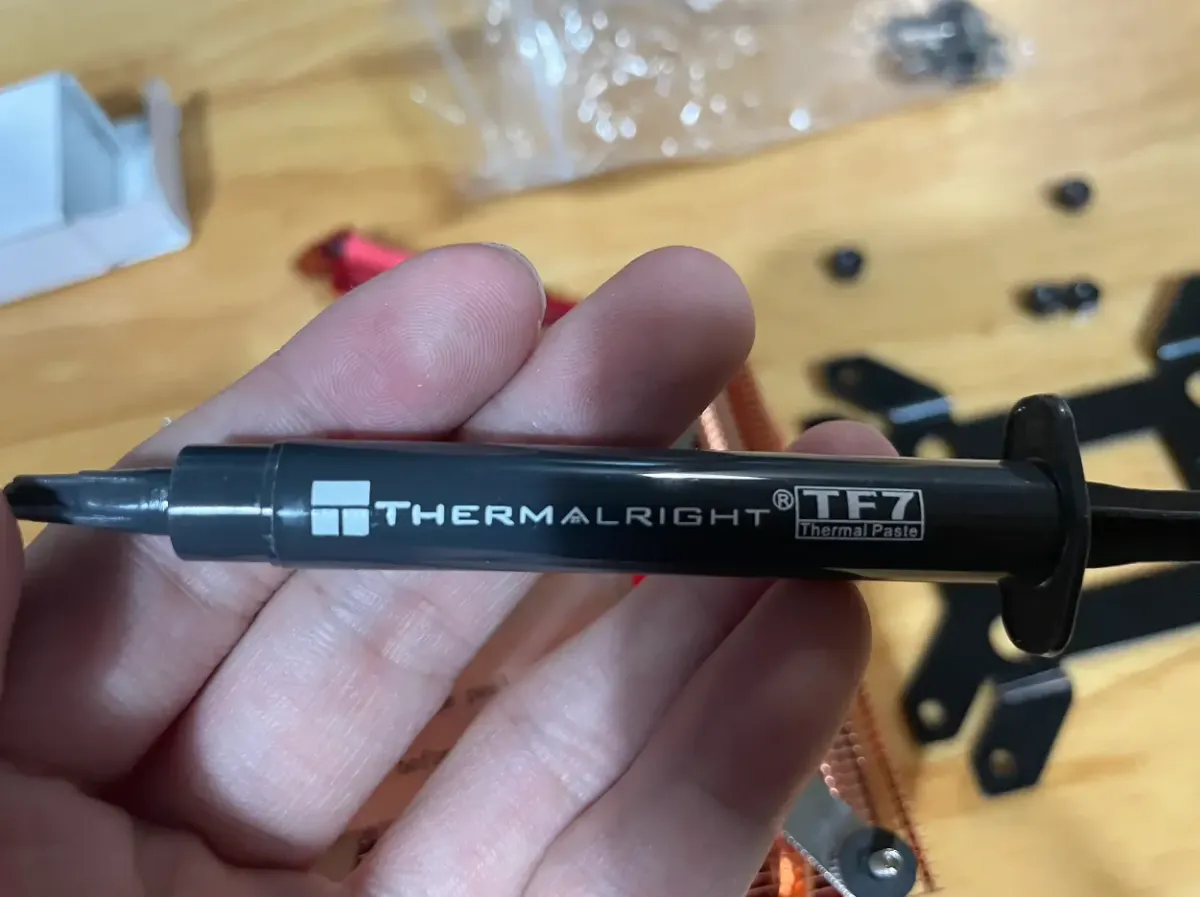
Also includes a 5g tube of TF7 (69 RMB on JD.com)
Disassembly
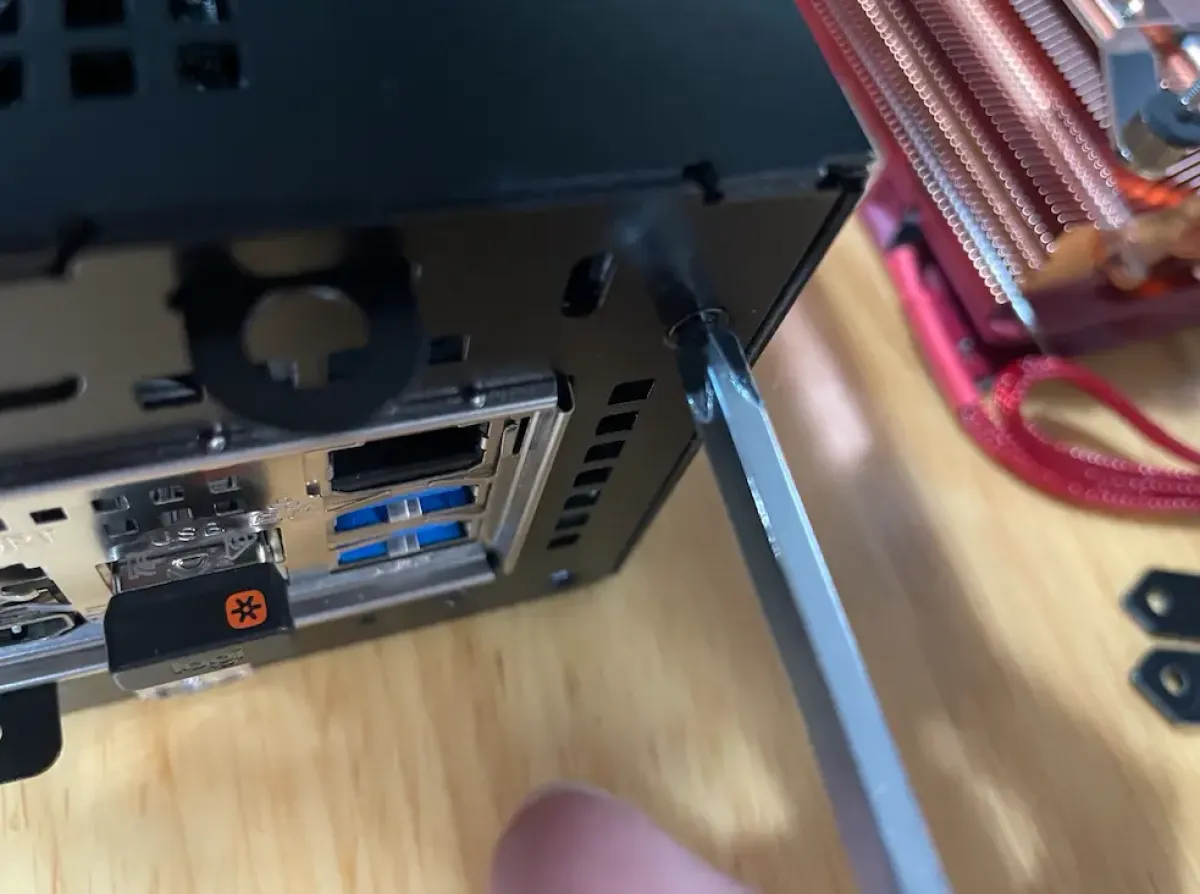
Remove all the screws on the back
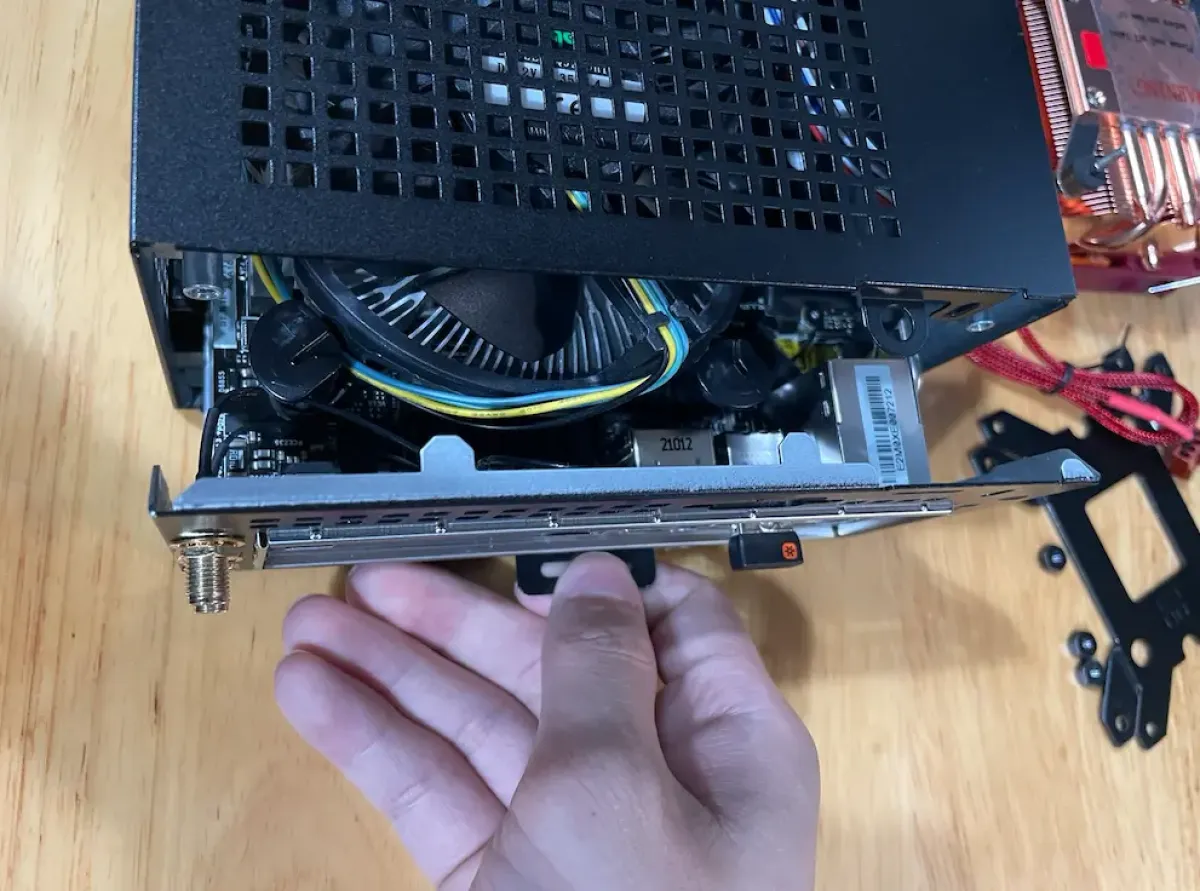
After removing them, pull the small handle to open
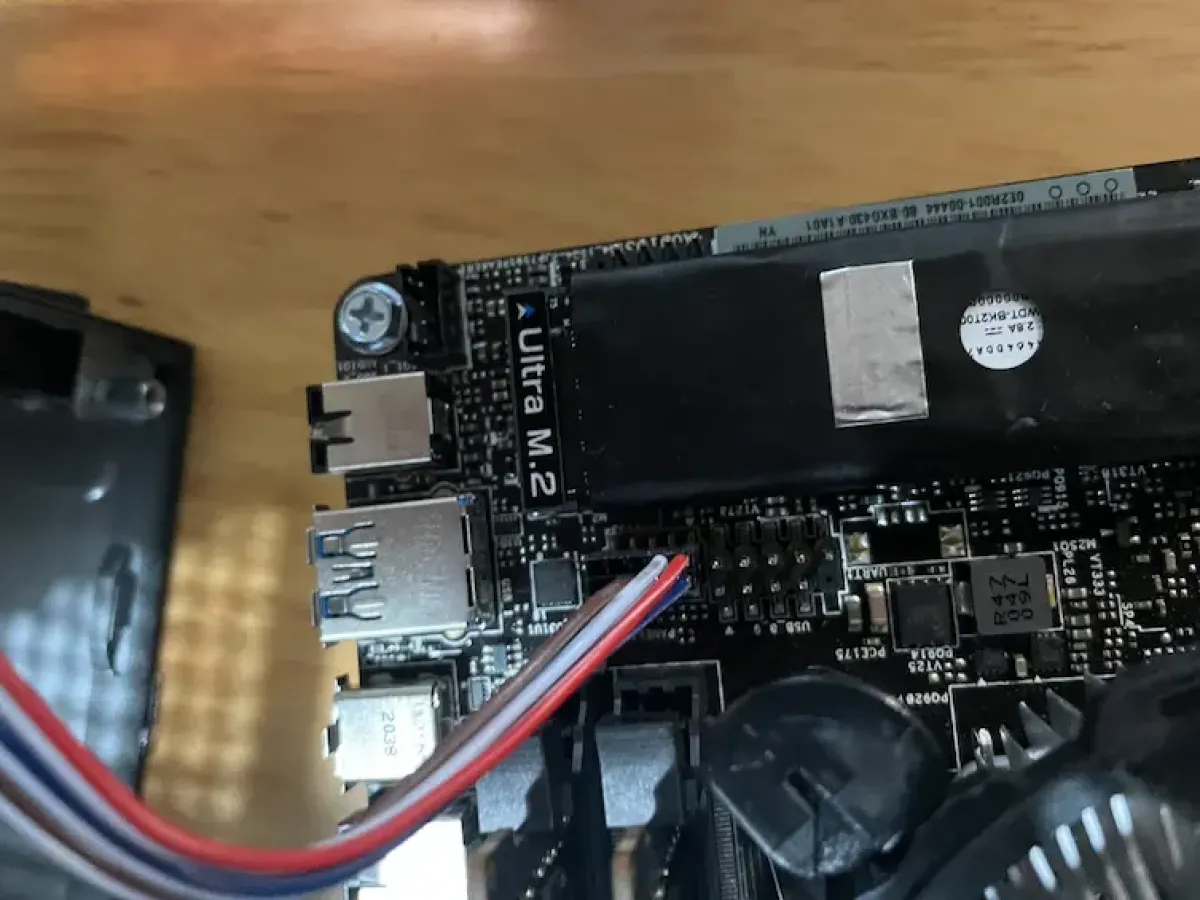
After pulling it out, disconnect the power button cable and separate the chassis from the motherboard
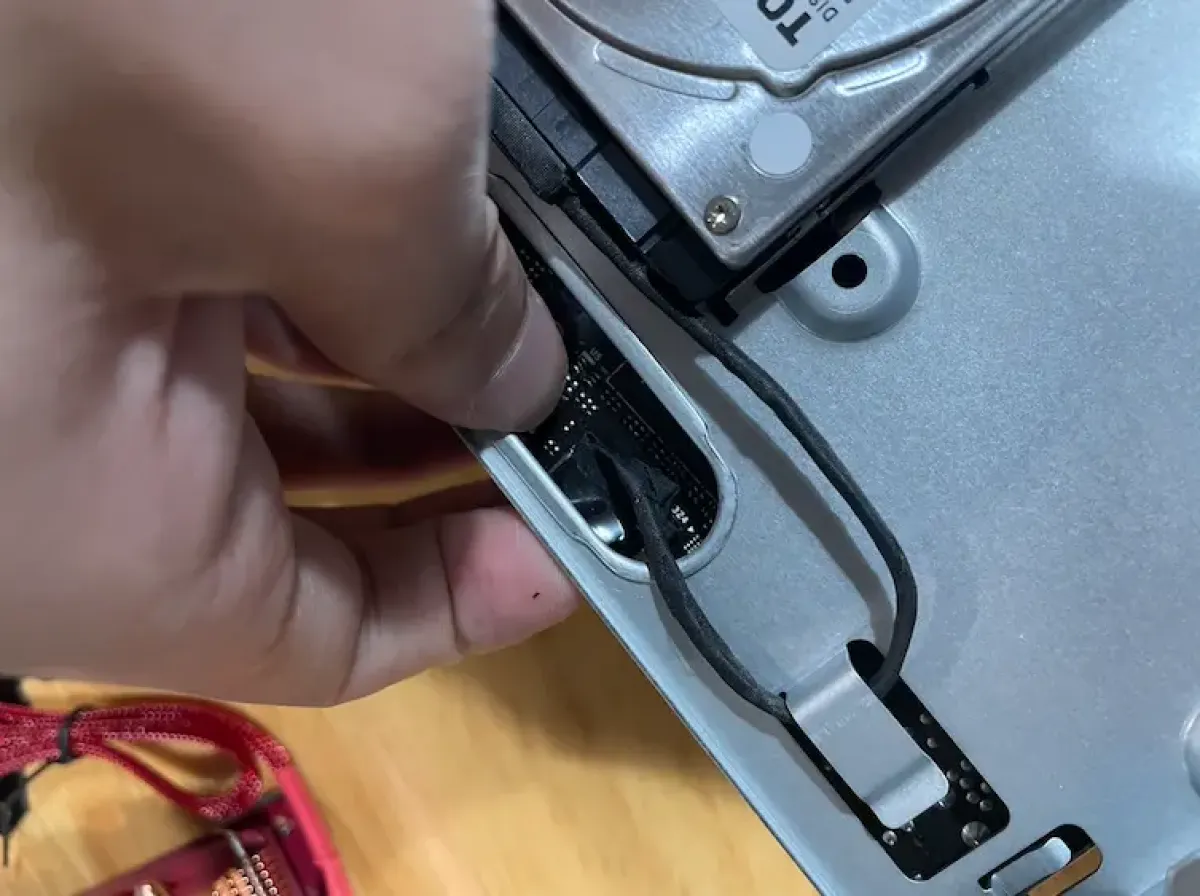
If you have a SATA drive connected, disconnect it first, because you need to separate the motherboard from this tray
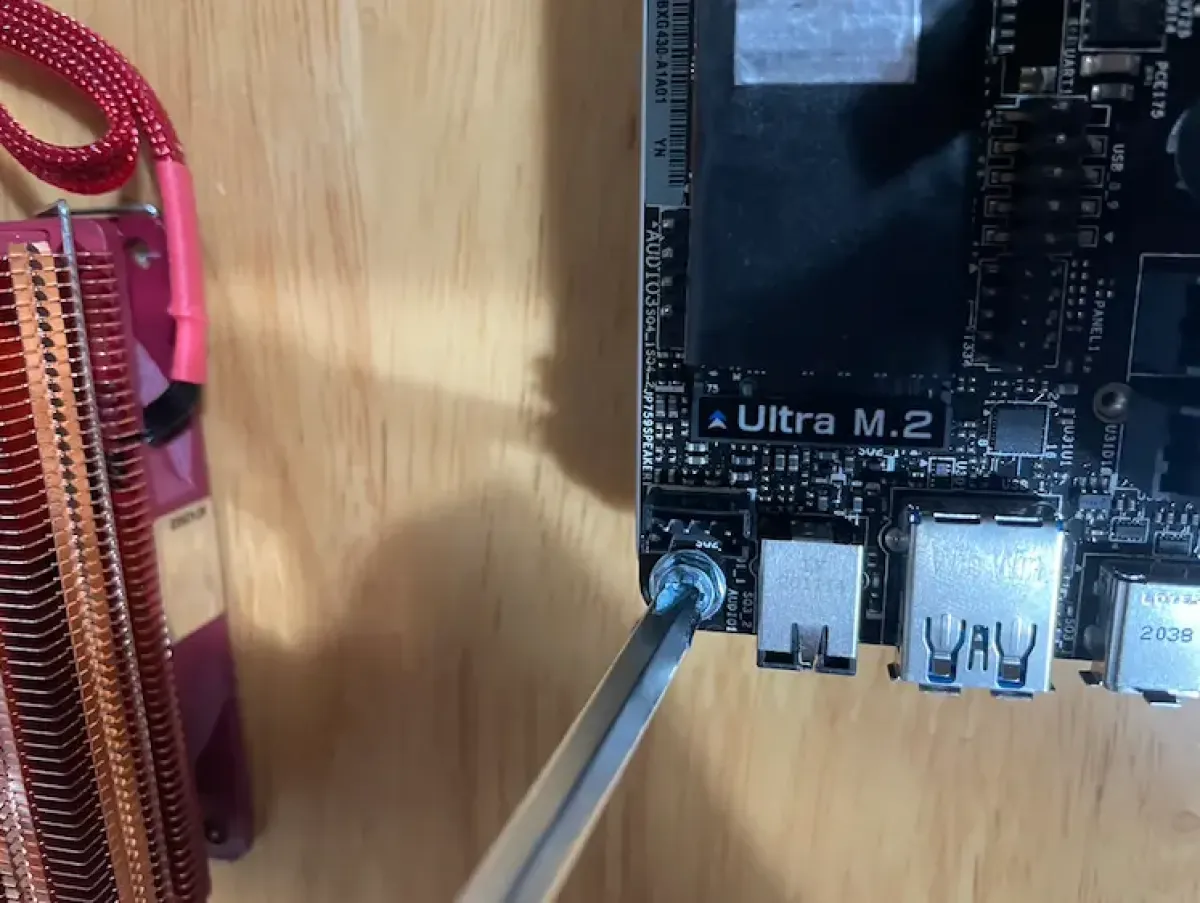
Remove the four corner mounting screws
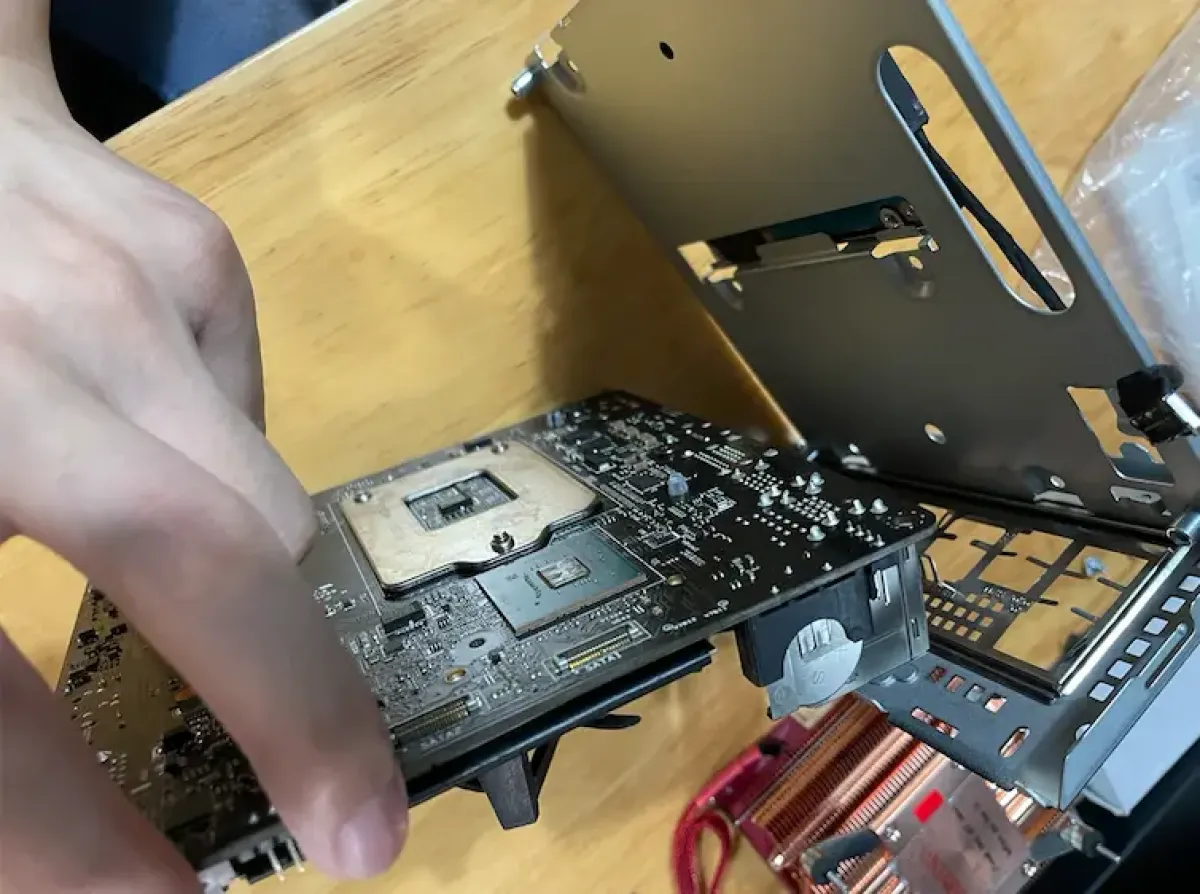
Separate the motherboard from the tray—now you can see the back of the motherboard
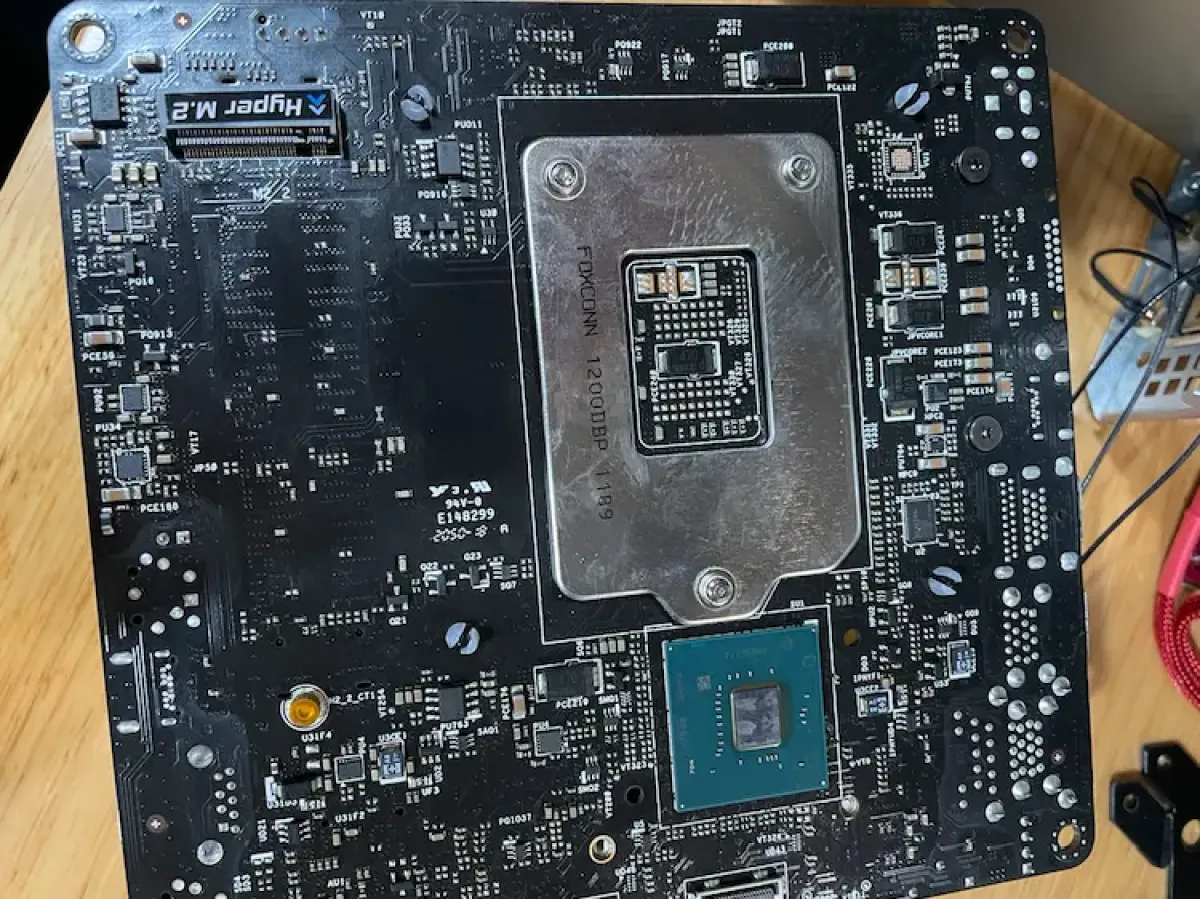
There’s a hidden M.2 slot on the back (only usable with 11th-gen PCIe 4.0)
Remove the old fan
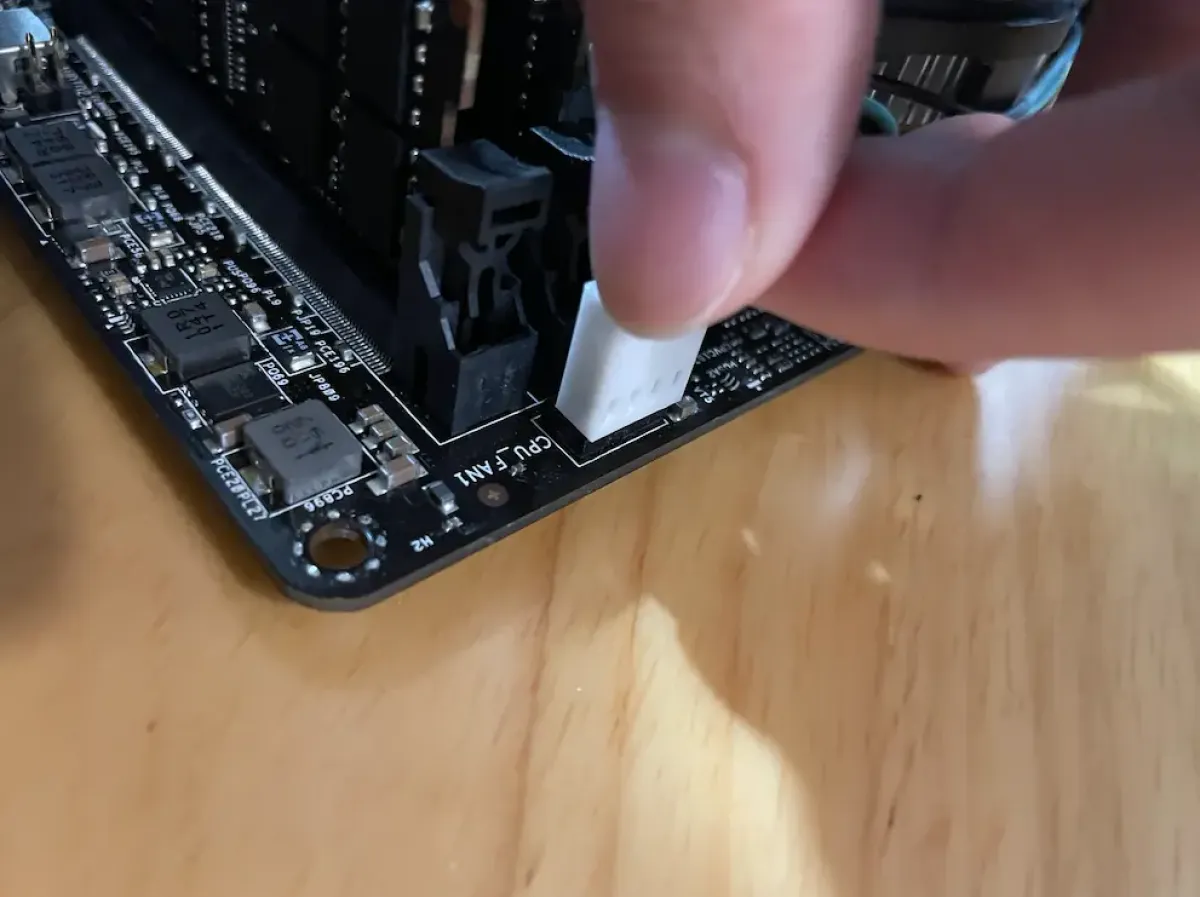
Disconnect the fan power first
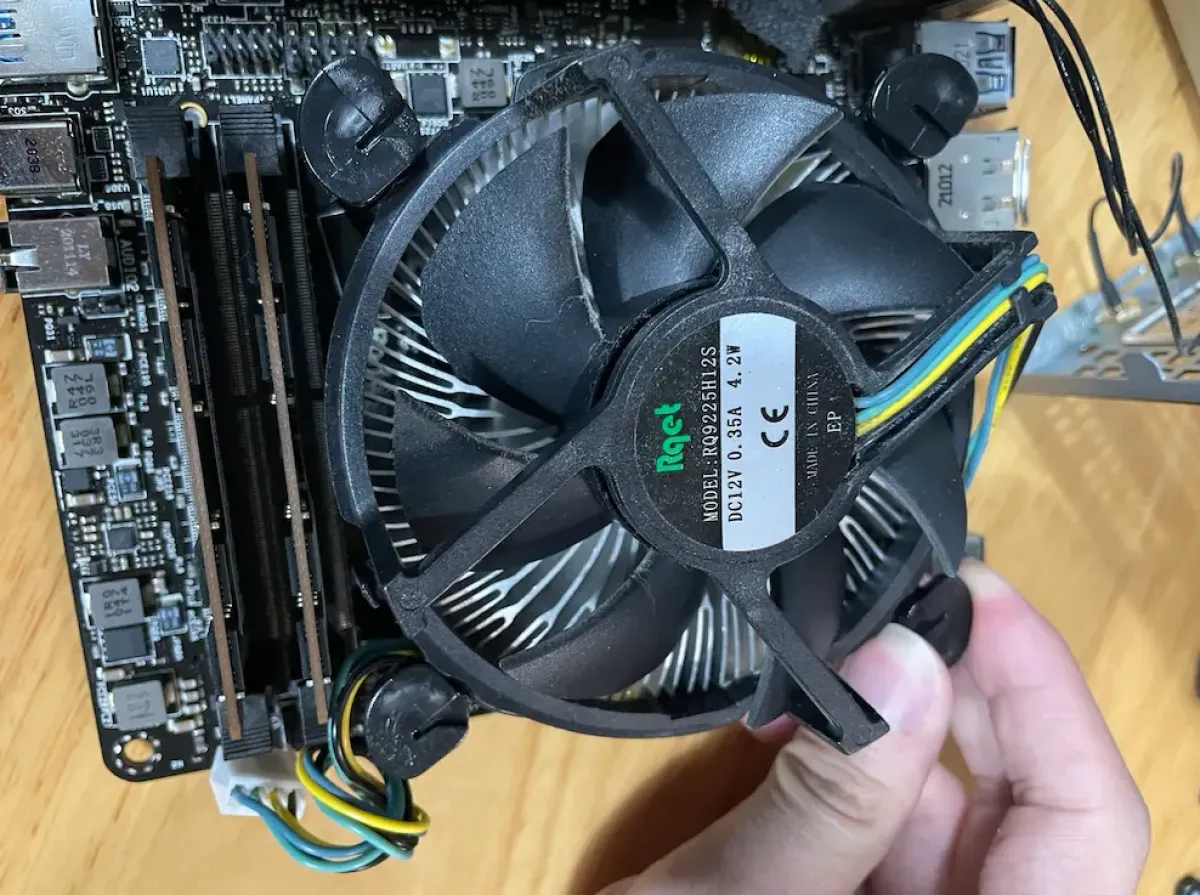
Twist this latch mechanism so the plastic pins pop out of the motherboard
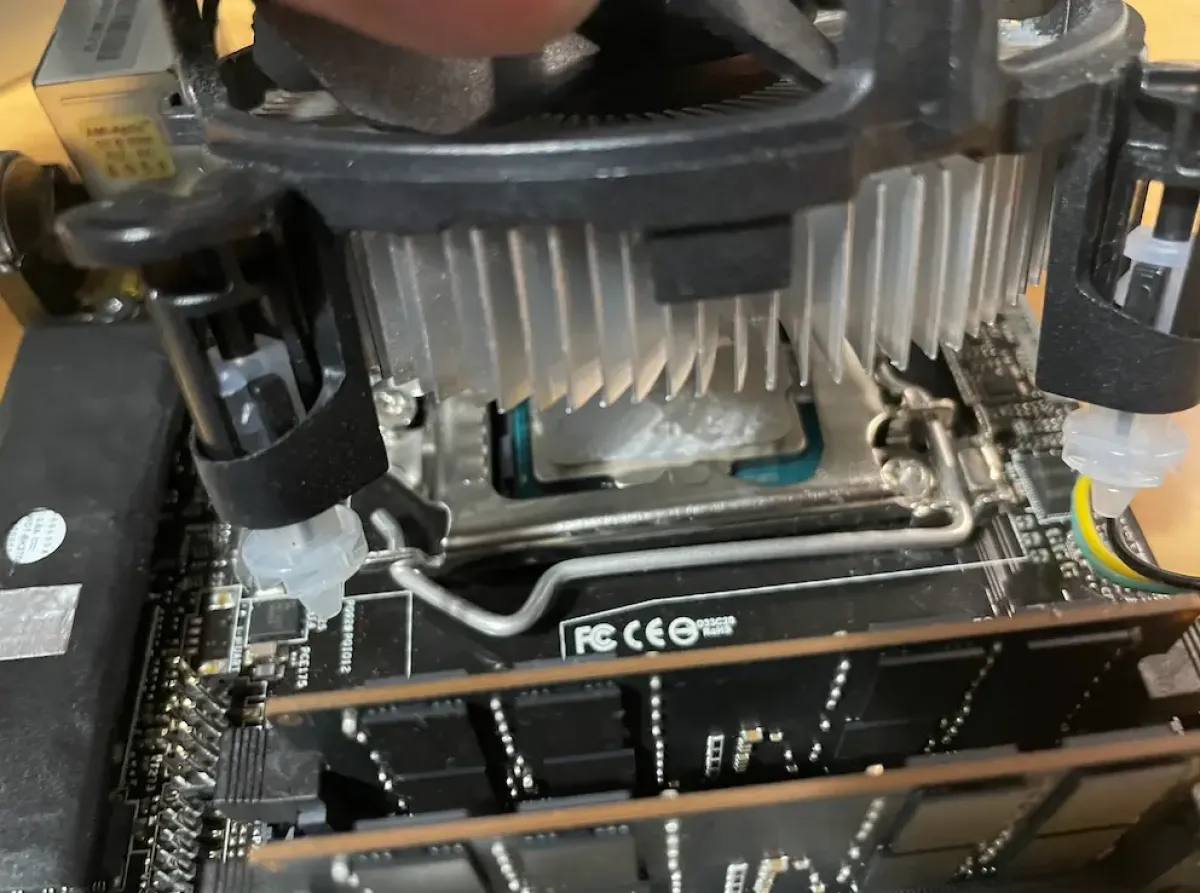
Be a bit careful, then pull firmly and the cooler will come off
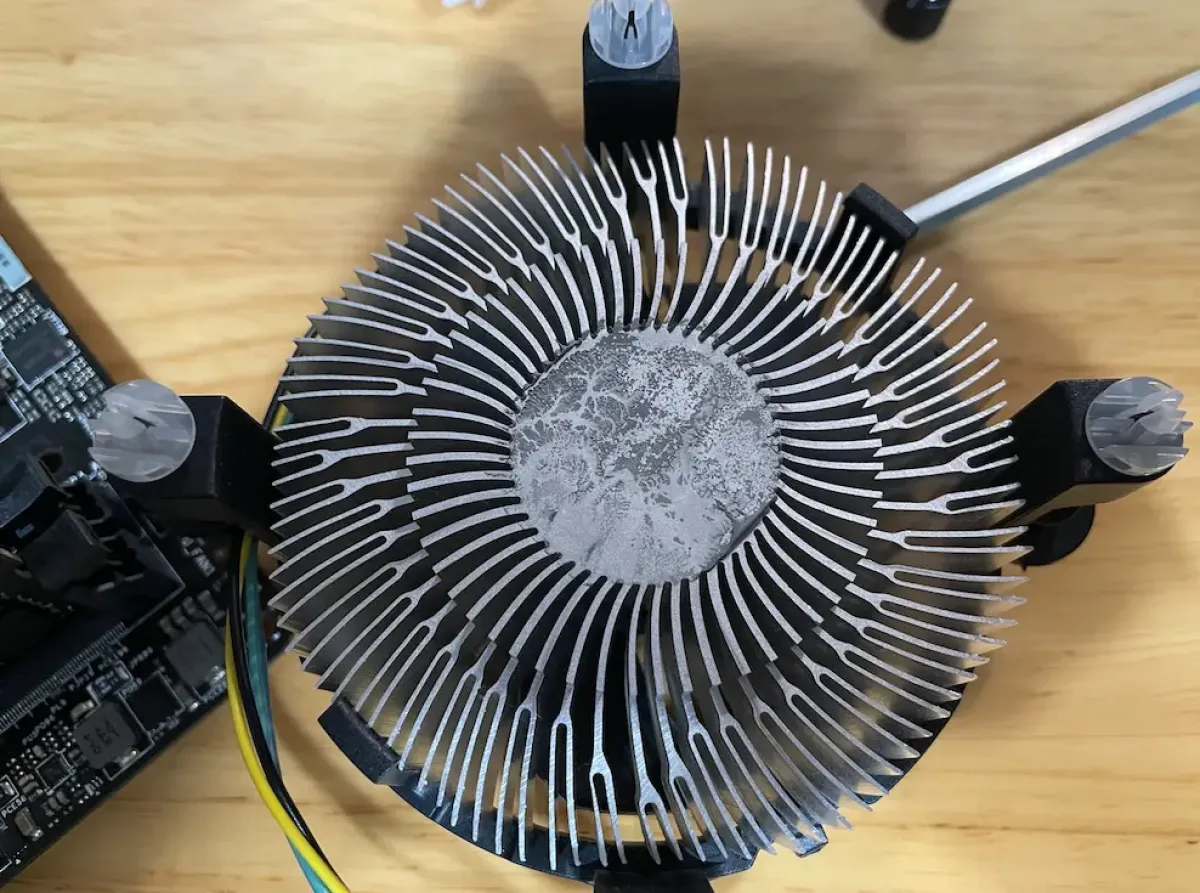
Old cooler (Intel stock boxed cooler)
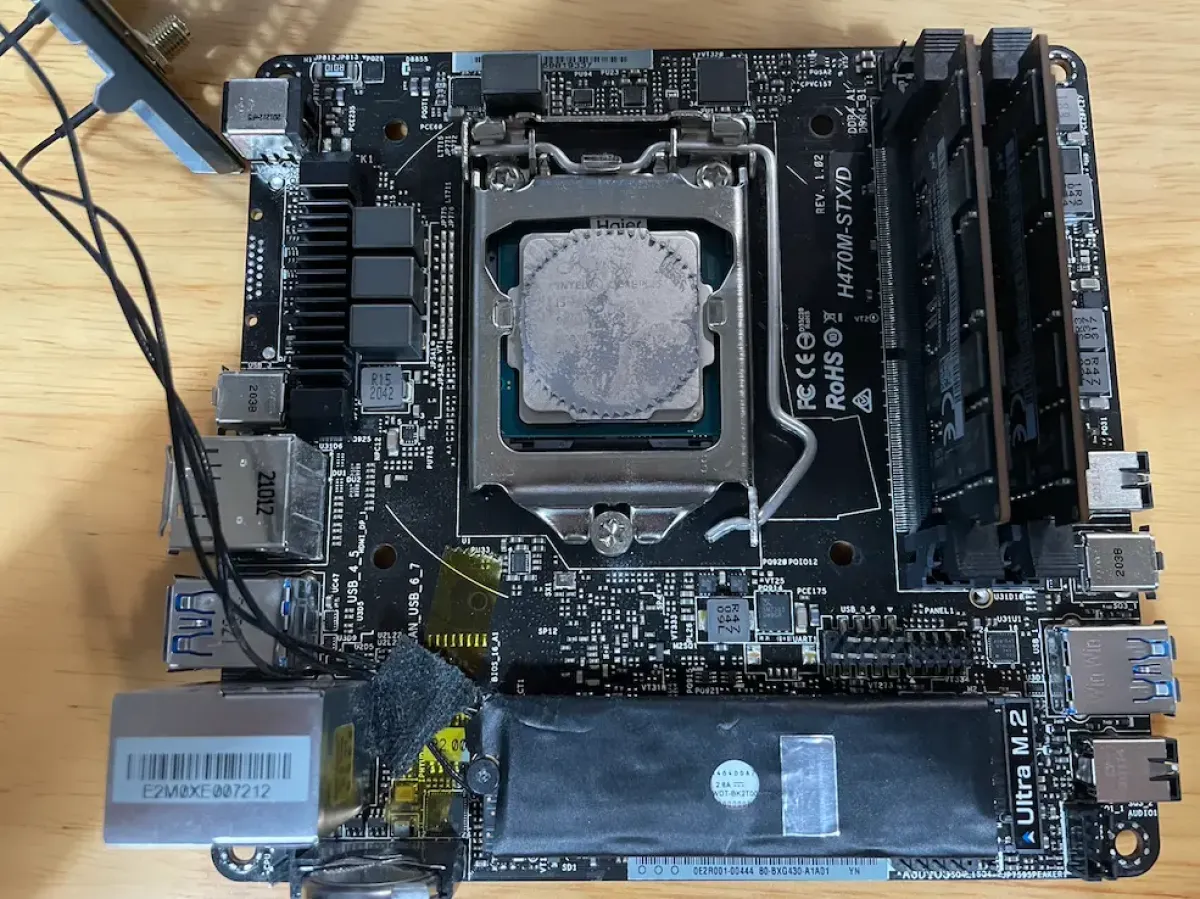
Thermal paste imprint left on the CPU after removing the cooler
Install the new AXP90
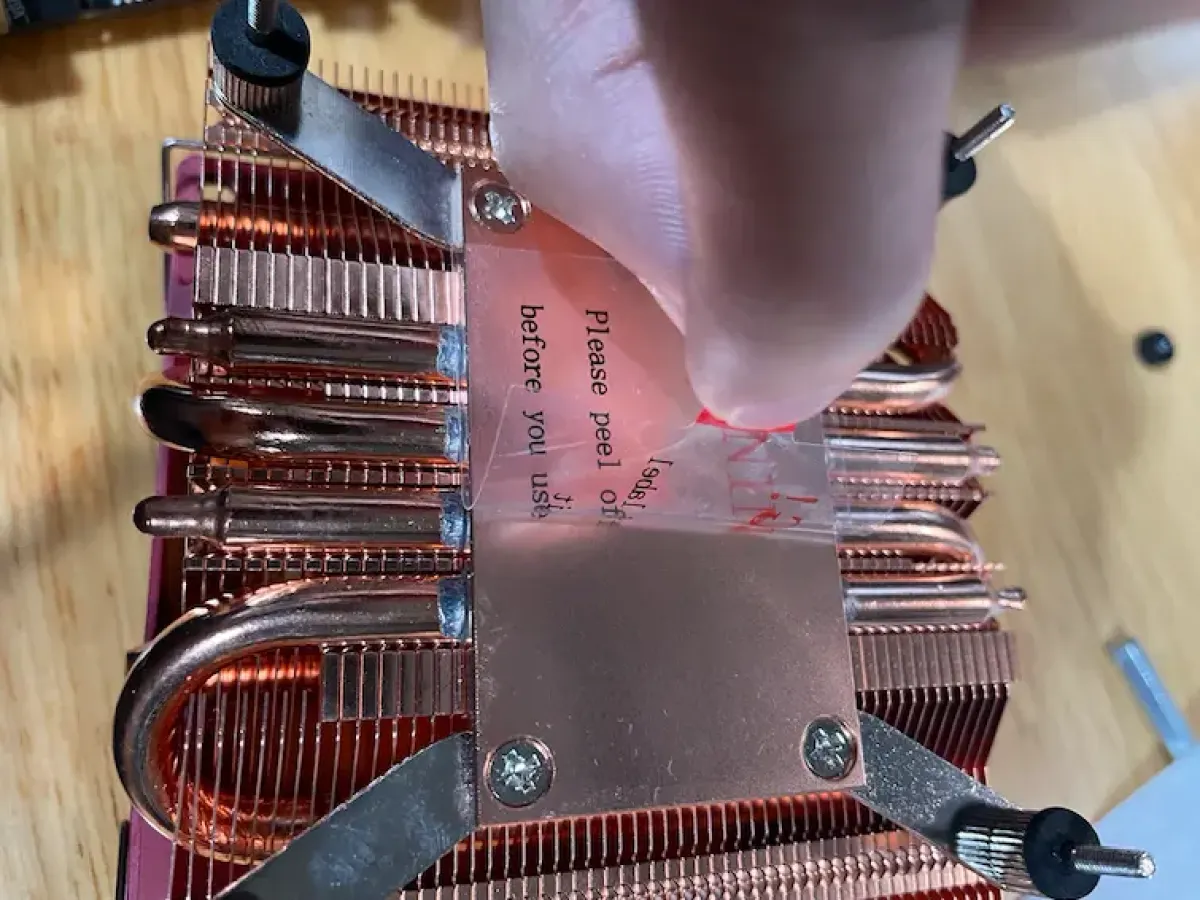
Peel off the film (super important—leaving it on will seriously hurt cooling performance)
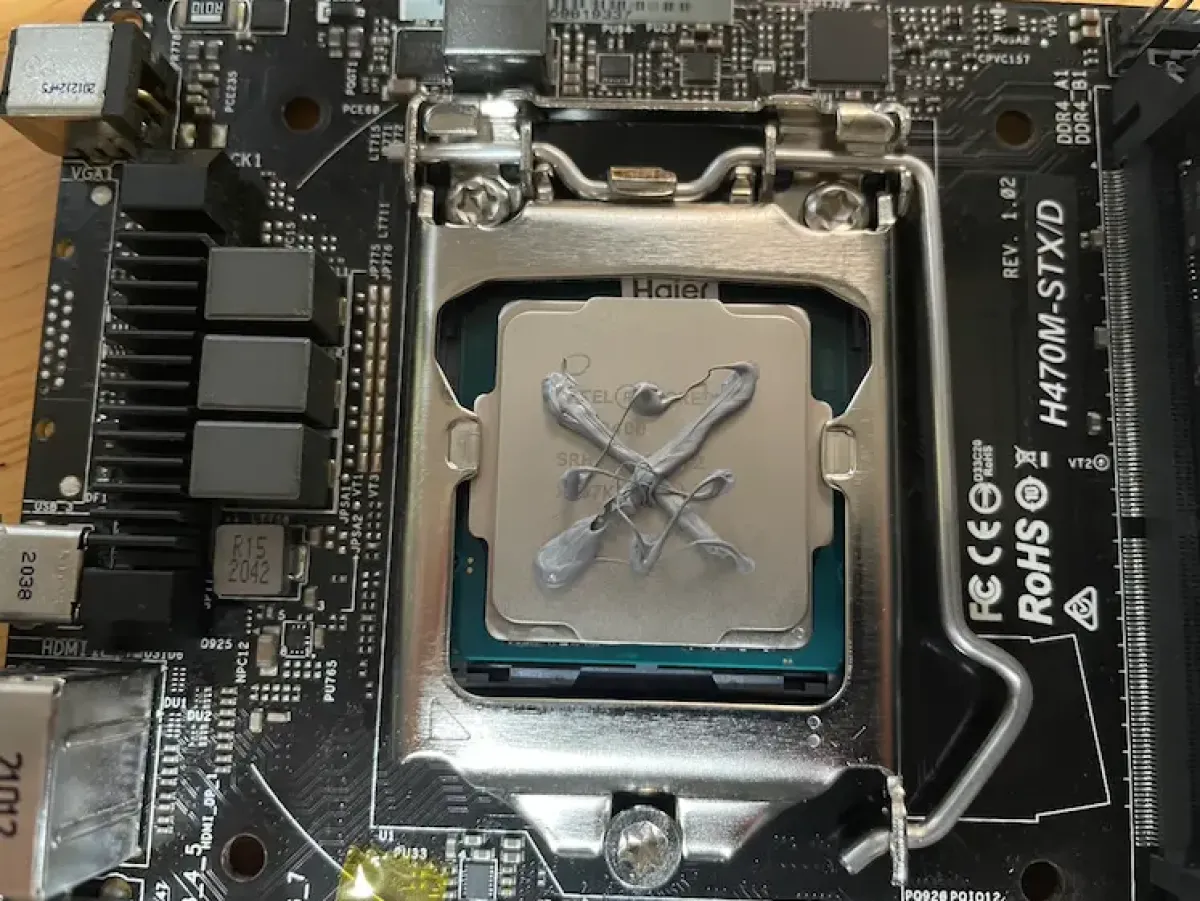
Use the included TF7 and apply thermal paste in an X pattern (I recommend the X method)
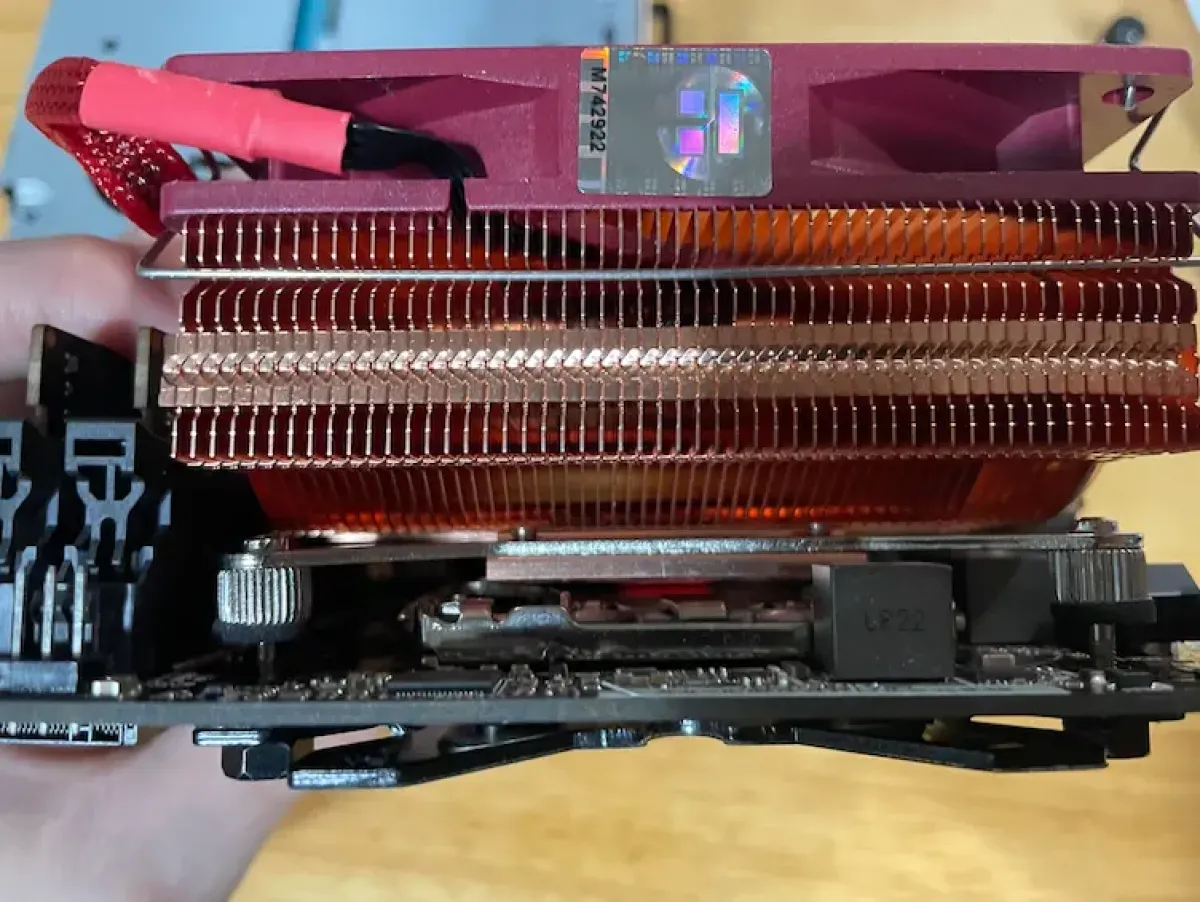
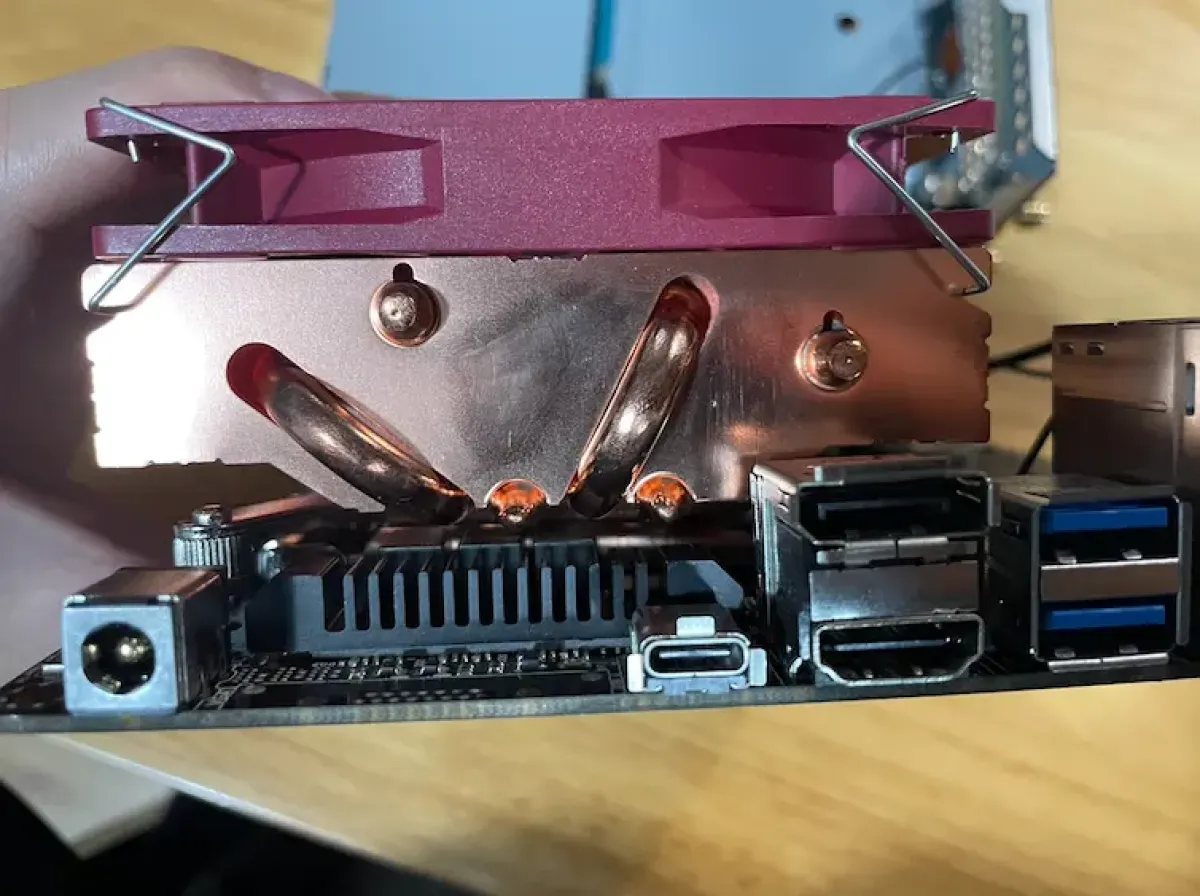
Then place the heatsink body on top
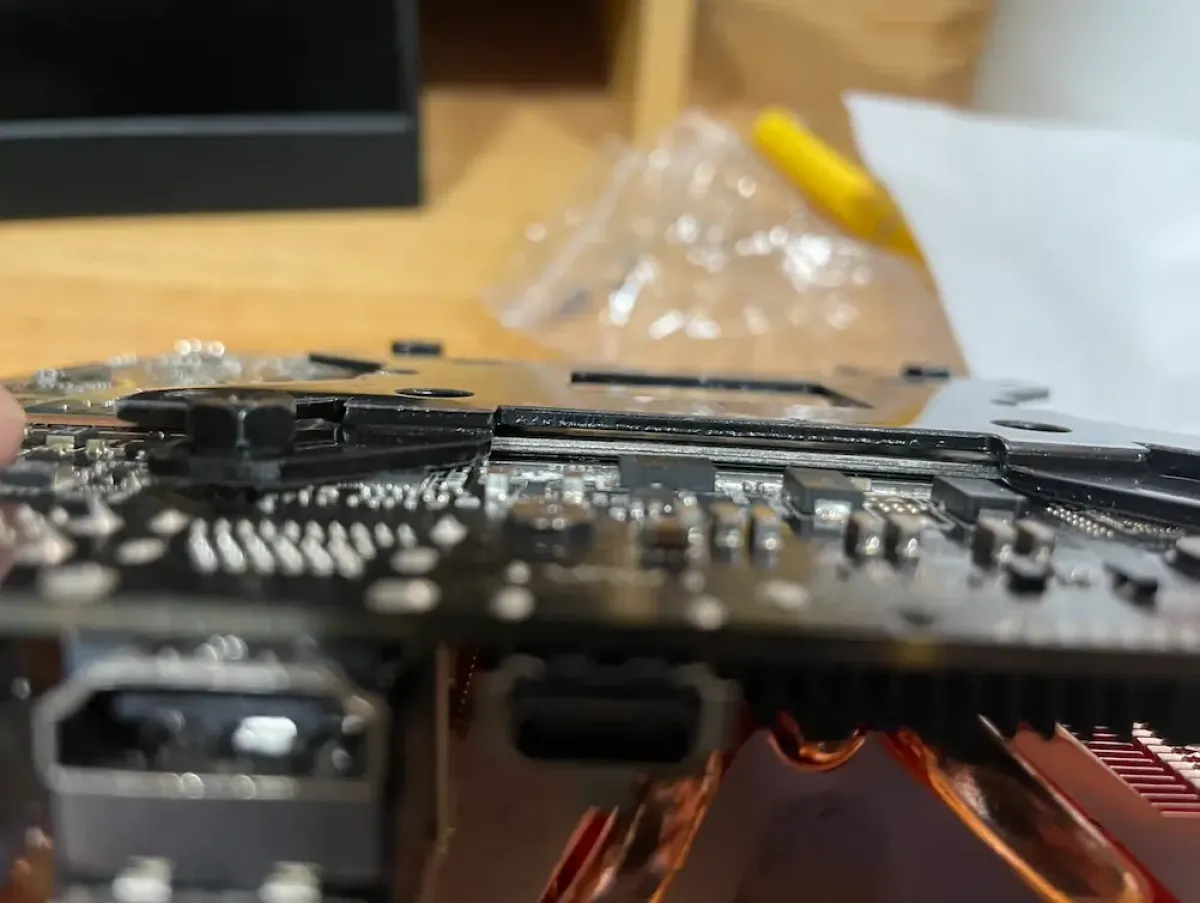
Carefully flip it over, then put on the backplate
Attention attention attention!!!
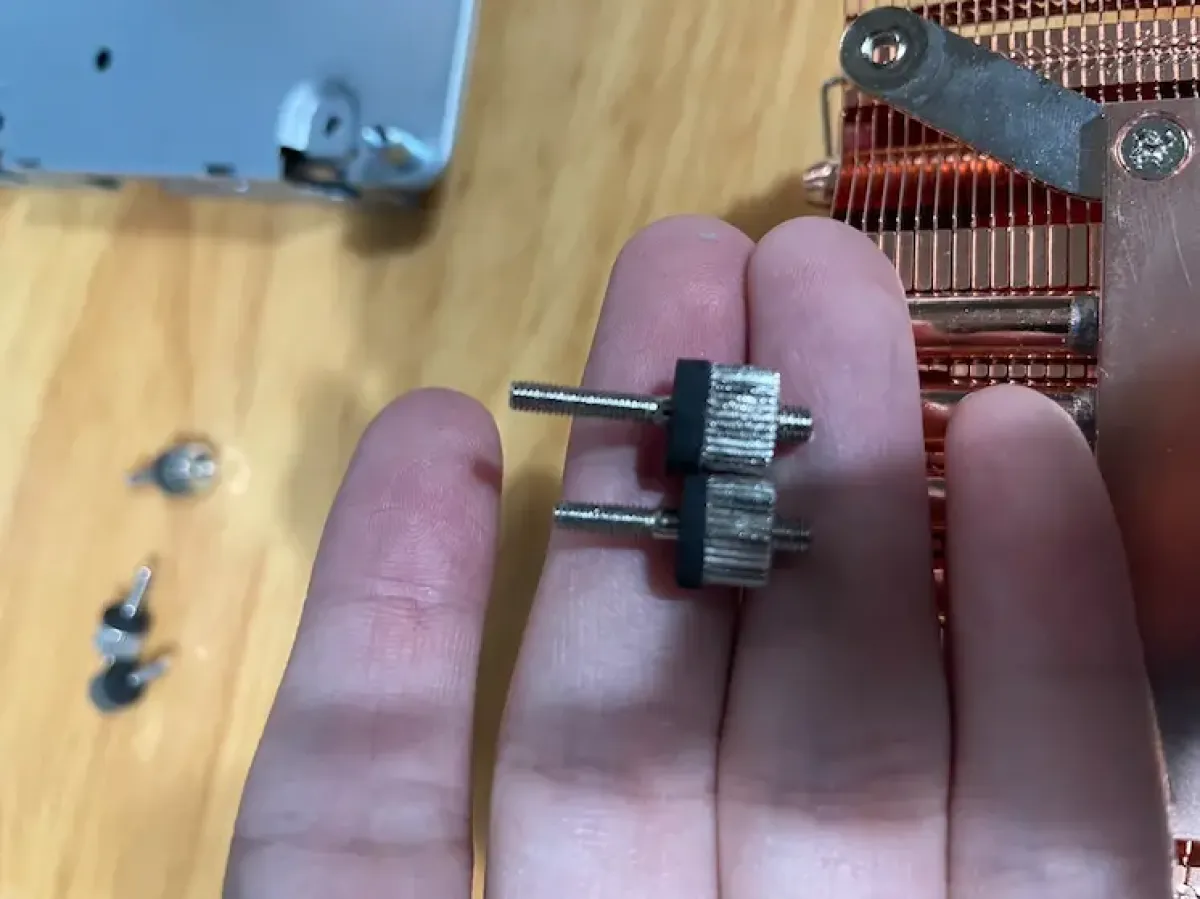
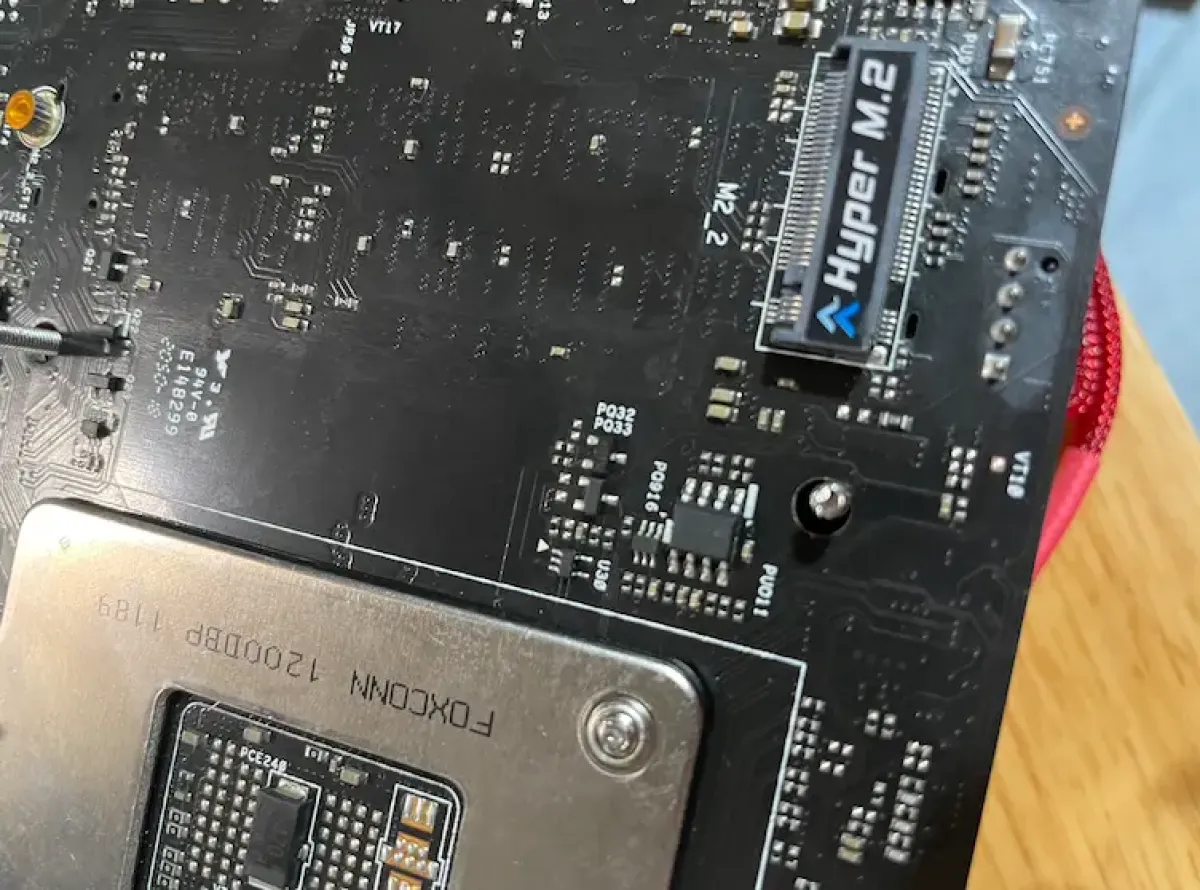
There are two sizes of these nuts. Mine came pre-installed with the short ones by default, but the short ones are NOT suitable for the DeskMini H470—it won’t leave enough clearance and will press against the motherboard. Remember: you MUST swap them out.
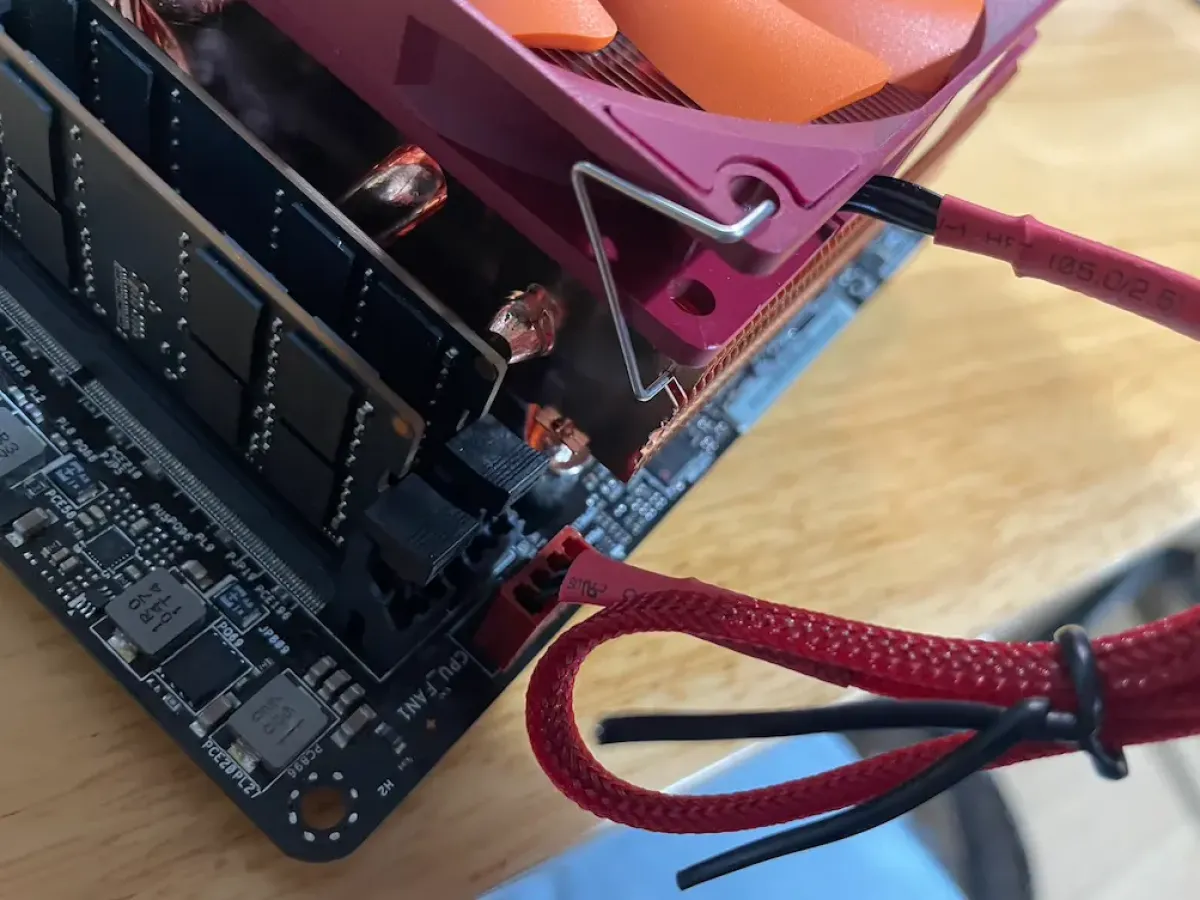
Finally, connect the fan power
Post-install tweaks
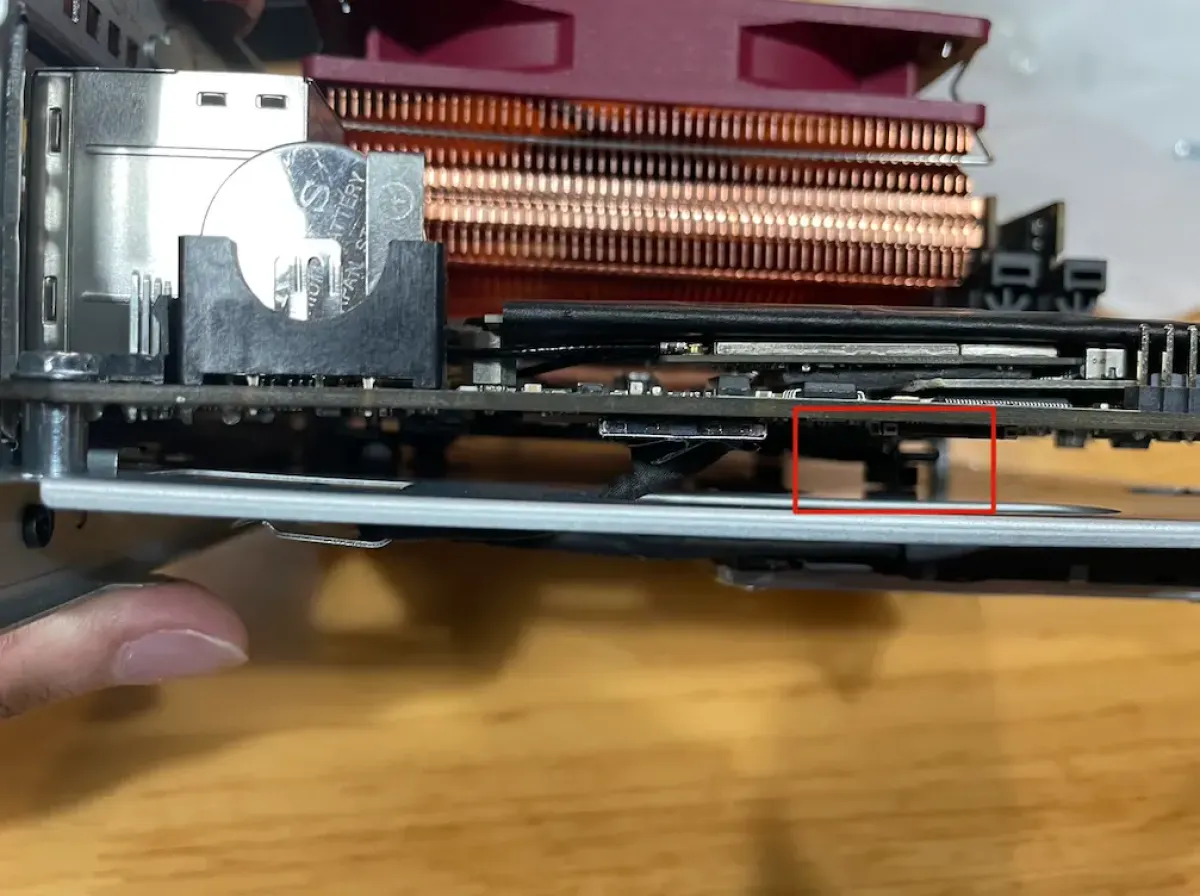
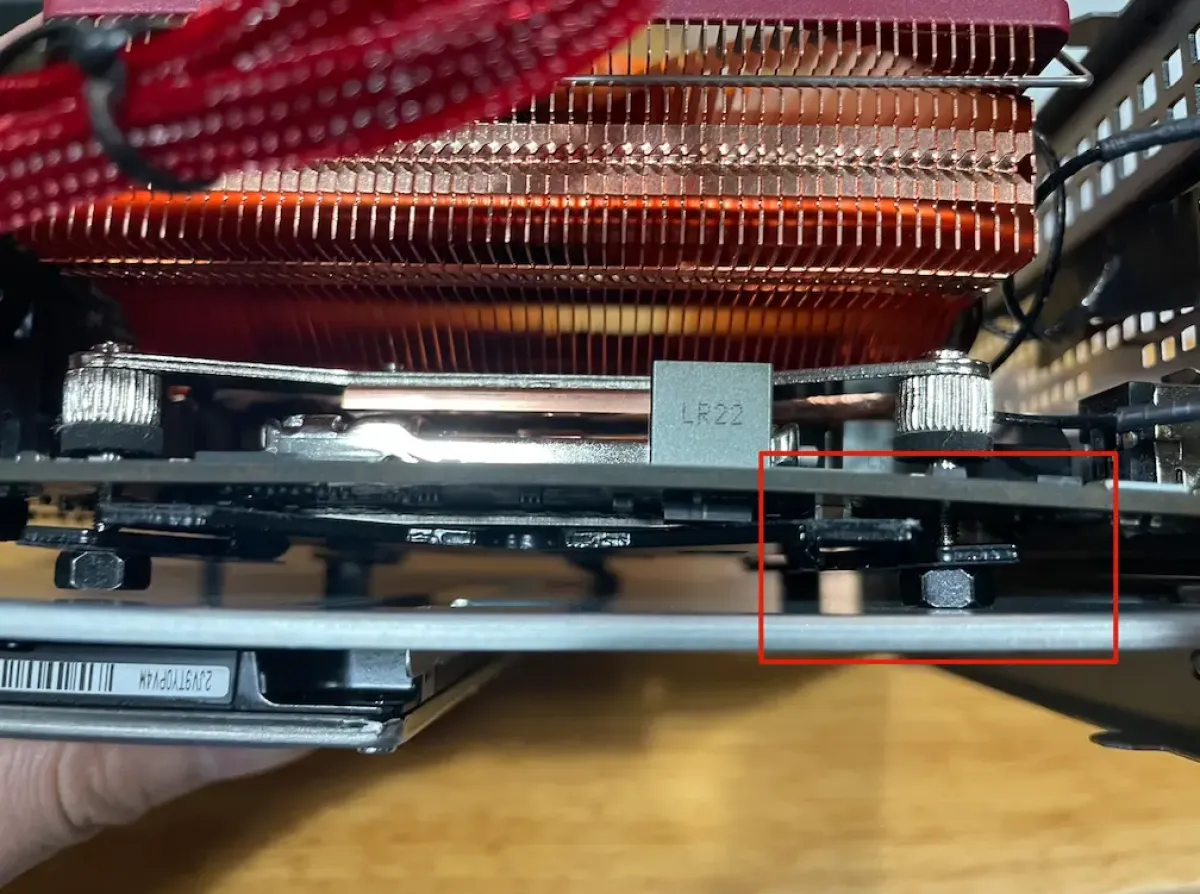
When assembling the motherboard tray and motherboard, the red-marked area will push against the motherboard and may cause it to bend (not “may”—it definitely will). So don’t tighten it down too hard; just tighten enough so it’s secure and doesn’t wobble.
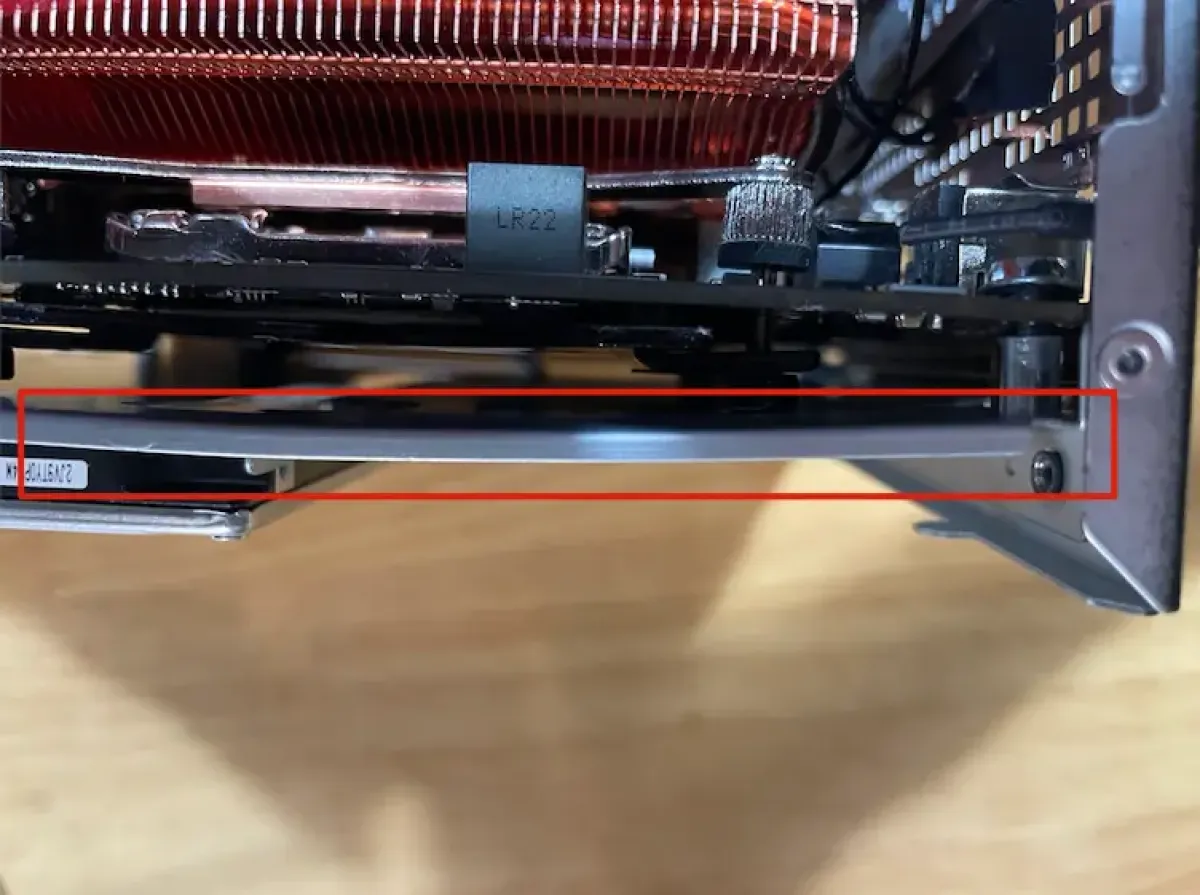
My solution for the motherboard bending: 1) don’t fully crank it down; 2) bend the backplate slightly to make room for the protruding screws on the motherboard.
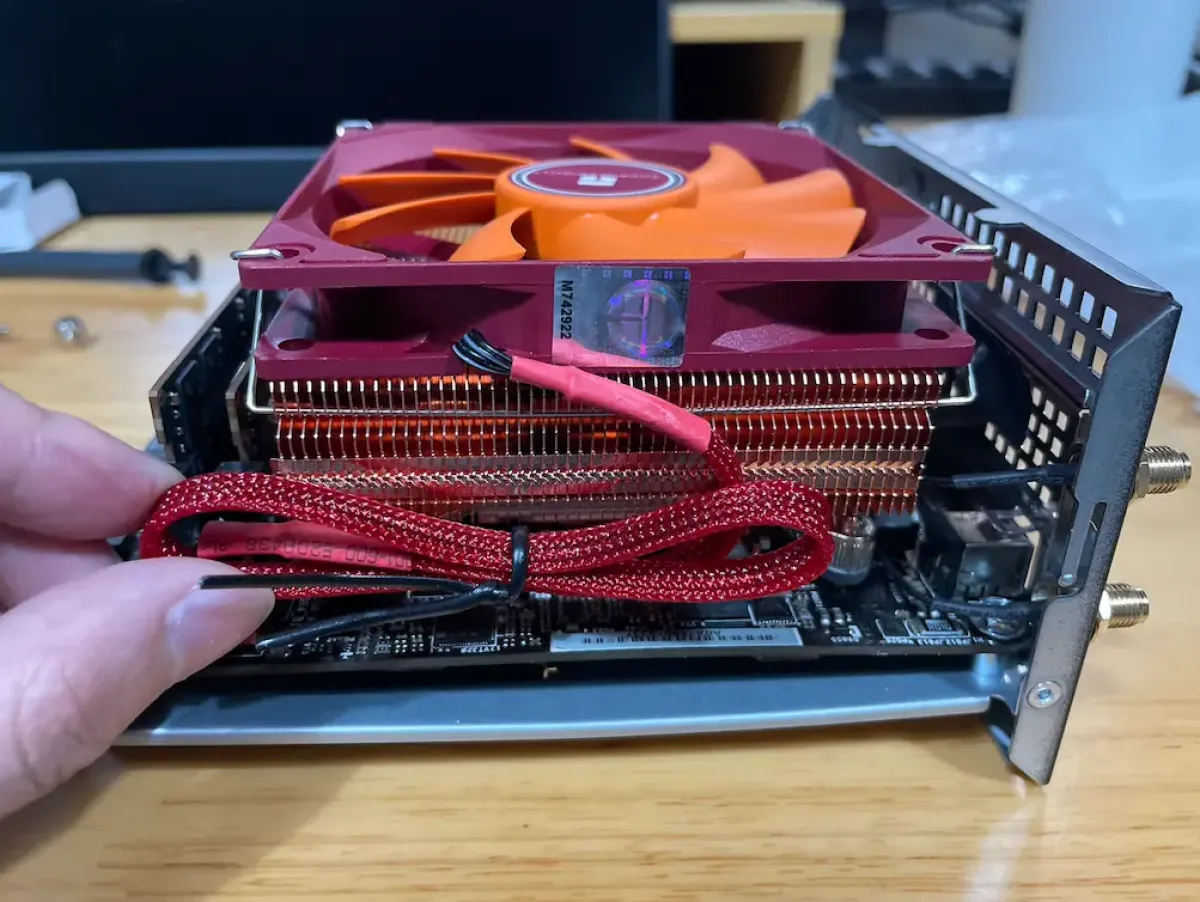
The final look is pretty nice
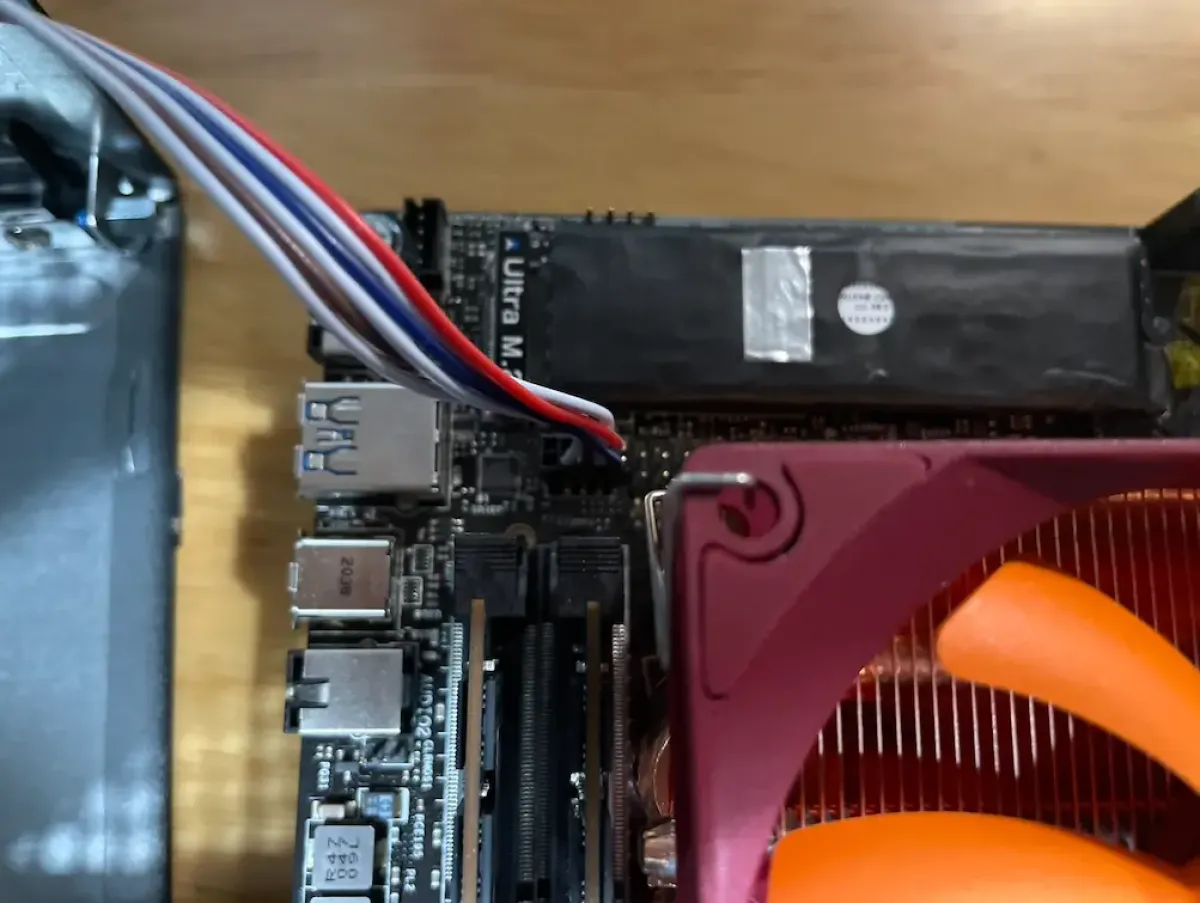
Reconnect the power button cable
The 1mm problem and how I solved it
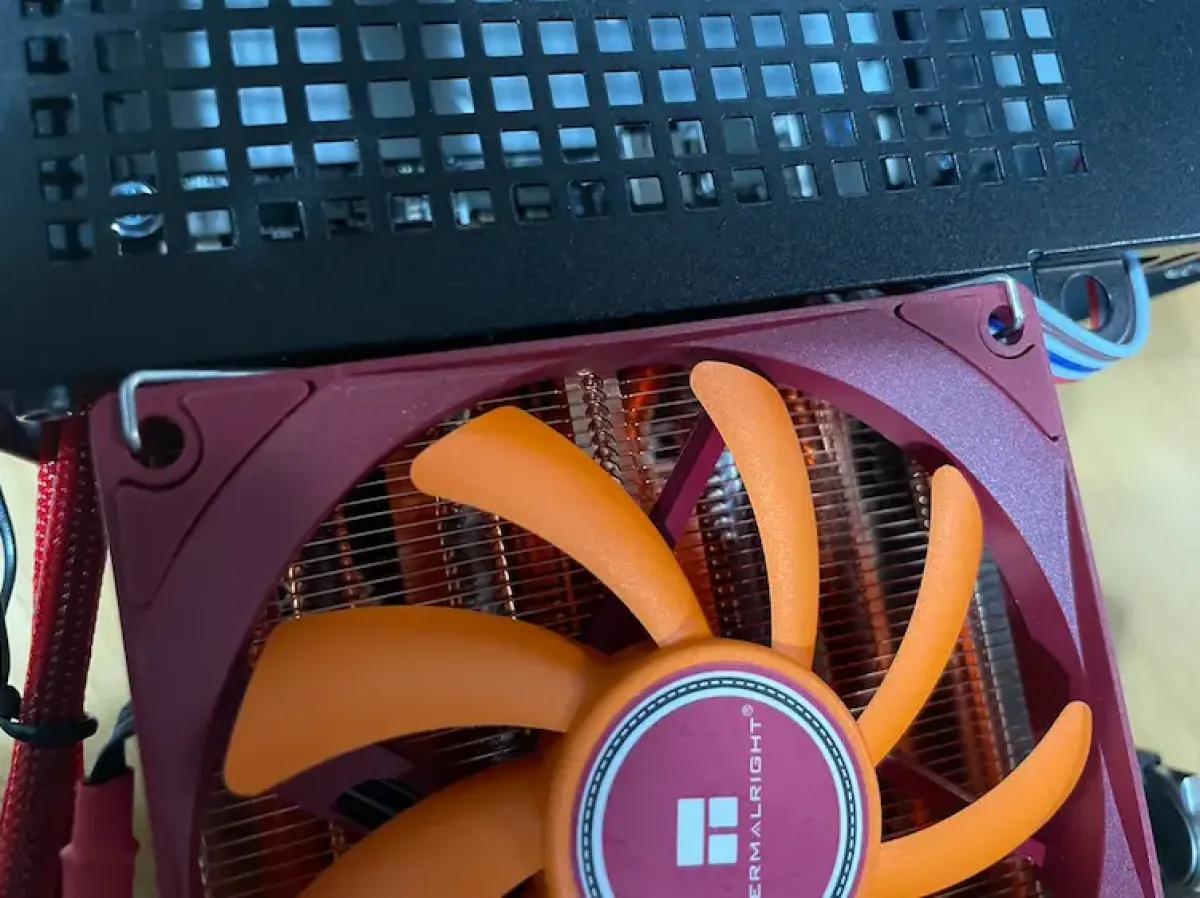
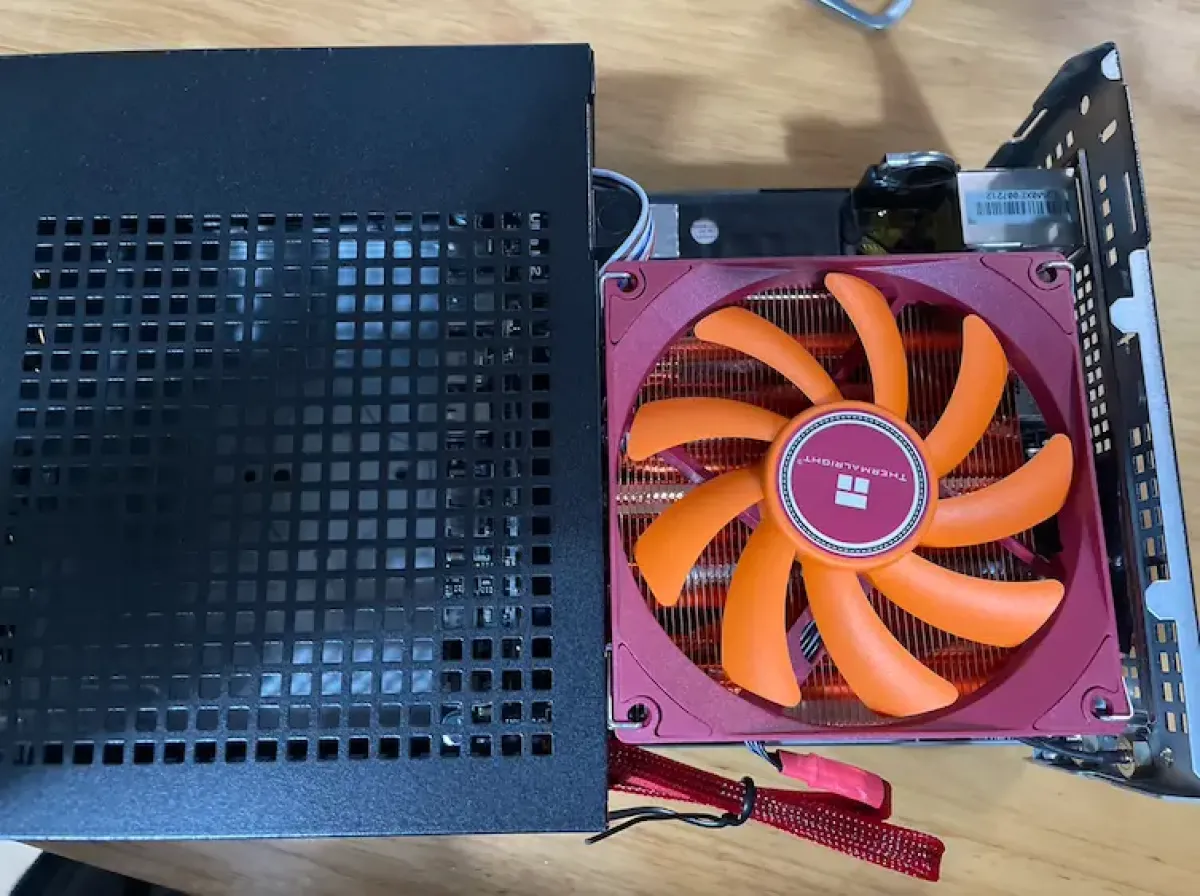
The problem showed up when putting it back in—I found it got stuck and wouldn’t go in.
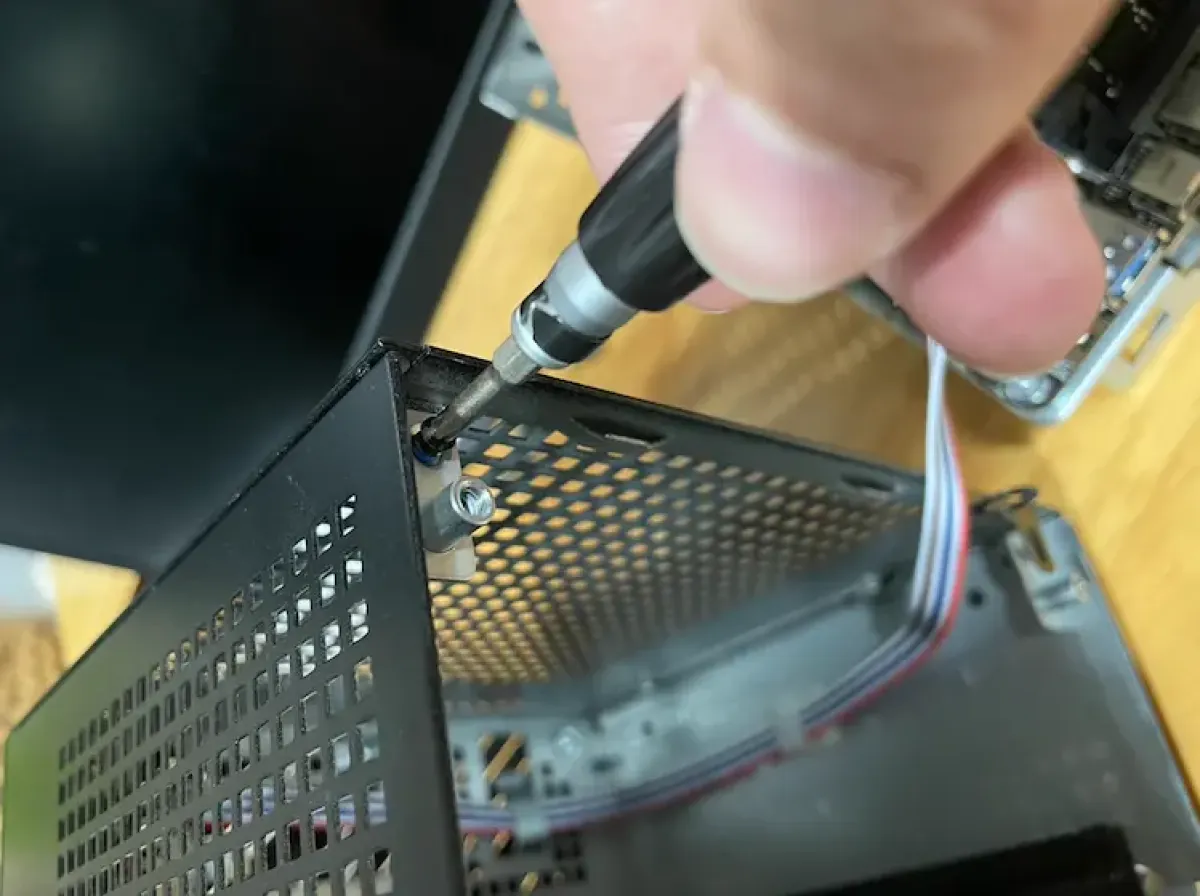
It was catching here, so I decided to remove this screw and flex that tab outward a bit
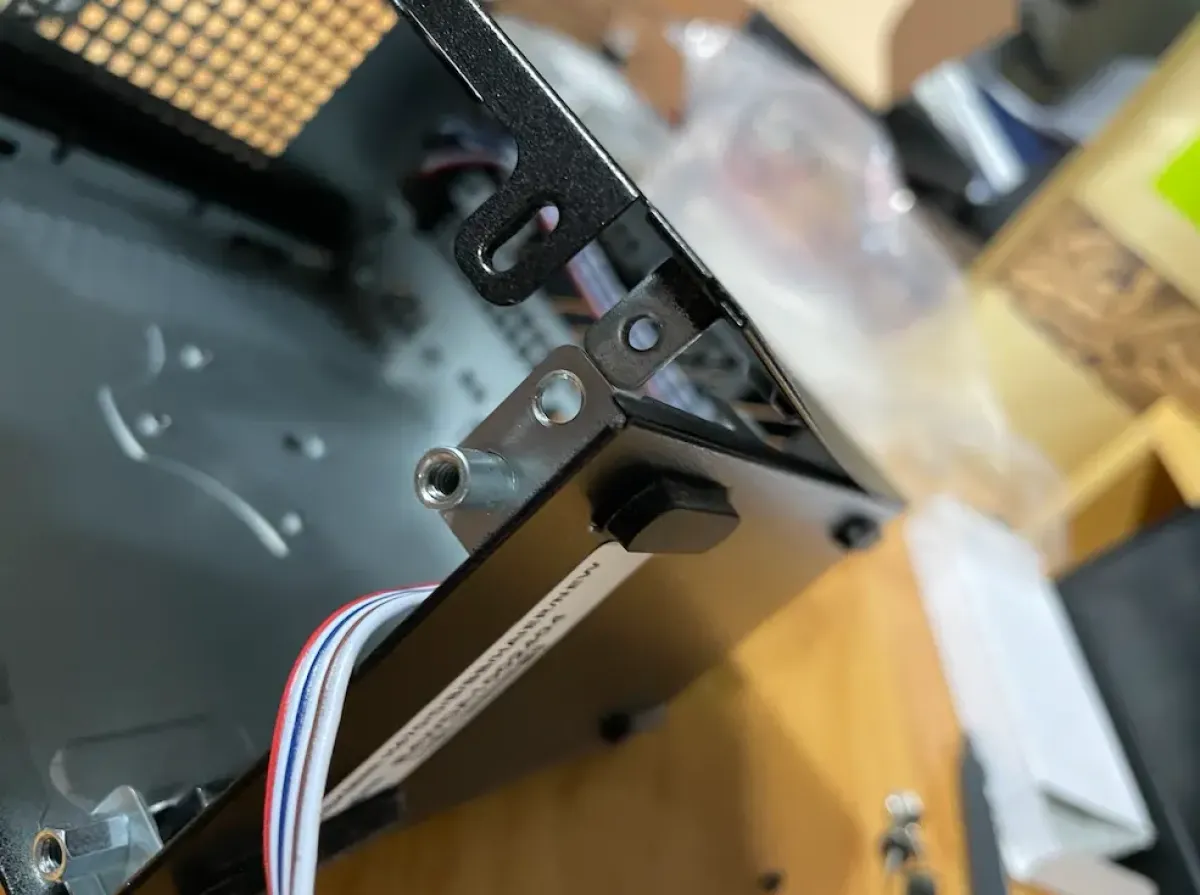
After removing the screw, I found there was actually a lot of extra clearance here
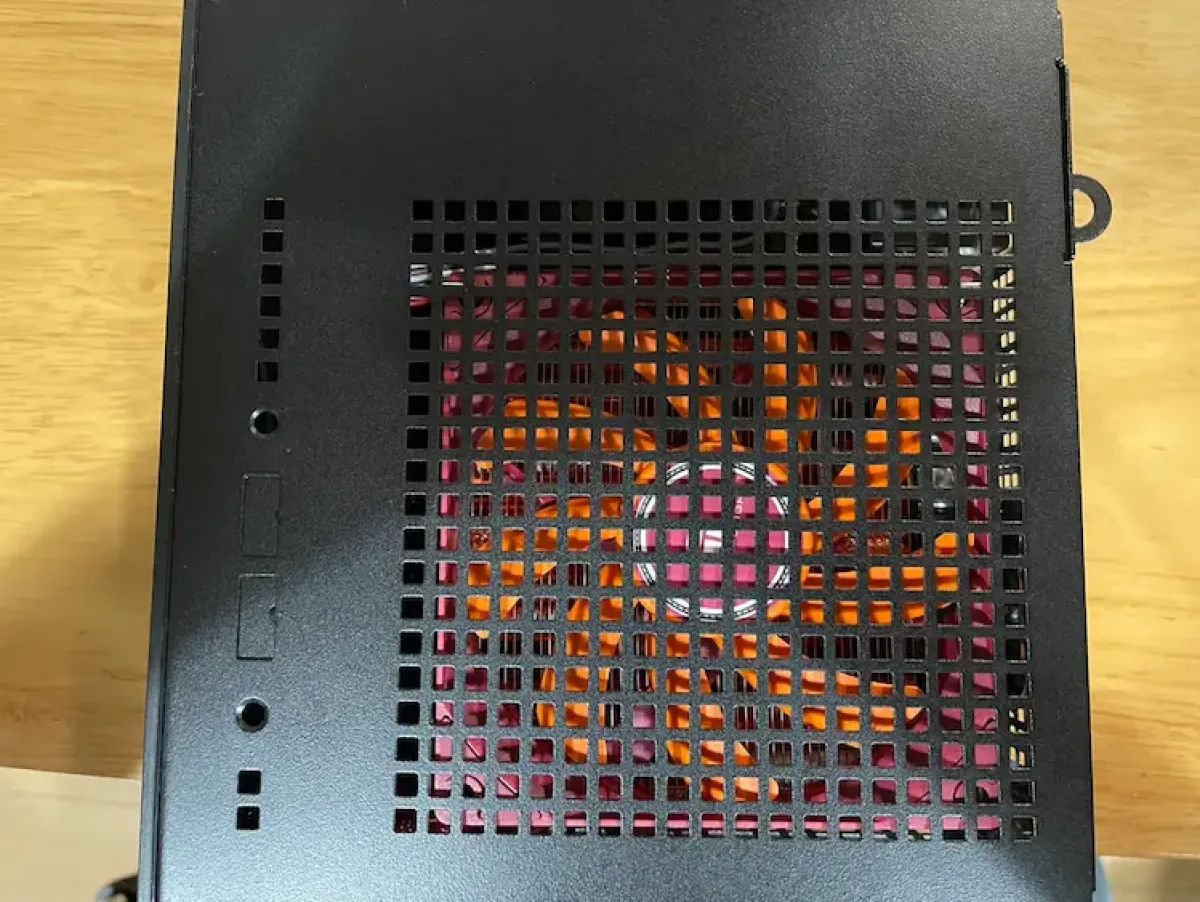
So I just pushed it in smoothly. Then I checked and realized this screw can’t really be tightened back in. And since I’ll probably upgrade the CPU or other parts later anyway, there’s no need to force it back—everything is still relatively secure structurally. Losing these two screws doesn’t really make a difference. Stability is excellent, the mesh doesn’t hit the fan, and overall I’m very satisfied.
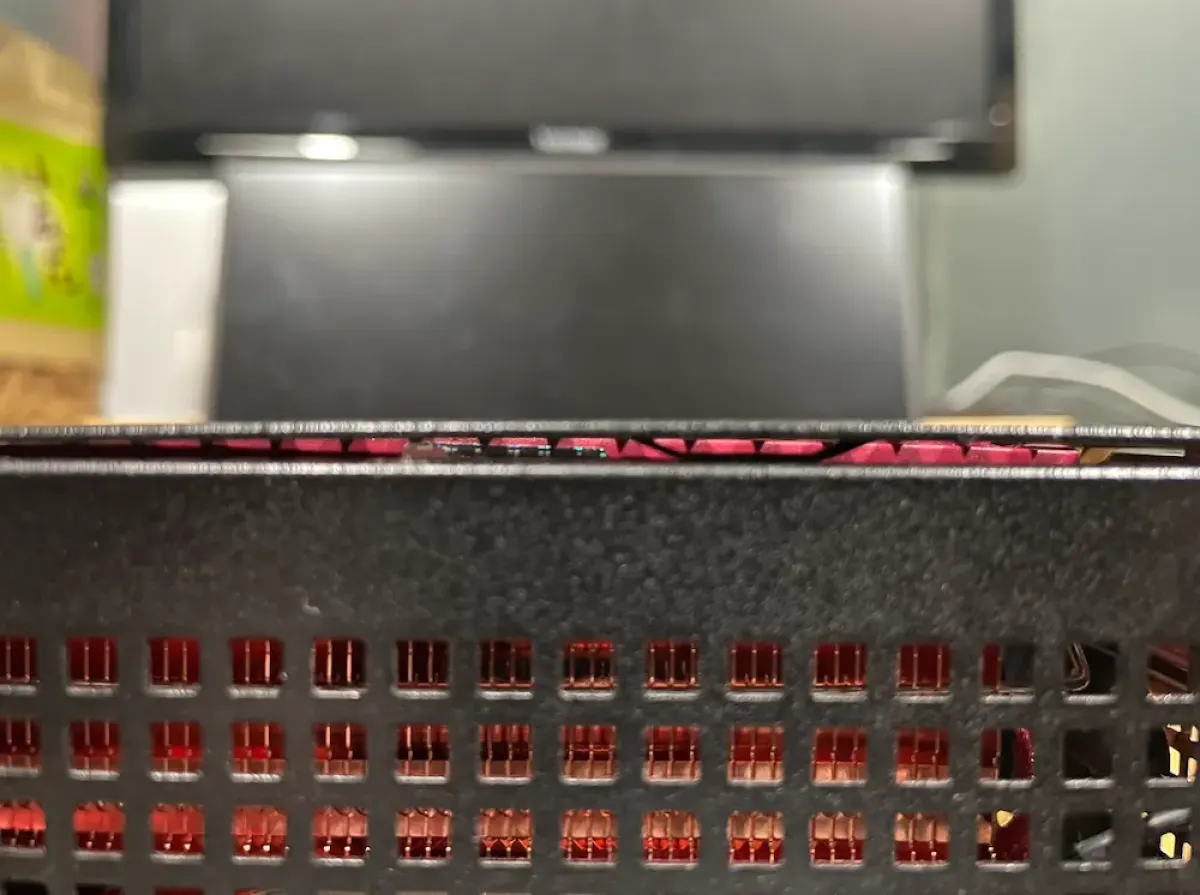
Because the height is 1mm taller, the screw can’t be tightened, and the fan bulges out just a tiny bit—but it doesn’t affect usage.
Closing thoughts
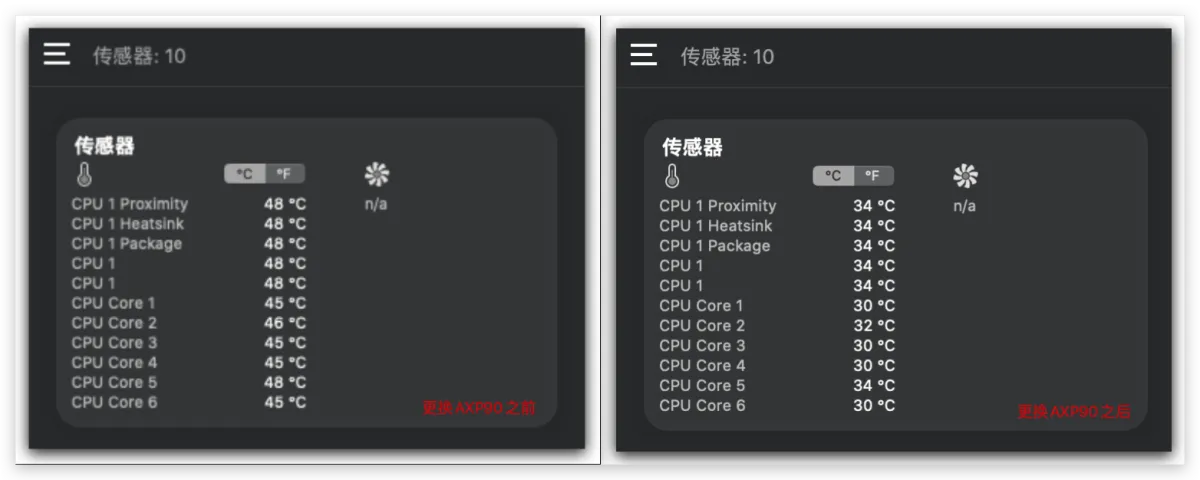
Left is before the swap, right is after
A picture is worth a thousand words—I don’t need to say much more about what to do. It’s genuinely impressive. This lays a solid foundation for cooling a 10900 ES and gives me confidence. After using it for a while, if the timing is right, I’ll pick up a 10900 ES and finally experience what 10C20T feels like.
One downside of the AXP is that it’s too loud. I looked into it and found the AXP90’s minimum fan speed is 1600rpm—so even at 30+ °C it still runs at 1600rpm. So you’ll want to tweak the fan curve in BIOS: keep it quiet under light loads, and let it rip under heavy loads.
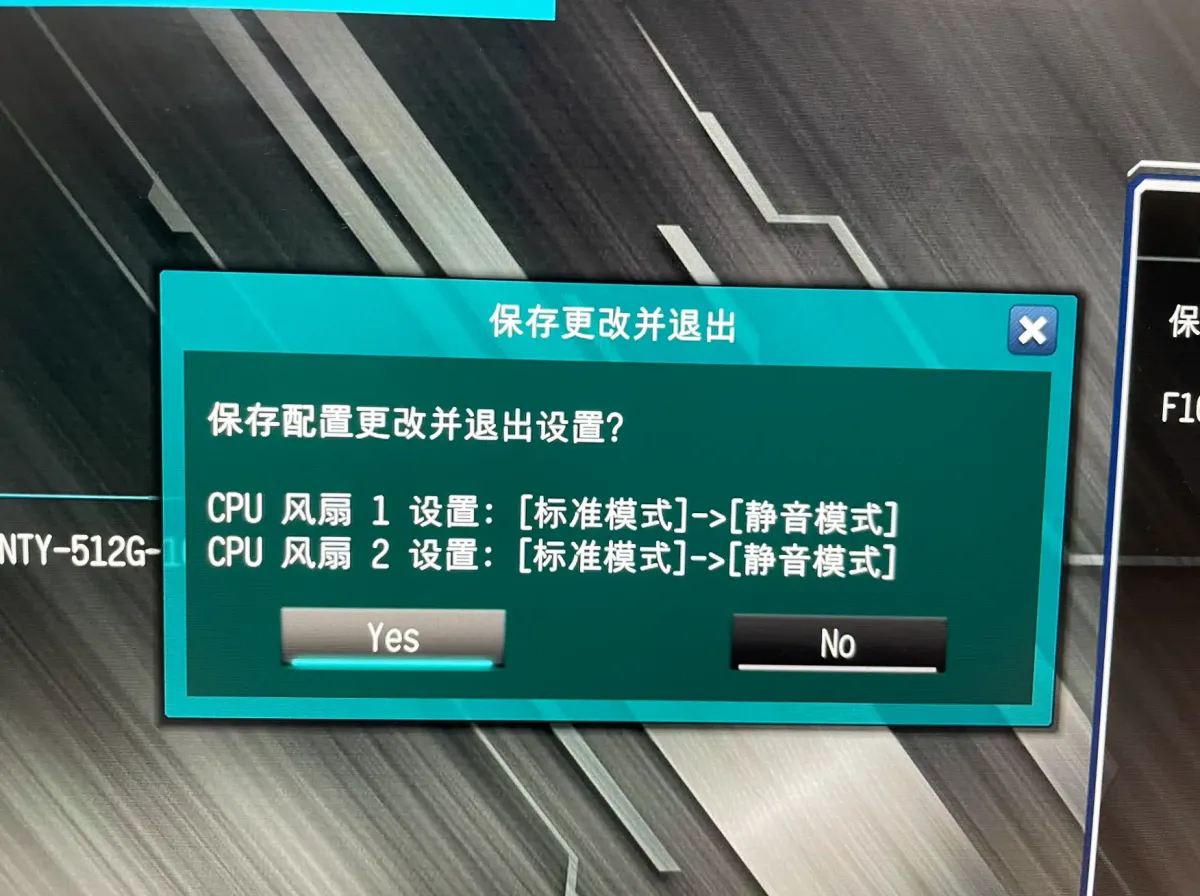
At first I set it to Silent mode, but I found the minimum was still 1600rpm
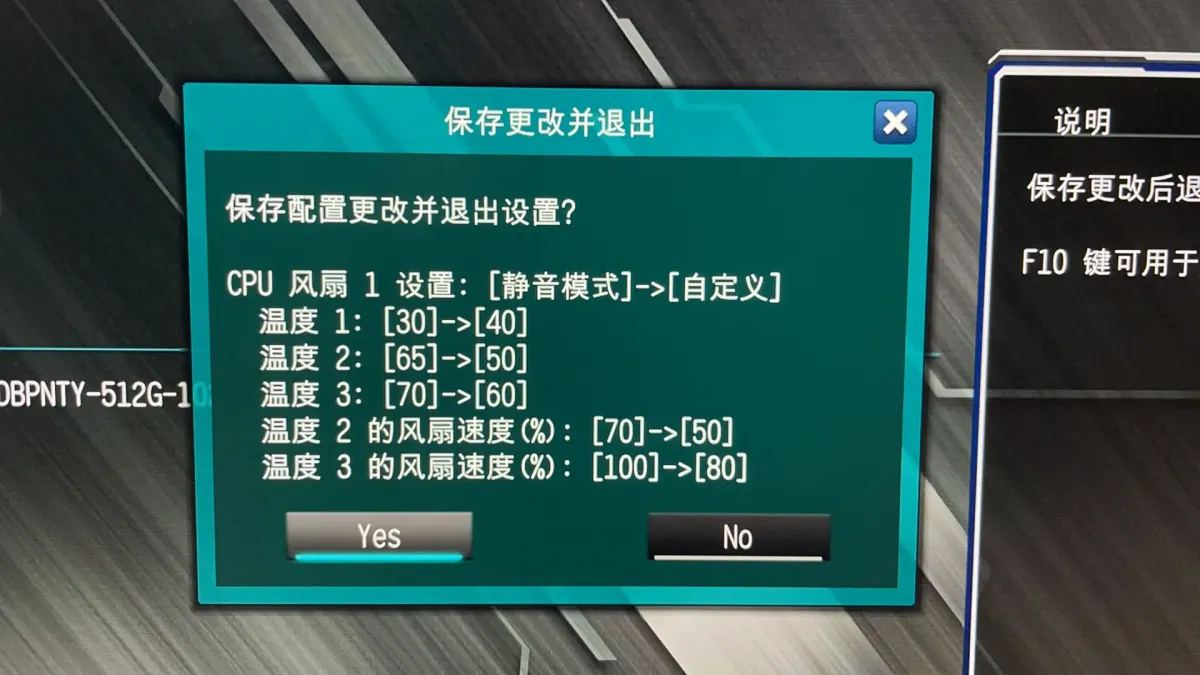
You have to set it to Custom—this is my configuration in the screenshot
All articles in this blog, unless otherwise stated, are licensed under
@Oreoft . Please indicate the source when reprinting!
