
Preface
	I’m currently working at a consumer-facing (toC) internet company. “toC” means we serve users directly—any tiny issue in production can get amplified infinitely. Production can be brutal, but every time we ship a release and I see the logs flying by, it honestly feels super satisfying. That’s also why I really love doing toC development.

	To be honest (and a bit embarrassing), the company used to have its glory days. Back when COVID was at its peak and everyone was quarantined—plus our ops folks were seriously on point—our DAU once hit 2–3 million. Colleagues said when that traffic came in, all the fancy methods you read about in books didn’t matter; in the end, we just scaled by adding machines. Our homepage API QPS was as high as 4000–5000. Although as the pandemic eased we didn’t seize the opportunity to keep growing, we did build some reputation. Now traffic is very stable, with strong tidal peaks (because we’re in the K12 space—students have classes during the day, and have more time at night and on weekends). DAU stays around 200k–300k, with bigger swings on weekends and when we release new versions. No matter how much we try, new users and retention don’t see huge jumps, but they also don’t decline.

	I’ve been interviewing recently, so of course my resume needs to show some strength. I described those “glory days,” and when interviewers hear 4k QPS, there’s usually more to talk about. But nobody wants to live in the past forever, so they inevitably ask what the current QPS looks like... and that question completely caught me off guard. Because in day-to-day work I look at a lot of metrics, but I care more about DAU and new users. I haven’t specifically checked QPS lately, so I could only say I wasn’t sure and share our current DAU.

	So now I’m going to check the current QPS of the highest-traffic API I’m responsible for. You can also follow my approach and try it in your own production. If you’re also a toC developer, I think it’s worth paying some attention to this.

	**One thing to note: I’m estimating the per-node query count via logs (because each API call prints a log). The demo API is just a secondary feature in the app (even though it used to be the homepage API), so it doesn’t represent the company’s overall capability—this is only one department’s single-node API.**
Let me also briefly explain what QPS means
QPS (Query Per Second): requests per second—i.e., how many requests a server handles within one second.
Estimating QPS
Since we’re talking about request counts, I can estimate it through logs. My logs print request parameters every time to help locate production issues. Logs naturally include timestamps, so I can use them to calculate the QPS of my service on this machine.
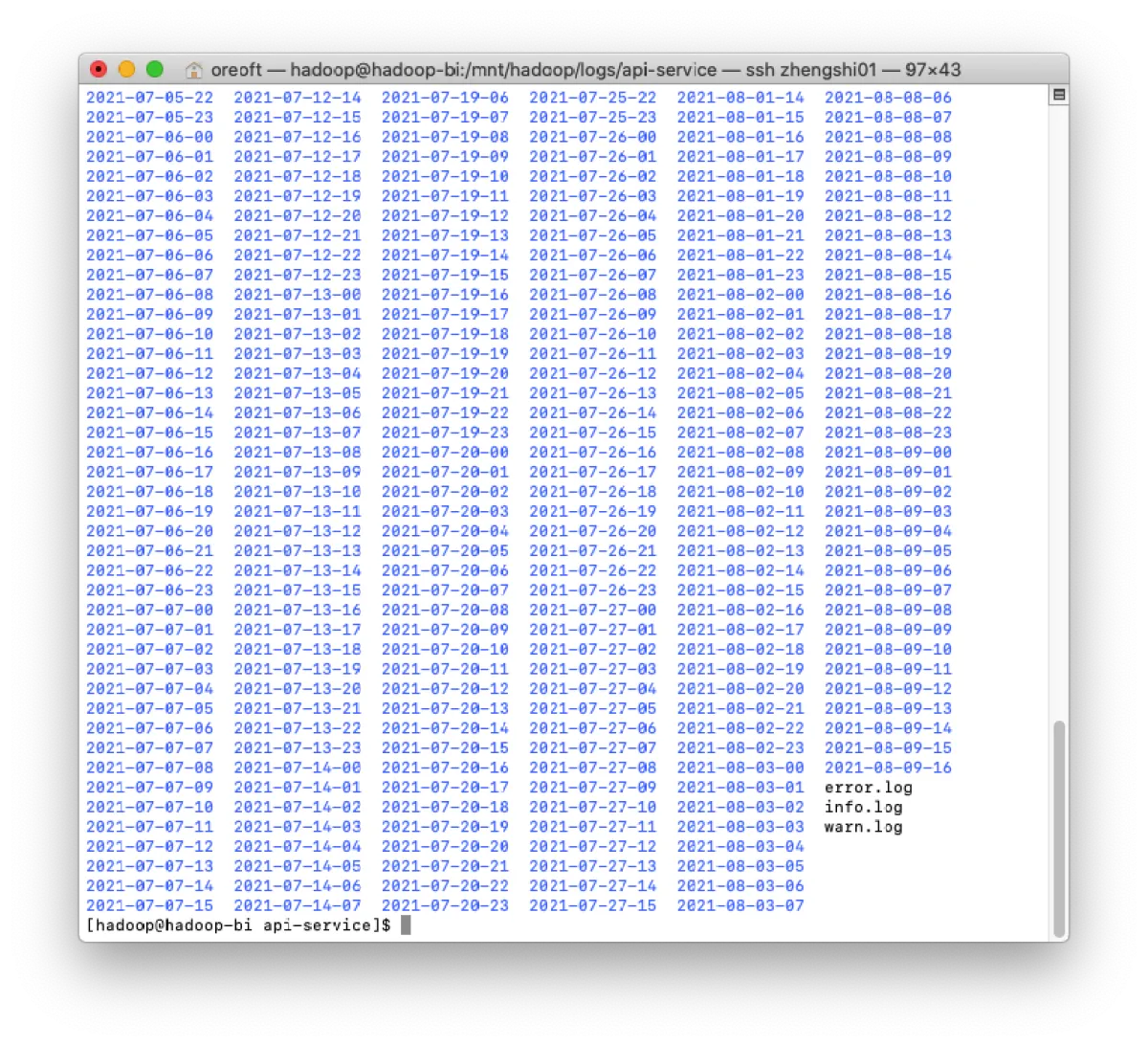
- First, find the path where the logs are located. My service is deployed on physical machines behind LSB load balancing. Logs are split by time, so it may look like there are a lot. Real-time logs keep getting appended into three
.logfiles (not folders), and then they’re split into different folders by time—pretty standard log4j behavior.
- Use
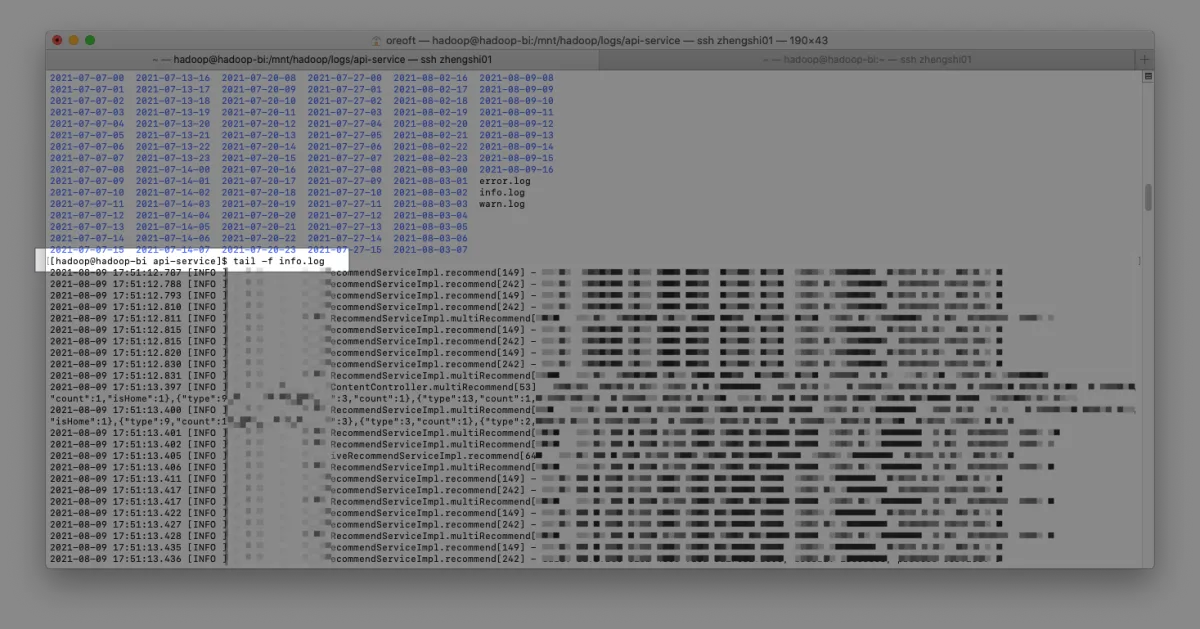
tail -f info.logto view the API’s real-time logs. Here-fmeans “follow” (live streaming).
-
Then pick an API with the highest call volume to estimate its QPS. Note: this API should print only one log per request—if you log twice per request, your estimate may be inaccurate. Here I use calls to
RecommendServiceImplto estimate the overall situation. -
Next, pipe the logs and filter out the lines we want to count, then cut out the timestamp and aggregate. You can see the average is around 80.
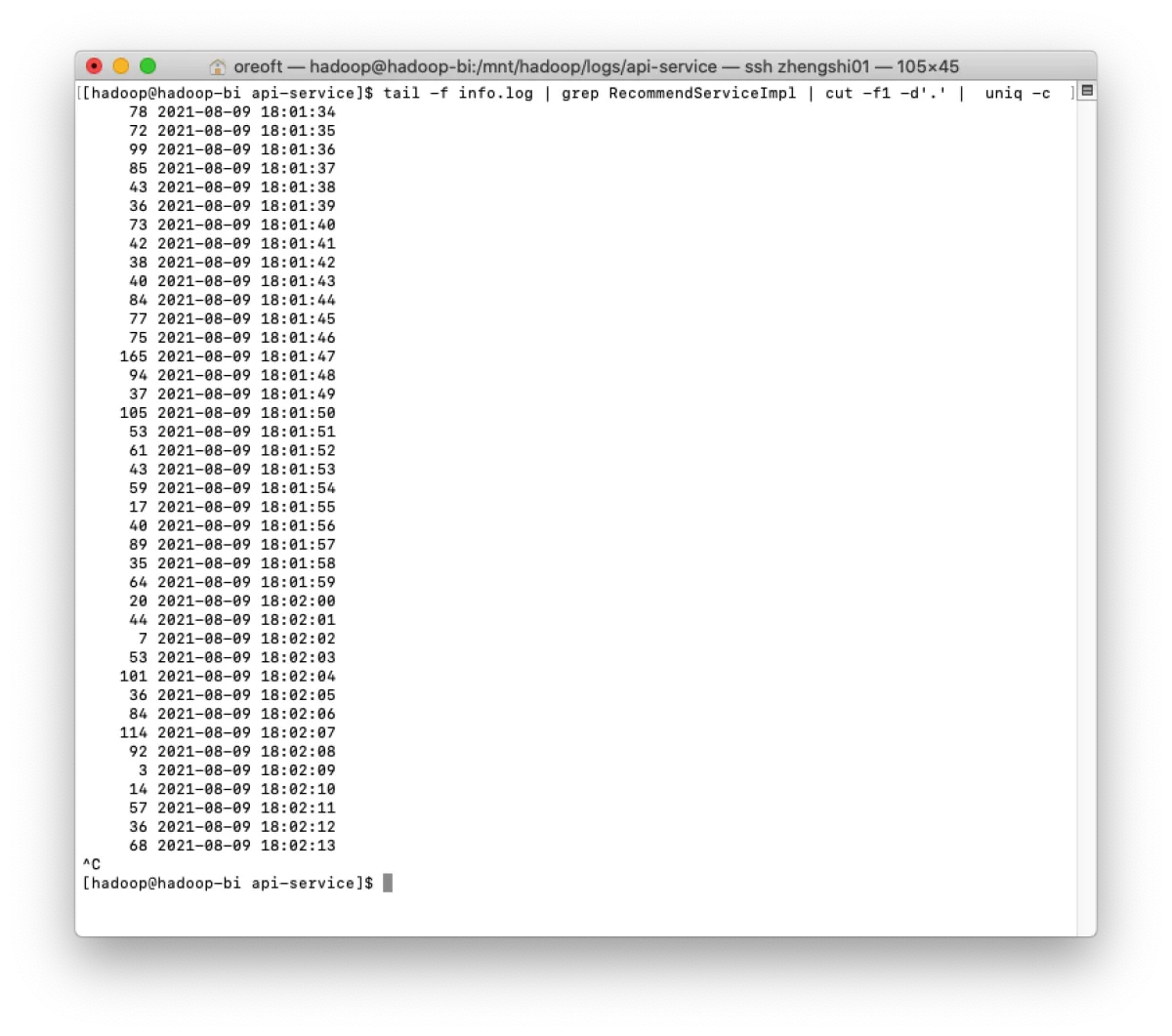
The command used in the screenshot is tail -f info.log | grep RecommendServiceImpl | cut -f1 -d'.' | uniq -c Since log formats vary, you need to understand what each part means.
grep RecommendServiceImpl filters out the API we want to measure.
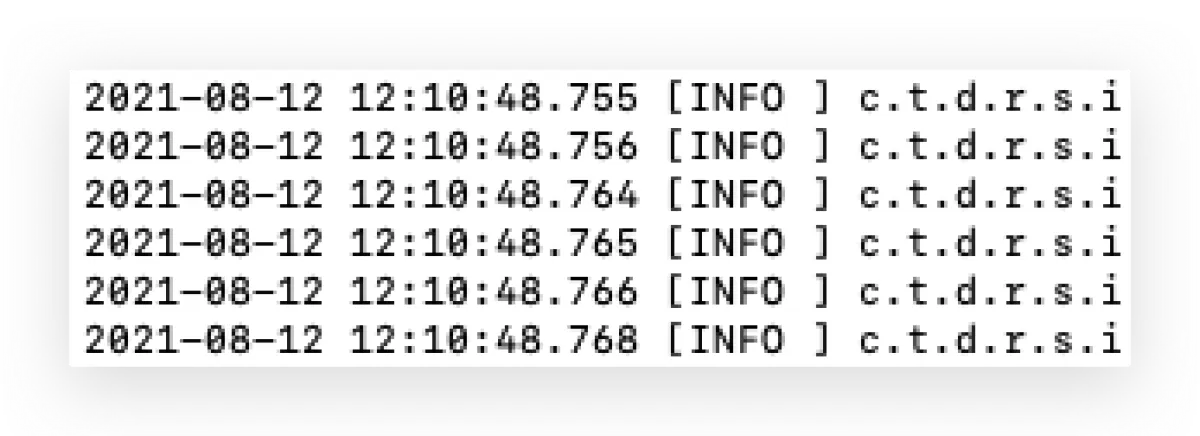
cut extracts the time. Here -d‘.’ specifies the delimiter (the character inside the single quotes). For example, since my logs include milliseconds, I split by .. -f1 means I take the first segment after splitting (counting from 1). Similarly, -f2 would be the second segment, i.e., the part after the ..
uniq shows or ignores duplicate lines, but with -c it counts how many times each identical line appears—so we can sum them up here.
Afterword
Of course, this is only an estimate—it just gives me a rough number in my head. Request volume varies across business hours, especially in my K12 tidal-traffic scenario. Also, I’m only looking at a single node on a physical machine. If you want to understand the real traffic, you should really look at it at the gateway layer. For example, our main service is deployed on SAE Serverless, and Alibaba provides a lot of metrics to show service traffic—so the real numbers will be much larger than this.
All articles in this blog, unless otherwise stated, are licensed under @Oreoft . Please indicate the source when reprinting!