
Preface
My blog was originally hosted on GitHub Pages. Later on, because GitHub can be painfully slow to access when the “weather” is bad, and the site gradually started getting a bit of traffic, I wanted to migrate it to an Alibaba Cloud ECS. Perfect timing: with the student discount I bought a 1C2G1M n4 student instance. Yeah, it’s the “bare minimum” spec, but back then it was more than enough for my tiny site. Later I sometimes felt it was a bit laggy even for my own visits. Since there were no compute-heavy tasks running on it, I figured it was probably a bandwidth bottleneck.
So I thought about upgrading the bandwidth and went to check Alibaba Cloud—turns out, adding just 1M means you can’t use the student discount anymore. The upgrade would cost over 1k RMB. Instant nope. So I took a detour: moved most static assets to OSS, and things stayed stable for a while. But recently it started feeling not great again, and increasing bandwidth is just too expensive. Then I saw Alibaba Cloud’s 618 promotion: an n4 instance for three years is only 180 RMB, and renewal is only 80 RMB. I figured I’d buy one as a load-balancing node. Alibaba Cloud LBS for regular developers is only a dozen-ish RMB per year. Even though bandwidth doesn’t increase, it can share part of the traffic, so it should help a bit. And even if it doesn’t—at this price, what more could you ask for? So I bought it without hesitation.
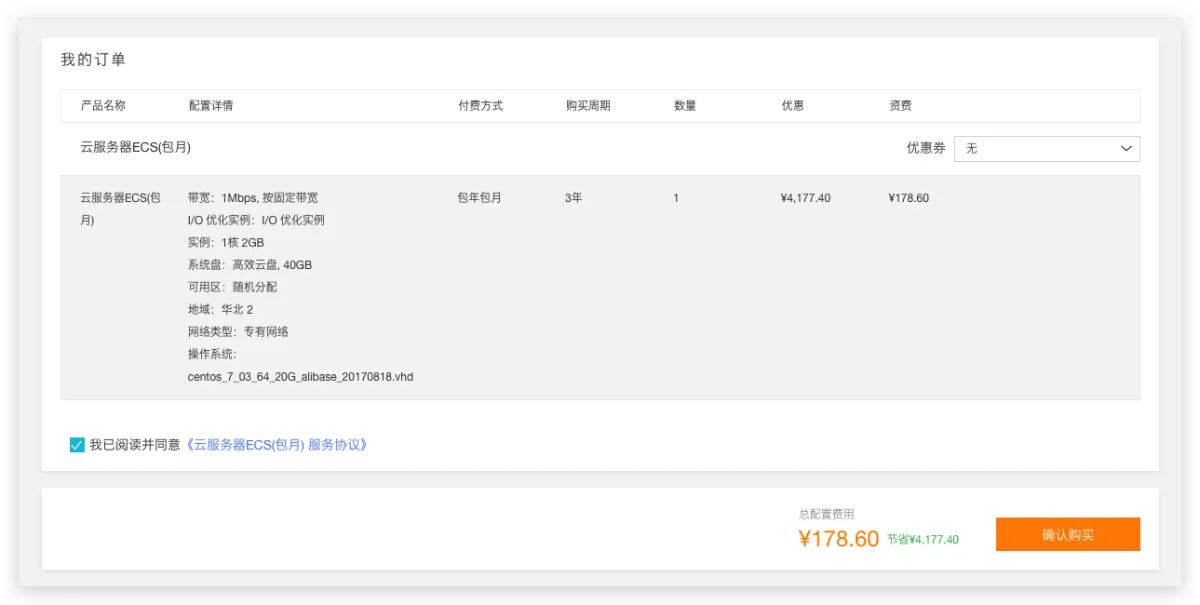
After buying it, I initialized the system and needed to reinstall Jekyll. When I first set up the blog, I took quite a few detours with Jekyll. I also wrote some notes back then, so this time while redoing everything, I wanted to record it again—hopefully it helps friends who also want to build a blog with Jekyll. Some other articles online are indeed outdated, and some are just copied around, which really wastes your time.
Jekyll Introduction
Jekyll is a simple, free blog generator, similar to WordPress. But it’s also very different from WordPress, because Jekyll is just a tool for generating static pages and doesn’t require database support. However, it can work with third-party services such as Discuz. Most importantly, Jekyll can be deployed on GitHub for free, and you can bind your own domain name.
That’s the official Jekyll intro. In plain terms: building a blog used to mean you needed a database, and you had to write your own JS interactions and CSS styles. With Jekyll, you don’t need those. You just install Jekyll, pick a theme, write a Markdown post, and it automatically generates HTML for you and starts a service—turning the Markdown filename into a URL path. This is a pretty popular way to build blogs nowadays. Similar frameworks include Hexo. I chose Jekyll because it has a theme I really like…
Click here for the Chinese Jekyll site. It has very detailed documentation, but the installation method in the article may not be very suitable for the environment in China.
Install Jekyll
Note: This is not a GitHub Pages tutorial. This is about installing Jekyll on your own Linux server that you purchased—you need your own server.
Jekyll is written in Ruby, so we need a Ruby environment and the gem development packages. You can download the SDK from the Ruby official site to install, but we usually choose to use RVM to manage Ruby versions. So the steps are: install RVM first, then gem, then Jekyll.
Install RVM
# 1. Get RVM's GPG keys. These keys may change; as of June 20, 2021, these worked.
gpg --keyserver hkp://pool.sks-keyservers.net --recv-keys 409B6B1796C275462A1703113804BB82D39DC0E3 7D2BAF1CF37B13E2069D6956105BD0E739499BDB
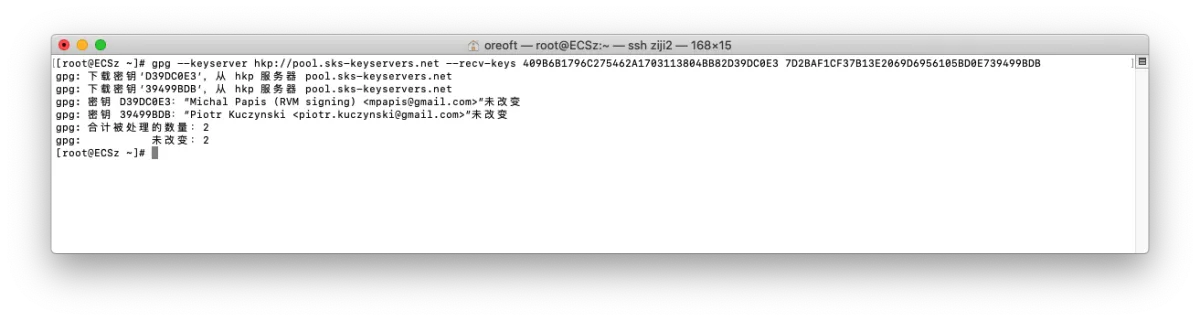
# 2. Get the installer from the RVM official site
curl -sSL https://get.rvm.io | sudo bash -s stable
# After downloading, it will install automatically. If it reports a key error during installation, check for the latest keys.
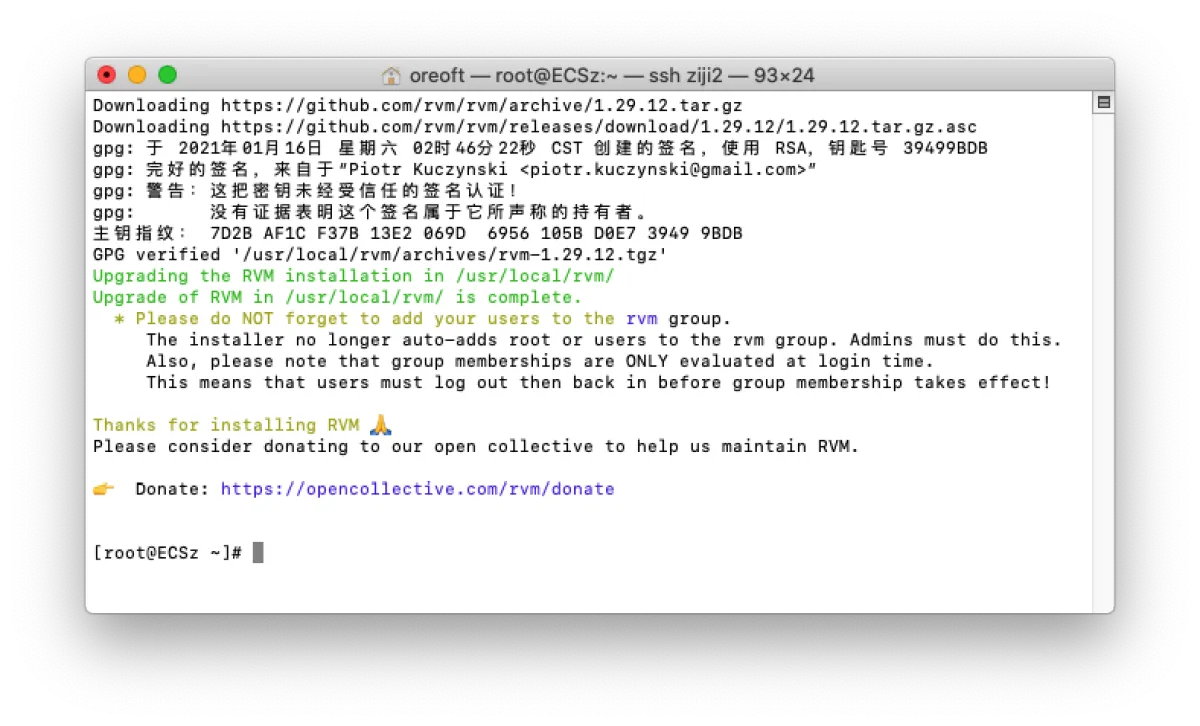
# Refresh RVM commands (use source or just open a new terminal window)
source /etc/profile.d/rvm.sh
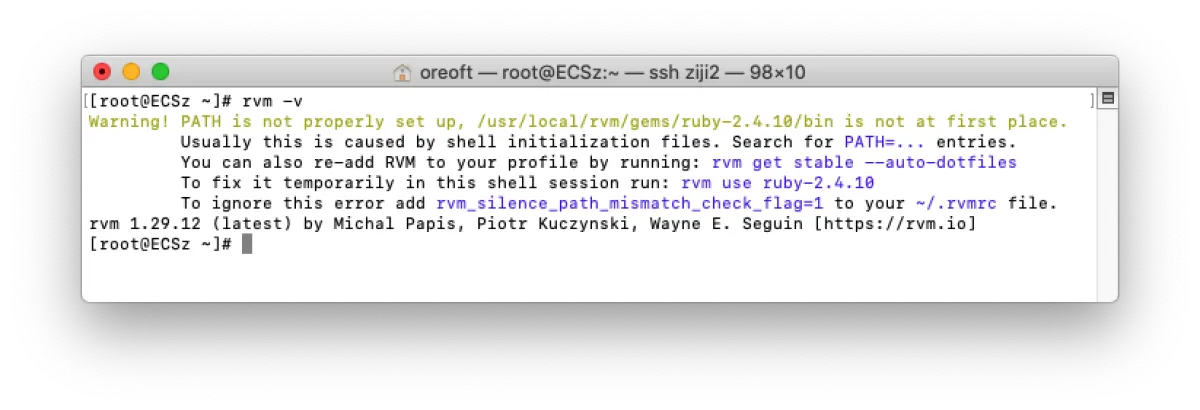
Install Ruby
# List all Ruby versions
rvm list known
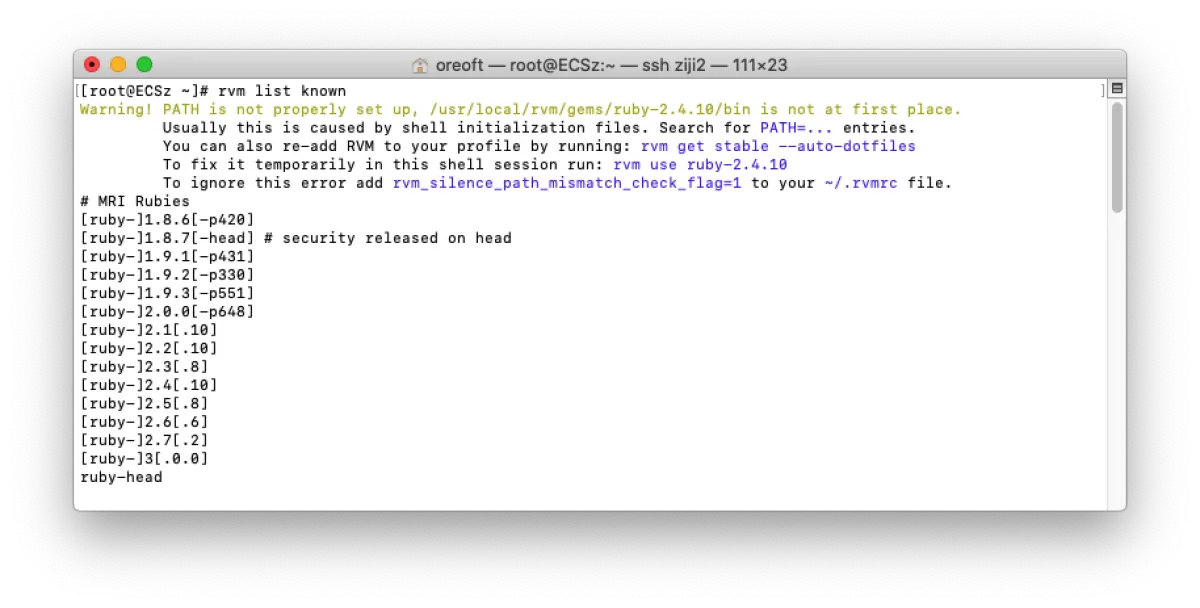
# Here I choose version 2.4, based on the theme my Jekyll setup is compatible with. This version is pretty stable.
# If you don't know what to pick, 2.4 is definitely the best choice.
rvm install 2.4
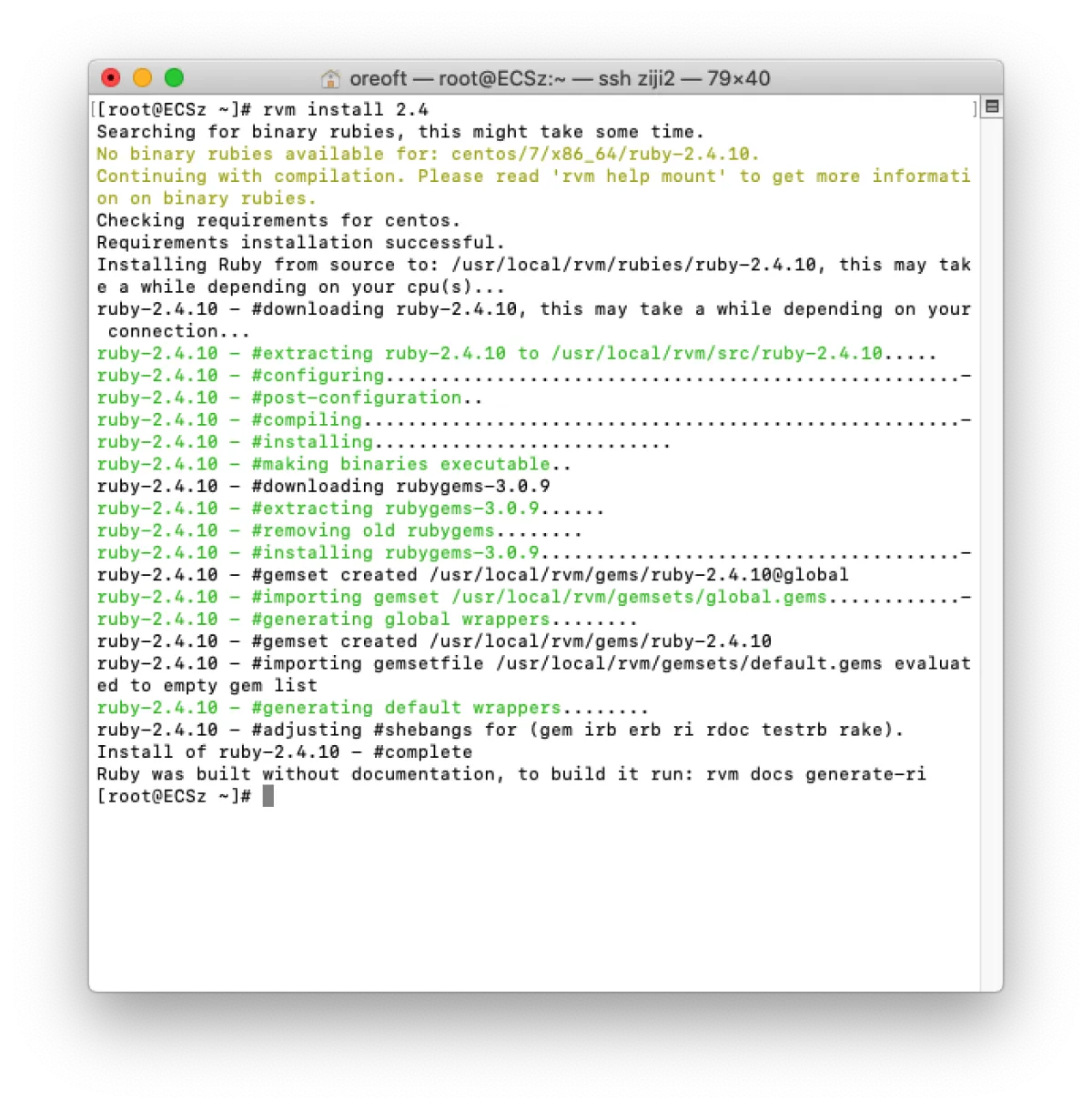
The next steps are optional. If you only use Ruby to build a blog, I recommend doing this: switch the gem source to the Taobao mirror, which is much faster in China.
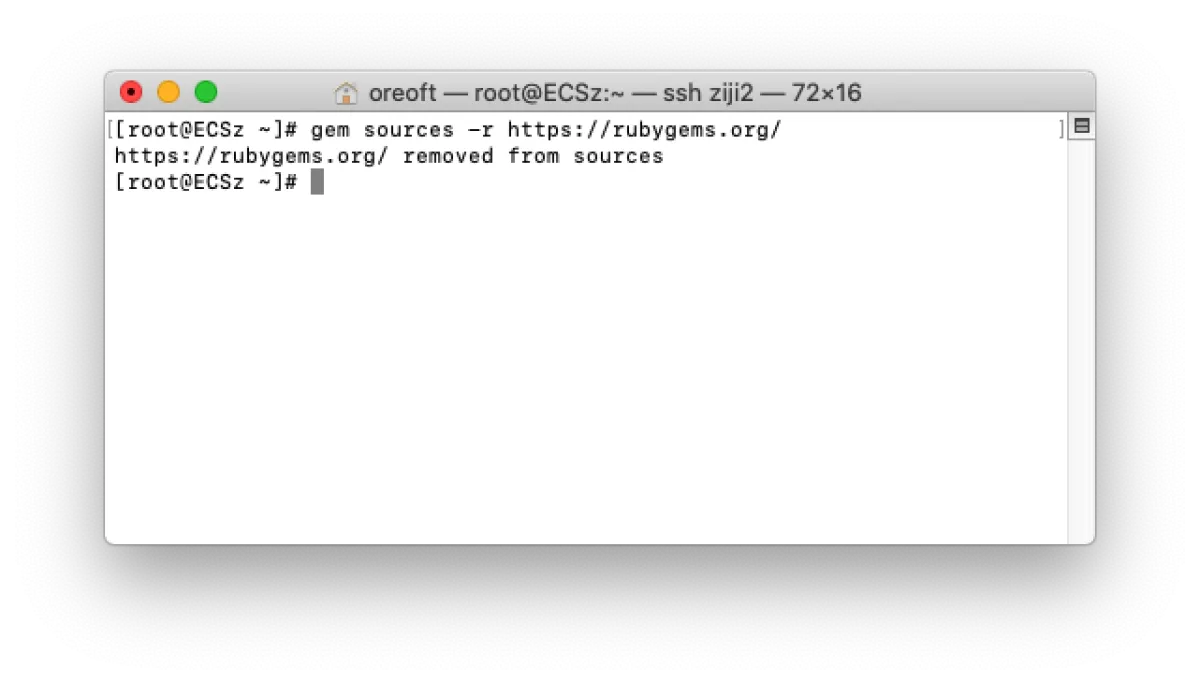
# Remove the default official source
gem sources -r https://rubygems.org/
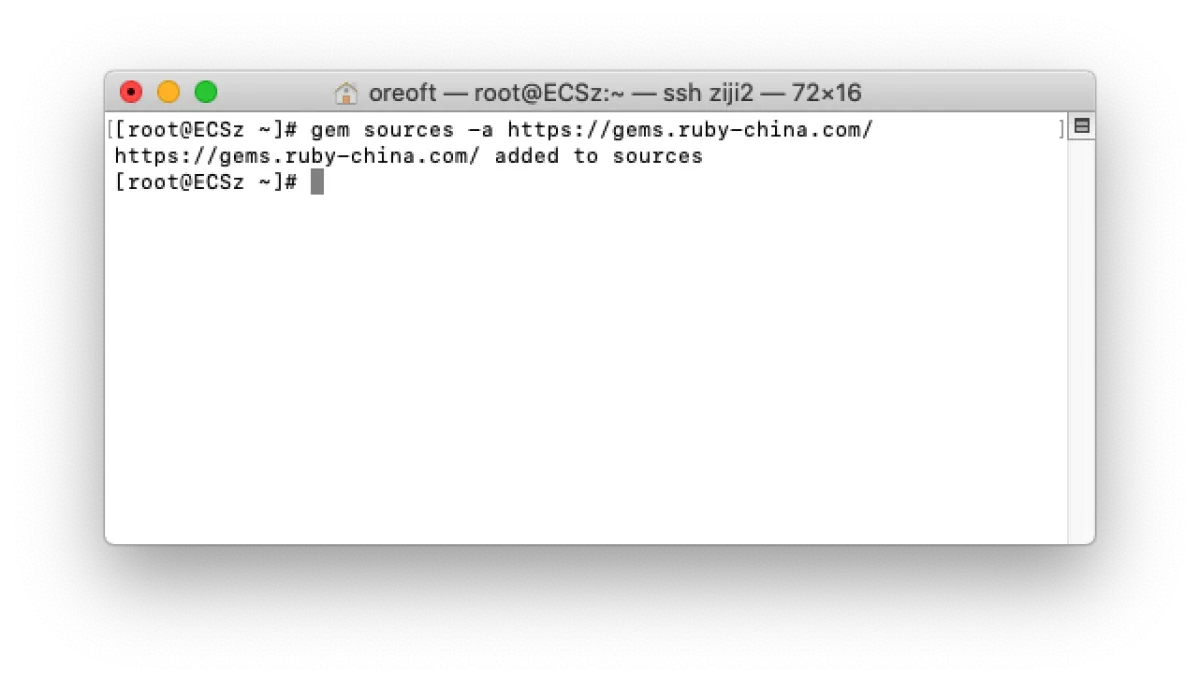
# Add the Taobao source
gem sources -a https://gems.ruby-china.com/
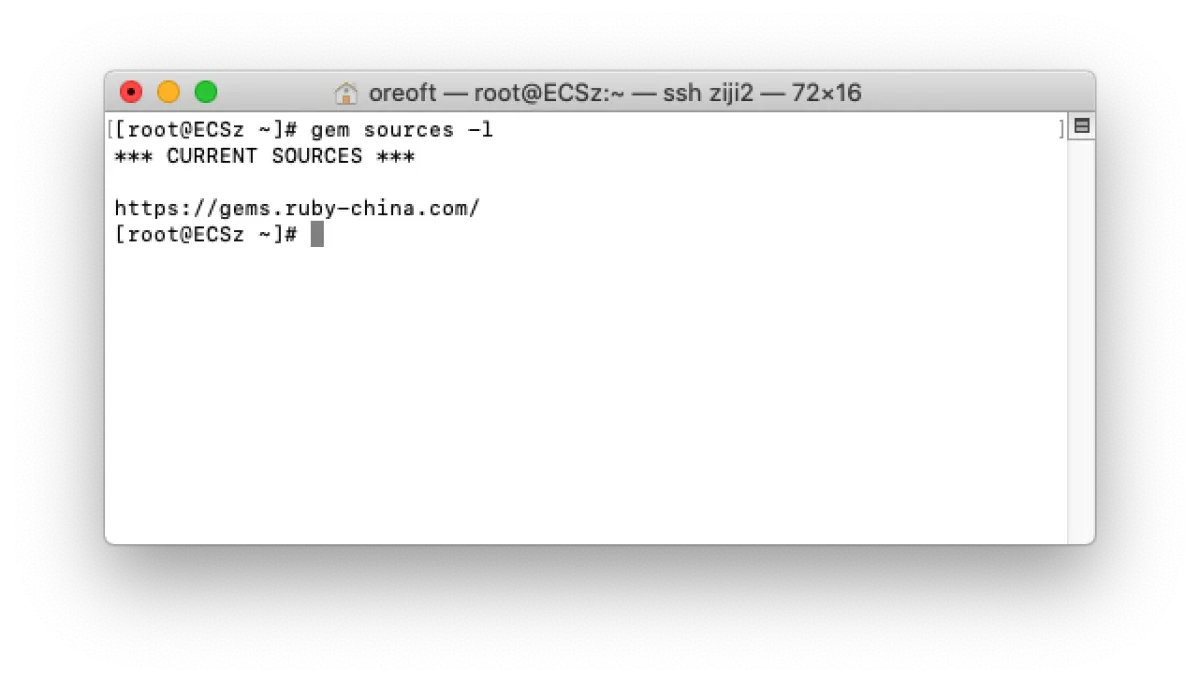
# List current sources
gem sources -l
Install Jekyll
# Install Jekyll via gem
gem install jekyll
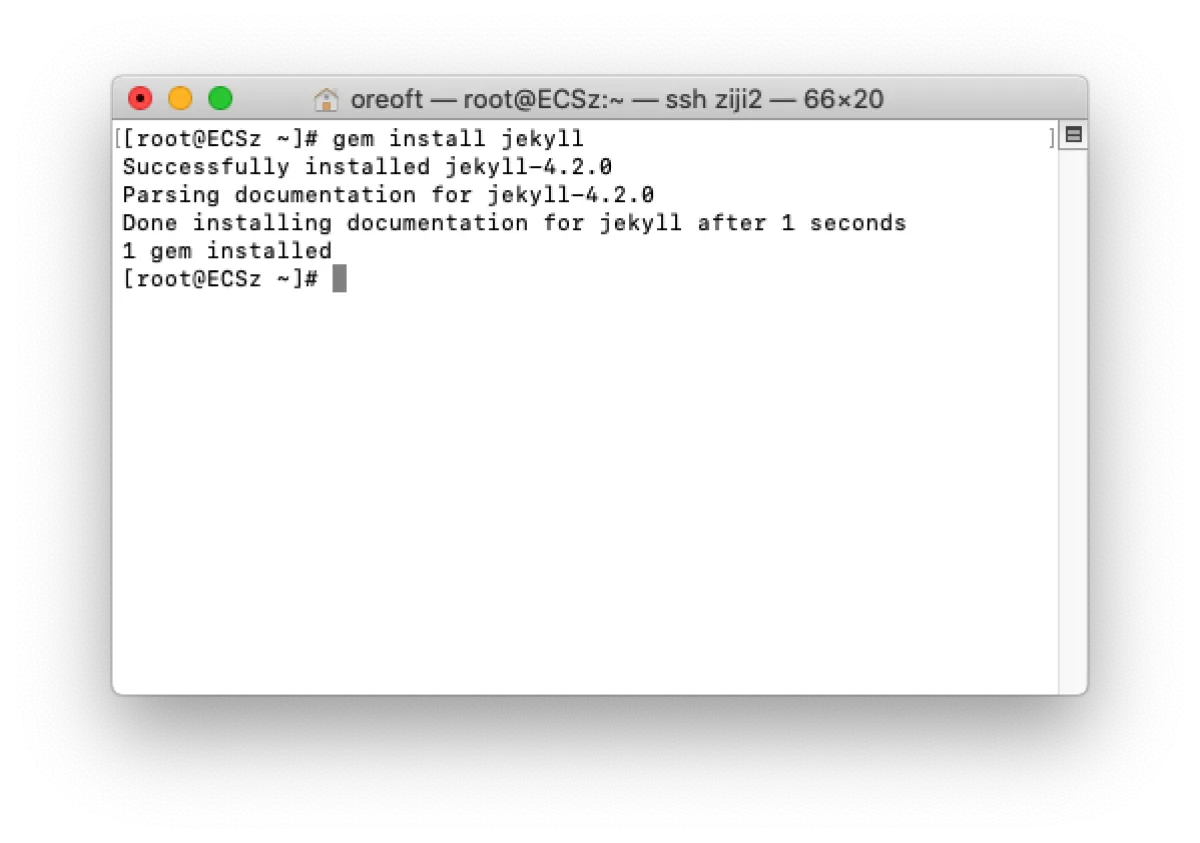
At this point, Jekyll is installed. You can run jekyll init to generate an empty project, then start it with jekyll s to check it out (Jekyll uses port 4000 by default).
If you already have a Jekyll project, you may also need to do the following to update the dependency packages required by your Jekyll project—otherwise it might not run.
# Install gem package manager
gem install bundler:1.8
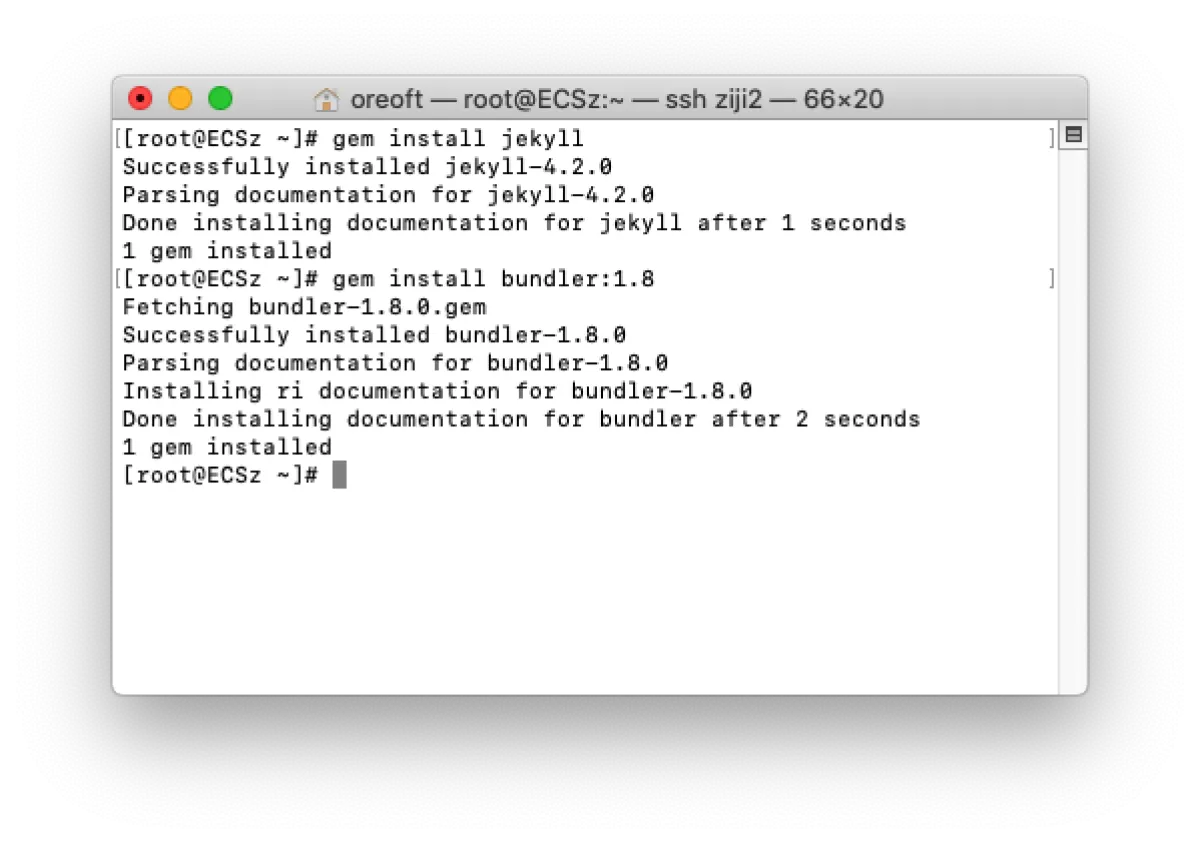
# Switch to your Jekyll project directory, download required packages, and update bundler packages
gem install
bundler update
END
All articles in this blog, unless otherwise stated, are licensed under @Oreoft . Please indicate the source when reprinting!