
Preface
At work, when I deploy Java code, I usually build a jar locally, scp it to the server, then start it with java -jar. Git isn’t even needed on the server. Recently the project was rewritten in Go. Now there’s an extra requirement on the server: pull the code, compile it, and then start it. Even though I generally write the code locally and only need to pull it on the server, I found that the built-in Git version on CentOS 7 is really old—there aren’t even prompts for the most common branch/status indicators.
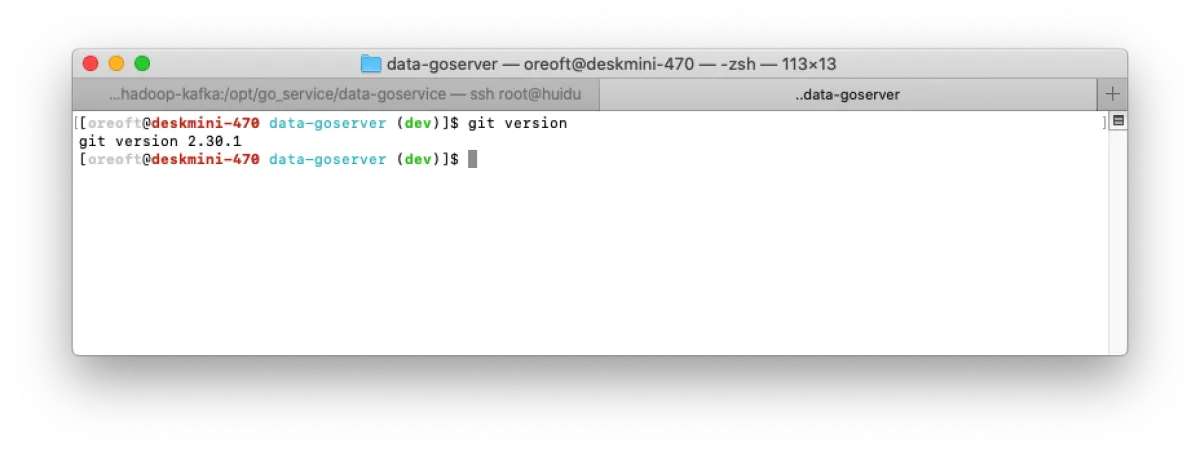
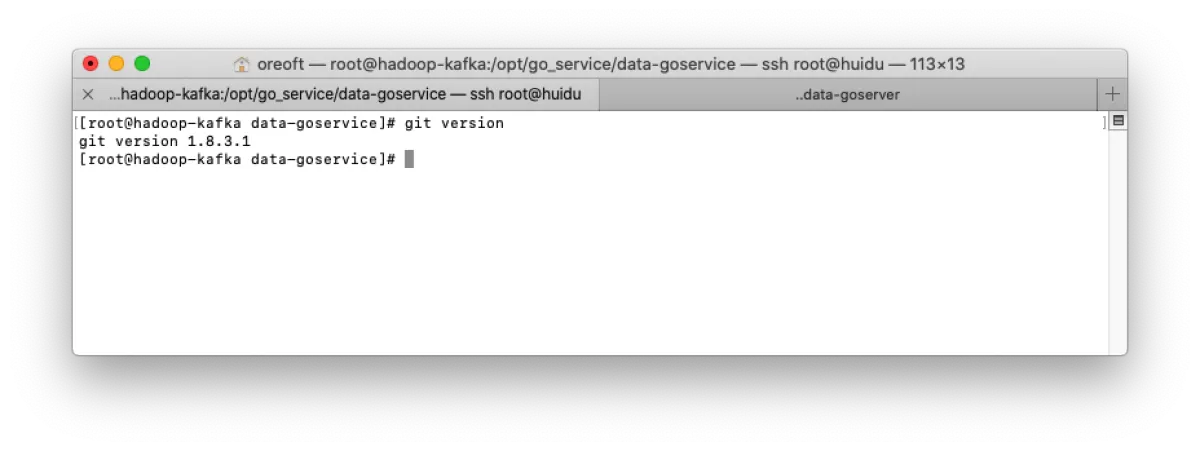
yum can’t upgrade
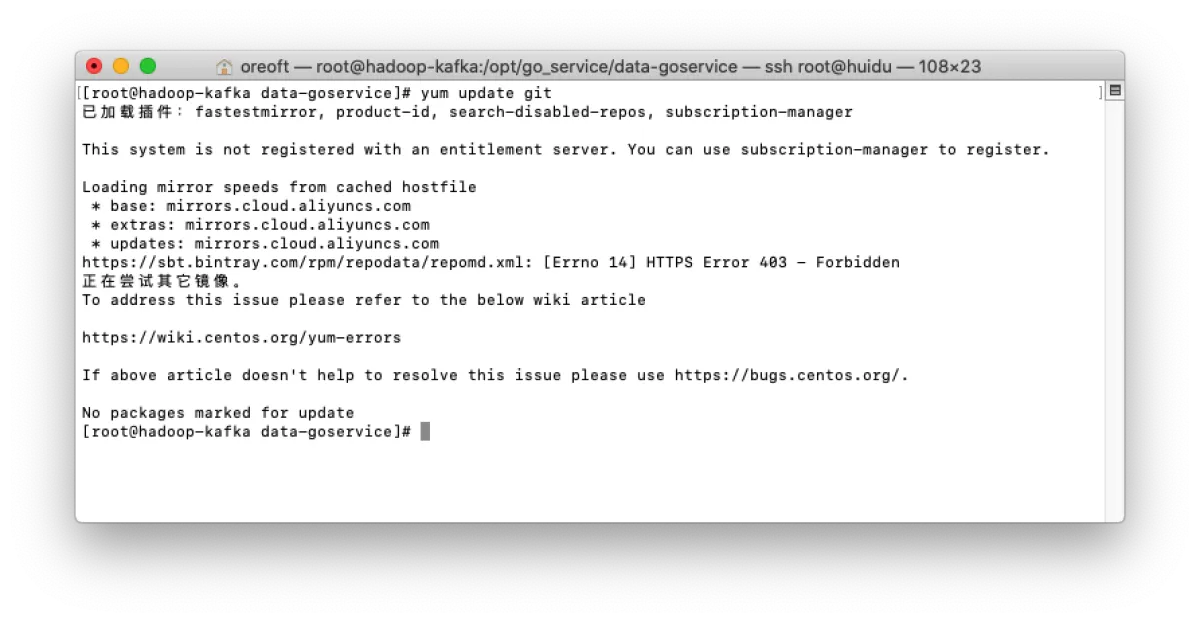
Naturally, I thought about upgrading Git, but after running yum update git I found it was already “the latest version”.
Solution
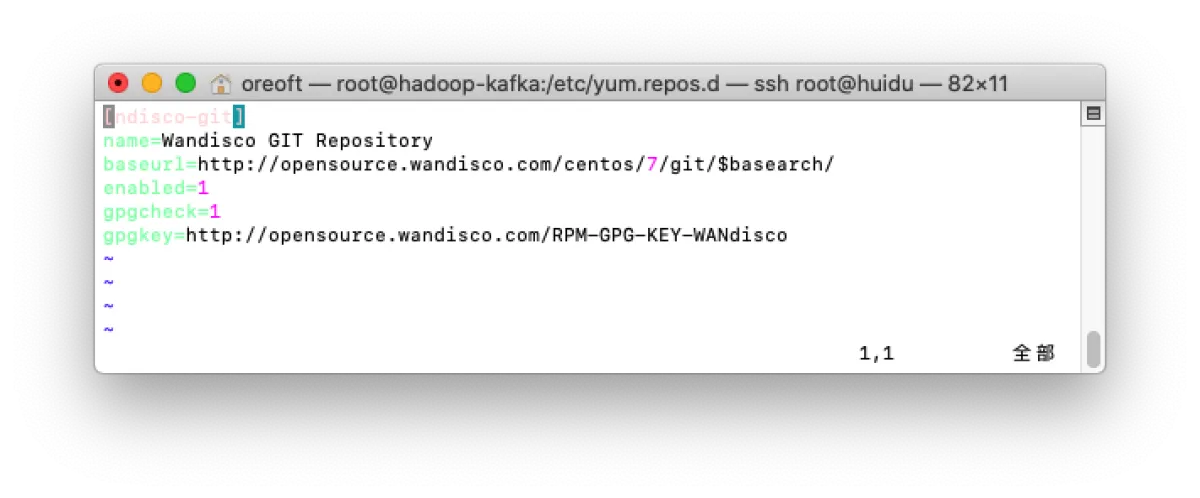
We just need to specify the repository for this package. Yum’s default repo is probably aiming for stability, but the version is indeed a bit too old. Just add a config under yum’s repo directory.
- Add a repo file. If you don’t have it, vim will create it automatically in that directory.
vim /etc/yum.repos.d/wandisco-git.repo
- Add the following content, then
:qto save and exit
[ndisco-git]
name=Wandisco GIT Repository
baseurl=http://opensource.wandisco.com/centos/7/git/$basearch/
enabled=1
gpgcheck=1
gpgkey=http://opensource.wandisco.com/RPM-GPG-KEY-WANdisco
- Import the GPG public key
sudo rpm --import http://opensource.wandisco.com/RPM-GPG-KEY-WANdisco
- Then run
yum update gitagain
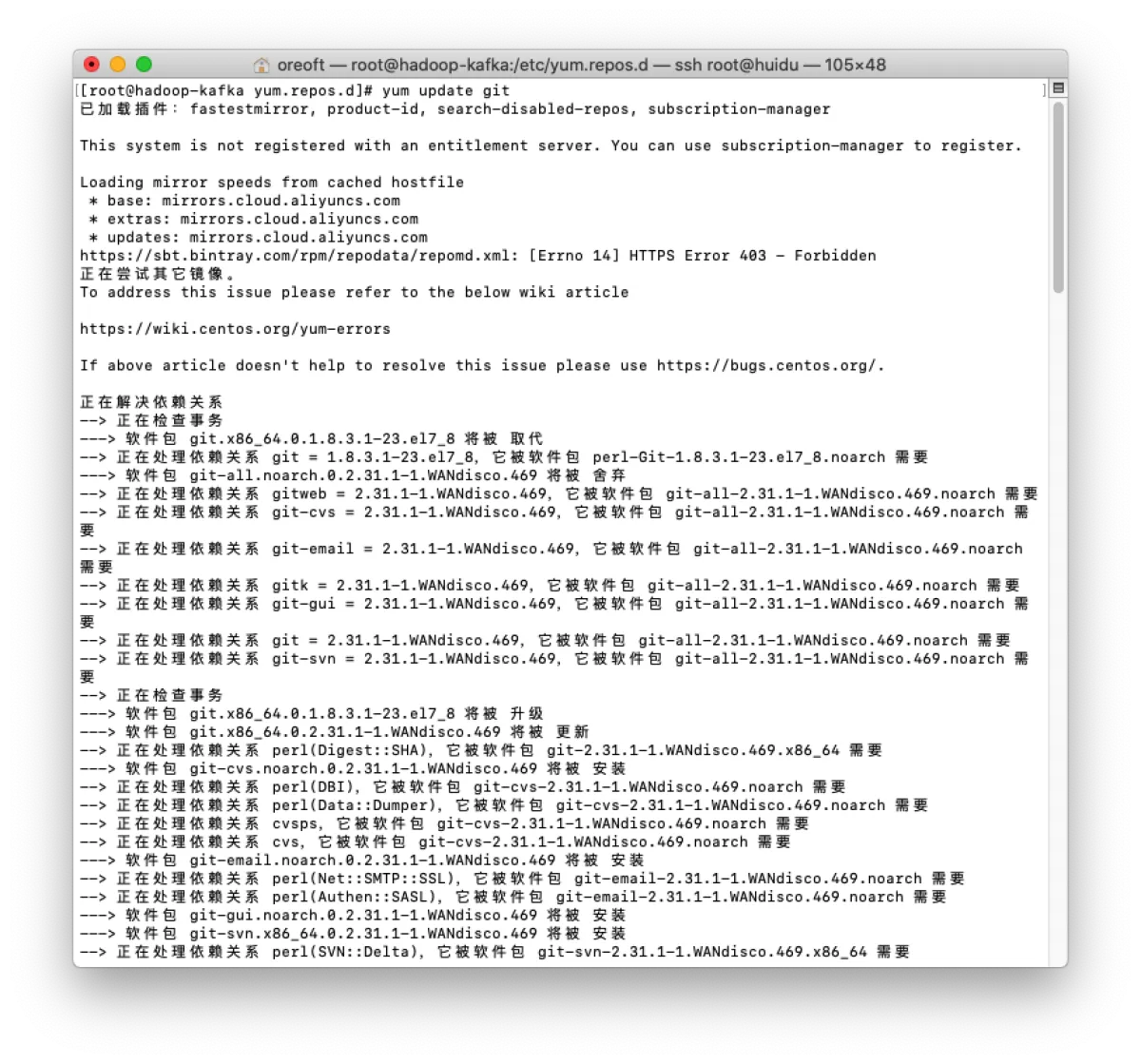
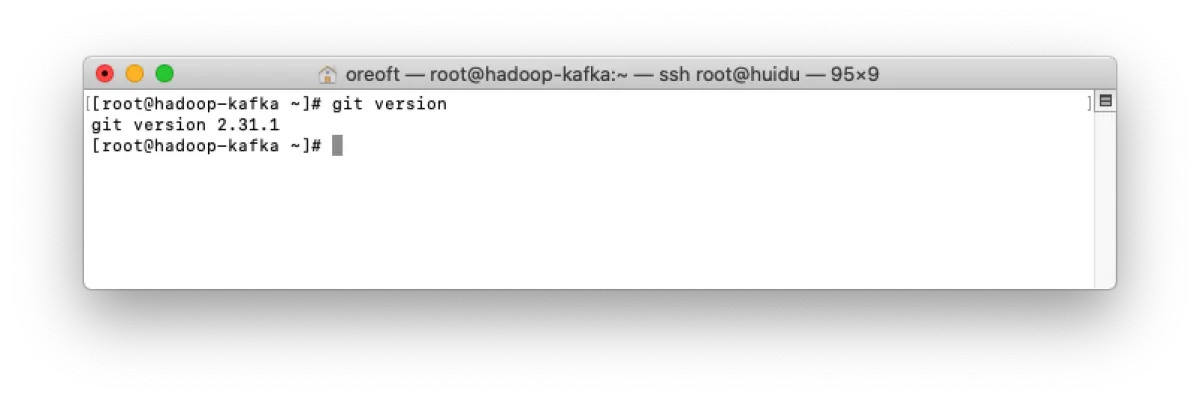
Now take a look—update successful
END
All articles in this blog, unless otherwise stated, are licensed under @Oreoft . Please indicate the source when reprinting!